Devices
How to use
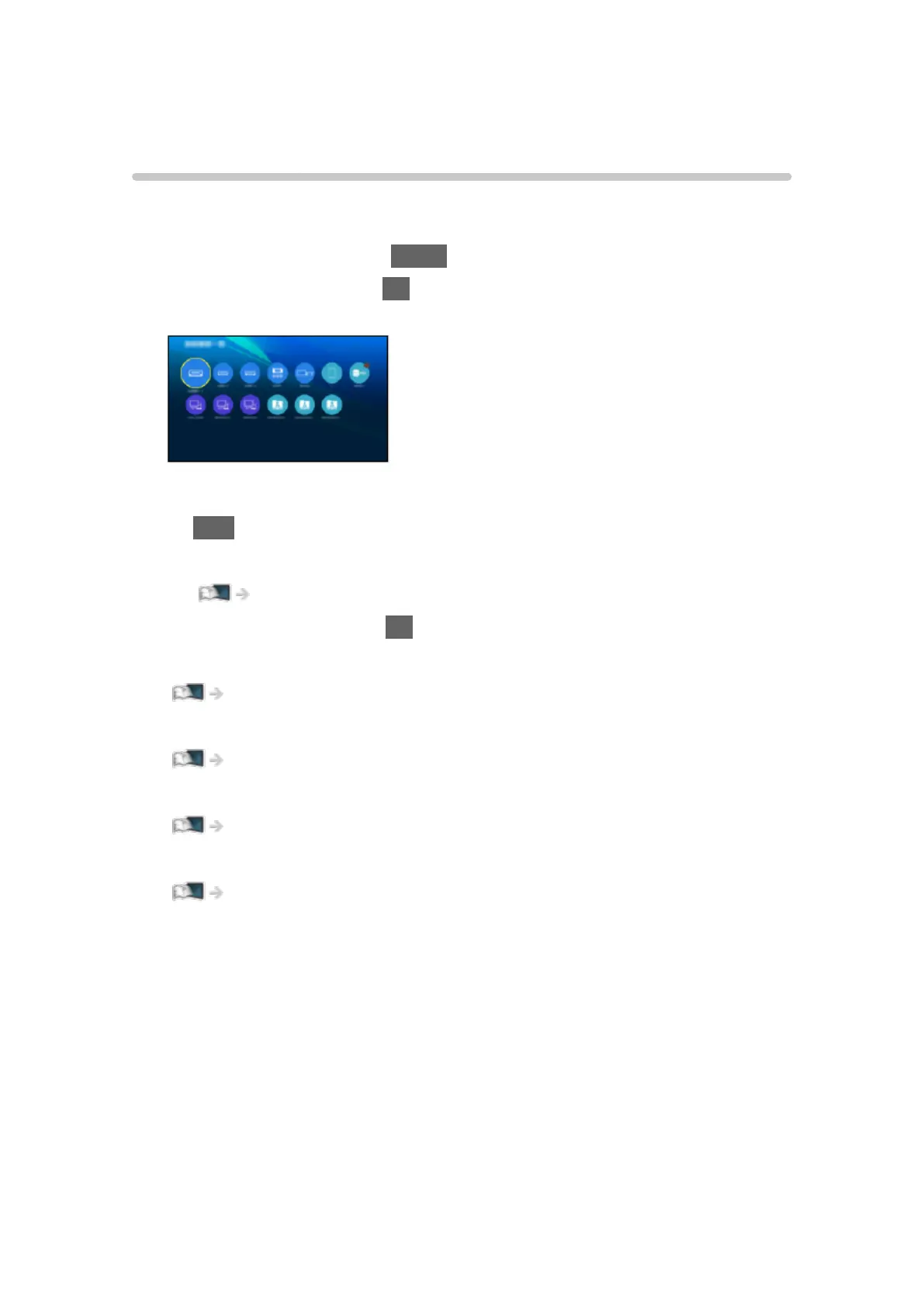
Connected devices (HDMI equipment, USB device, network device, etc.) can
be accessed easily from Devices.
1. Display Home Screen with HOME.
2. Select Devices and press OK to access.
(Example)
●
To exit Devices
EXIT
●
To add a shortcut icon
Home Screen > Home Screen > Pin to HOME
3. Select a device and press OK to access.
●
For external equipment
Watching > External equipment
●
For USB device, network device for Media Player
Media Player > Using Media Player
●
For network equipment for DLNA
Network > DLNA
●
For mirroring function
Functions > Mirroring
= Note =
●
Design and specifications are subject to change without notice.
- 32 -









 To Next Page