- 73 -
■ To change the mode
You can switch to another mode of Media Player from the thumbnail view.
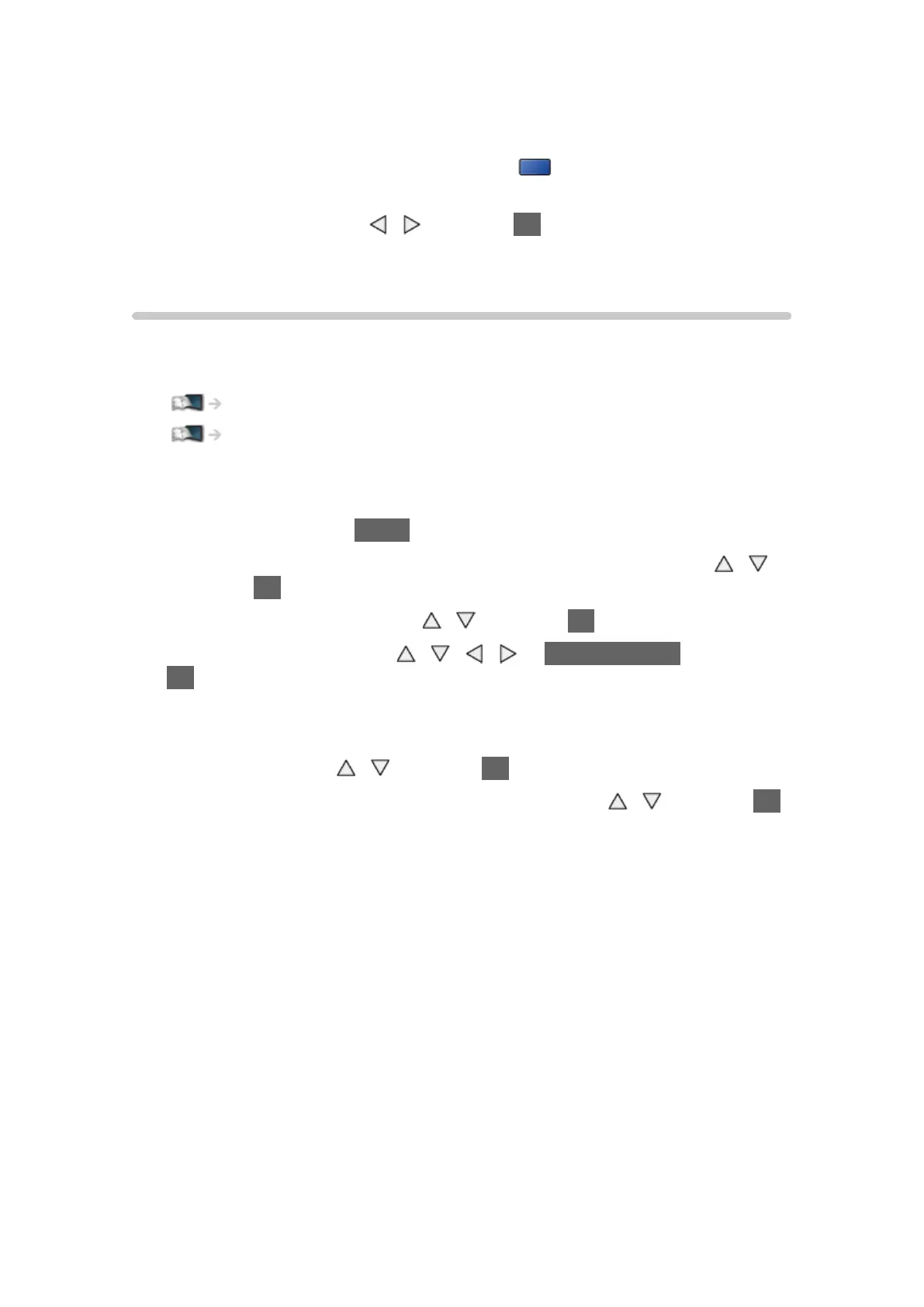
1. Display the contents selection screen with
(blue) while the thumbnail
is displayed.
2. Select the contents with
/ and press OK to access.
●
The mode can be switched in the current device.
Network device
You can enjoy photo, video or music stored in the network devices.
●
To enable this function, connect this TV to your home network.
Network > Network connections
Network > Network settings
■ How to set User / Password
1. Display the menu with MENU.
2. Select Network > File Sharing Settings > Network Device List with
/
and press OK to access.
3. Select the network device with
/ and press OK to access.
4. Enter User / Password with
/ / / or Numeric buttons and press
OK to set.
●
To register the new network device, set Server Name / Shared Folder.
For details, read the manual of the equipment.
5. Select Register with
/ and press OK to set.
●
To delete the registered device, select Delete with / and press OK
to set.
= Note =
●
Regarding performance, not all servers are guaranteed. PCs with
Windows 7 / Windows 8 / Windows 8.1 have been tested for compatibility
with this TV (as of December, 2013). Additional information for the servers
may be found on the following website.
http://panasonic.net/viera/support (English only)





 To Next Page