16
English
How to Use eHELP
[eHELP] is the detailed operating instructions built into
the TV, and helps you to get more understanding of the
operations for each feature.
1 Display [eHELP]
or
[Help]
[eHELP]
●
If this is not the first time to view [eHELP] from
when the TV is turned on, the confirmation screen
is displayed to select whether [First Page] or [Last
Page].
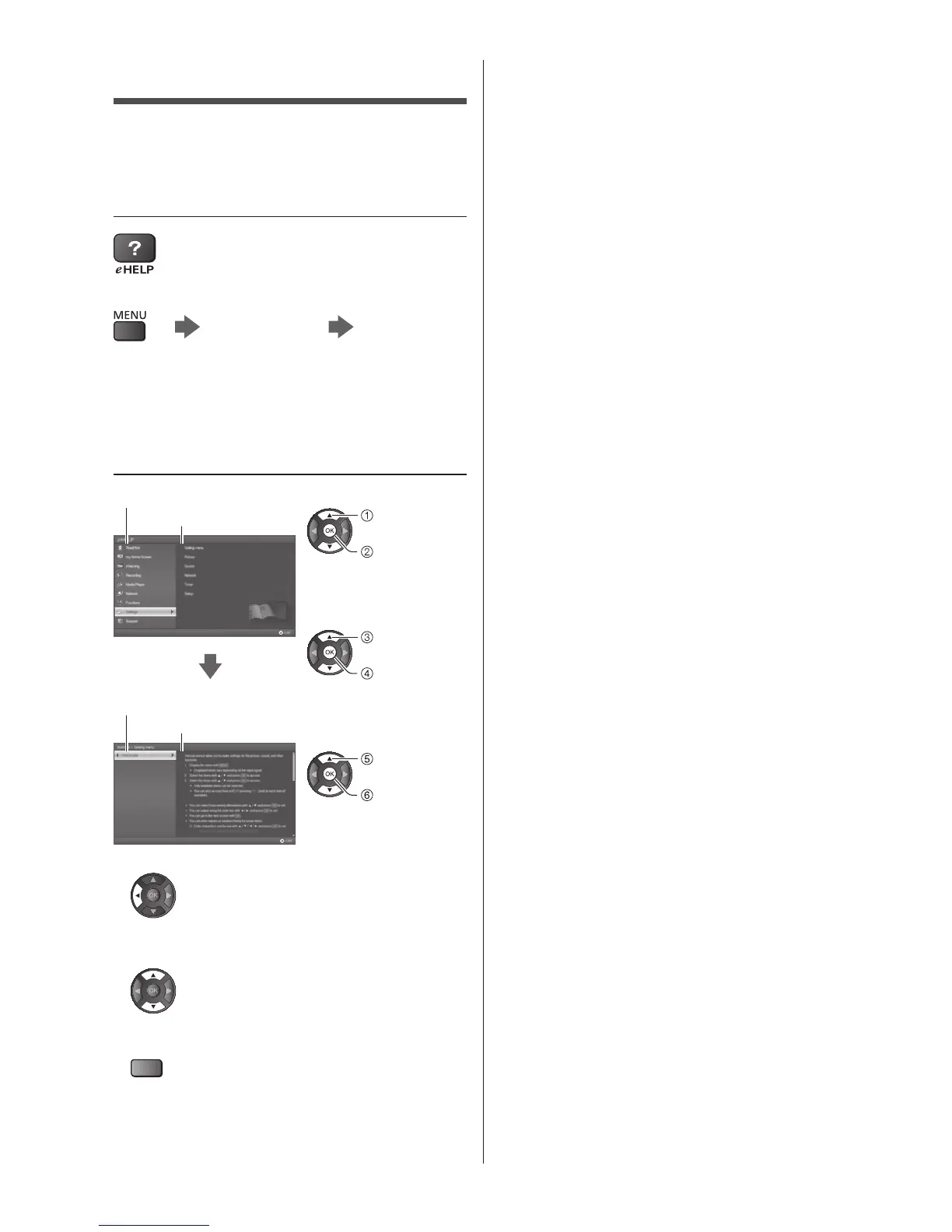
2 Select the category and item
Category field
Item field
select
category
access
select item
access
select sub
item
access
Sub item field
Description
●
To return to the previous field
●
To scroll the description (if more than 1 page)
While the description is highlighted
●
To display the menu related to the description (only
for some descriptions)
(red)








 To Next Page