How to use
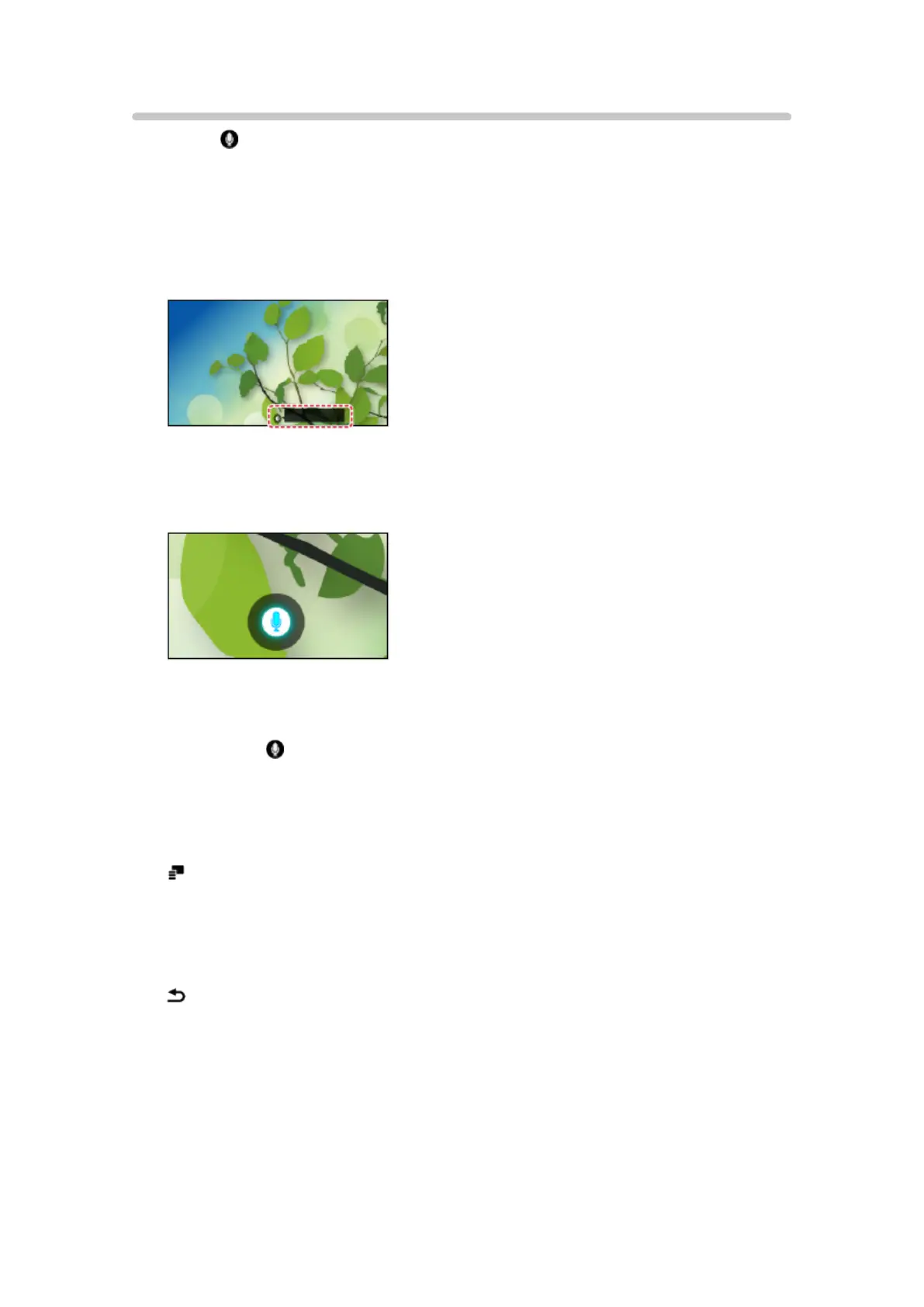
1. Press of Touch Pad Controller to display the operation guide.
●
You can also display it with saying “Hello television” to the TV (built-in
microphone).
●
When a confirmation screen is displayed, read carefully and start Voice
Control function.
(Example)
2. Say a key word (e.g. my Home Screen) to the microphone while the
operation guide is displayed.
(Example)
●
The operation guide turns to blue during processing.
●
The operation guide automatically disappears after a certain period of
time. Press again to start the Voice Control function.
– You can also start the Voice Control function again with saying “Hello
television” to the TV (built-in microphone).
●
To display voice command list
– You can also display it with saying “Help” to the TV (built-in
microphone).
●
To exit Voice Control function
– You can also exit the function with saying “Thanks television” to the TV
(built-in microphone).
- 233 -


 To Next Page
 Loading...