Selecting channel
1. Select the mode with TV.
Freesat (UK only) / DVB / Analogue / Other Sat. (UK only) / Satellite
(Ireland only)
●
Selectable modes vary depending on the channels stored.
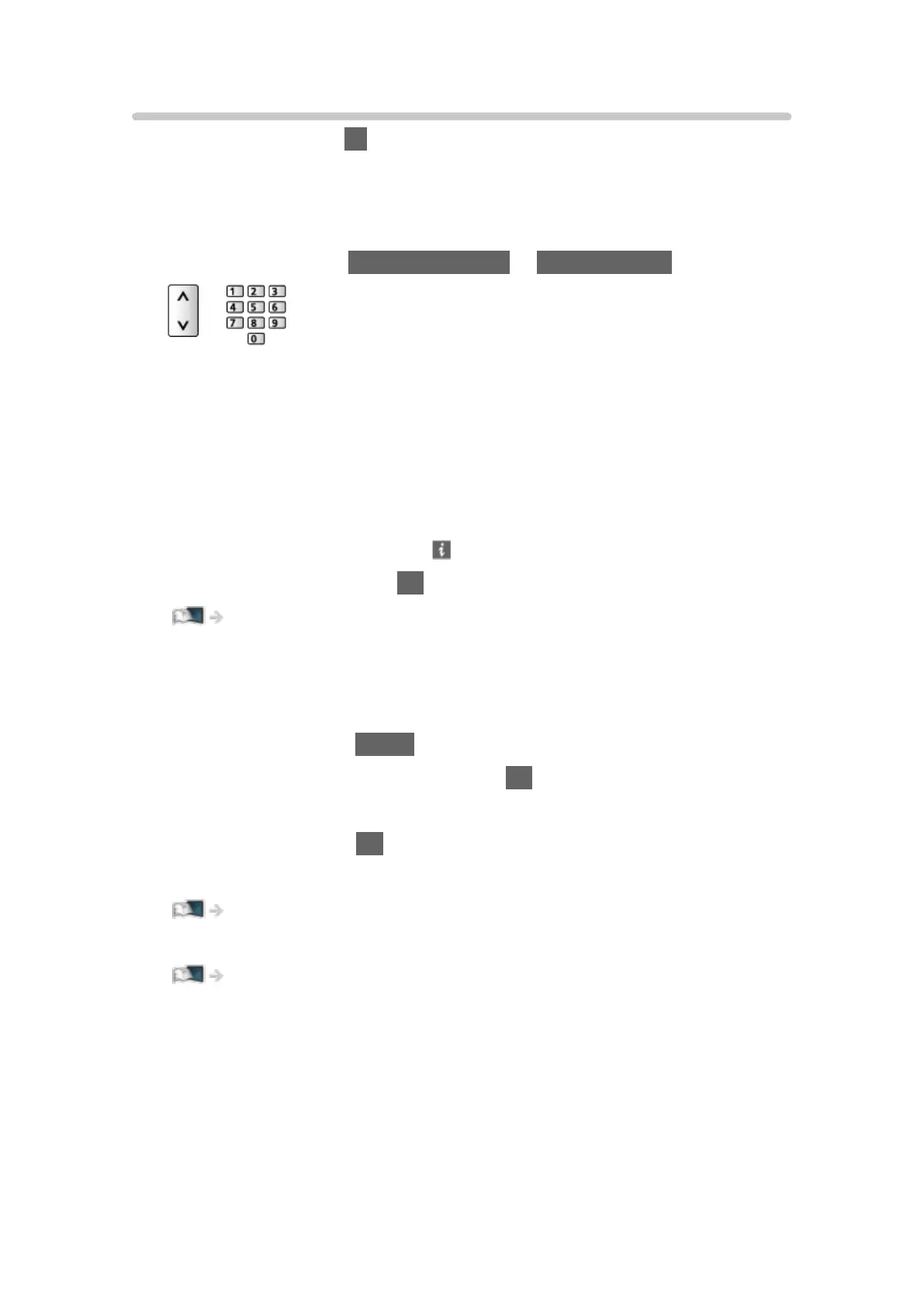
2. Select a channel with Channel Up / Down or Numeric buttons.
●
Freesat channel position numbers are in the 100 - 999 and 0100 - 0999
ranges. DVB and Other Sat. / Satellite channel position begin from
number 1 upward. Analogue channel position numbers are in the 0 - 99
range.
■ To select a channel using information banner
1. Display information banner with if it is not displayed.
2. Select a channel and press OK to watch while the banner is displayed.
Watching > Basic > Information banner
●
For Freetime banner, follow the on-screen instructions. (Freesat)
■ To select a channel using TV Guide
1. Display TV Guide with GUIDE.
2. Select the current programme and press OK to access.
– The current programme is displayed on the top left of the screen.
3. Select View and press OK to watch.
●
For Ireland
Watching > TV Guide > TV Guide (Ireland)
●
For details of Freeview EPG
Watching > TV Guide > Freeview EPG (UK)
●
For Freetime EPG, follow the on-screen instructions. (Freesat)
●
Not valid in Analogue
- 37 -





 To Next Page