●
To delete the channel
1) Select the channel.
2) Press OK to delete.
– Press
(yellow) to delete all channels.
●
To name the favourites
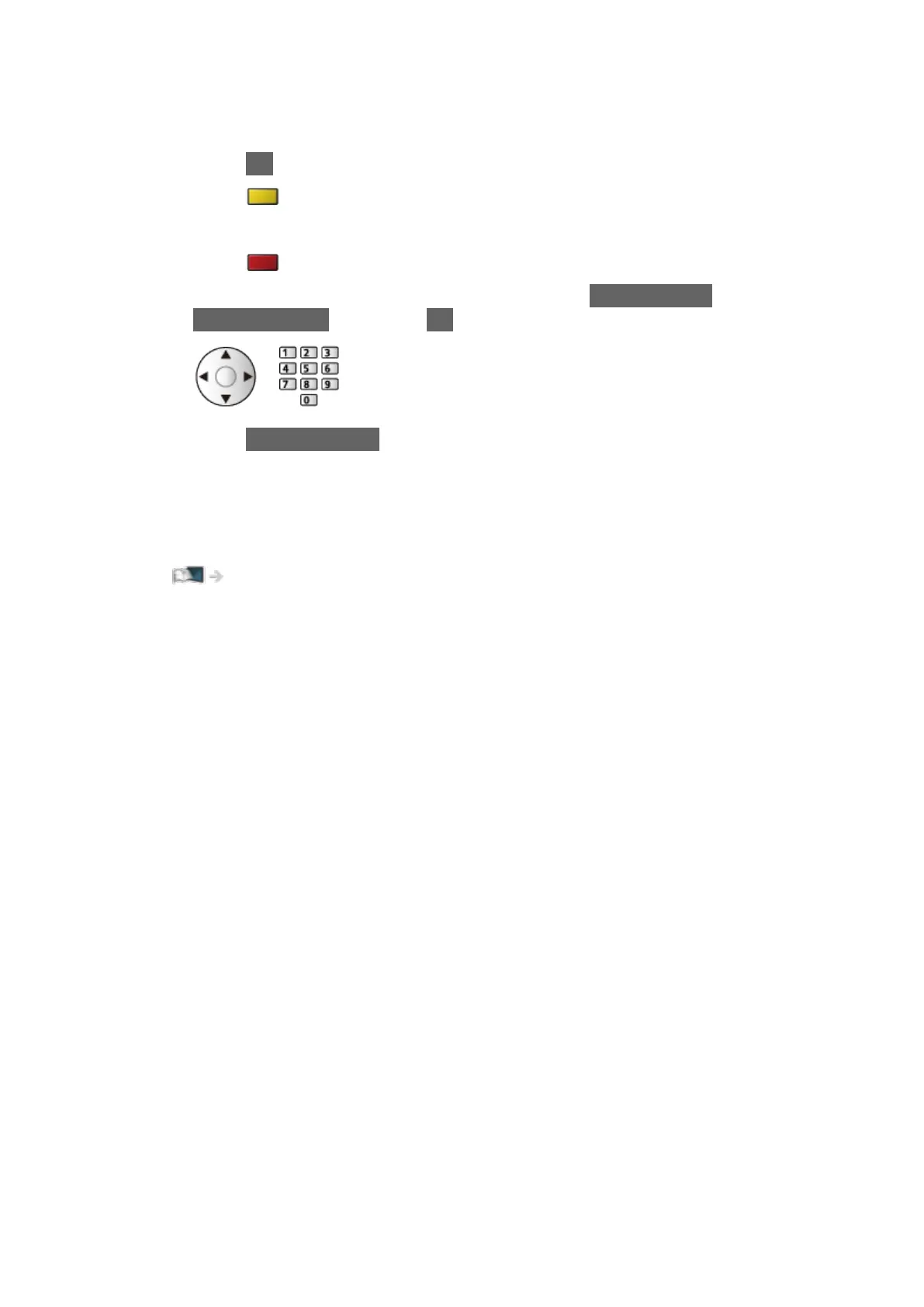
1) Press
(red).
2) Enter characters (maximum 10 characters) with Cursor buttons or
Numeric buttons, and press OK to set.
3) Press BACK/RETURN to store.
= Note =
●
Channel position numbers (known as logical channel numbers) can be
swapped in Channel List.
Watching > Tuning and editing channels > Channel List Editor
●
The hidden channels cannot be displayed in the favourite list (Live TV).
- 110 -



 To Next Page