- 13 -
Settings
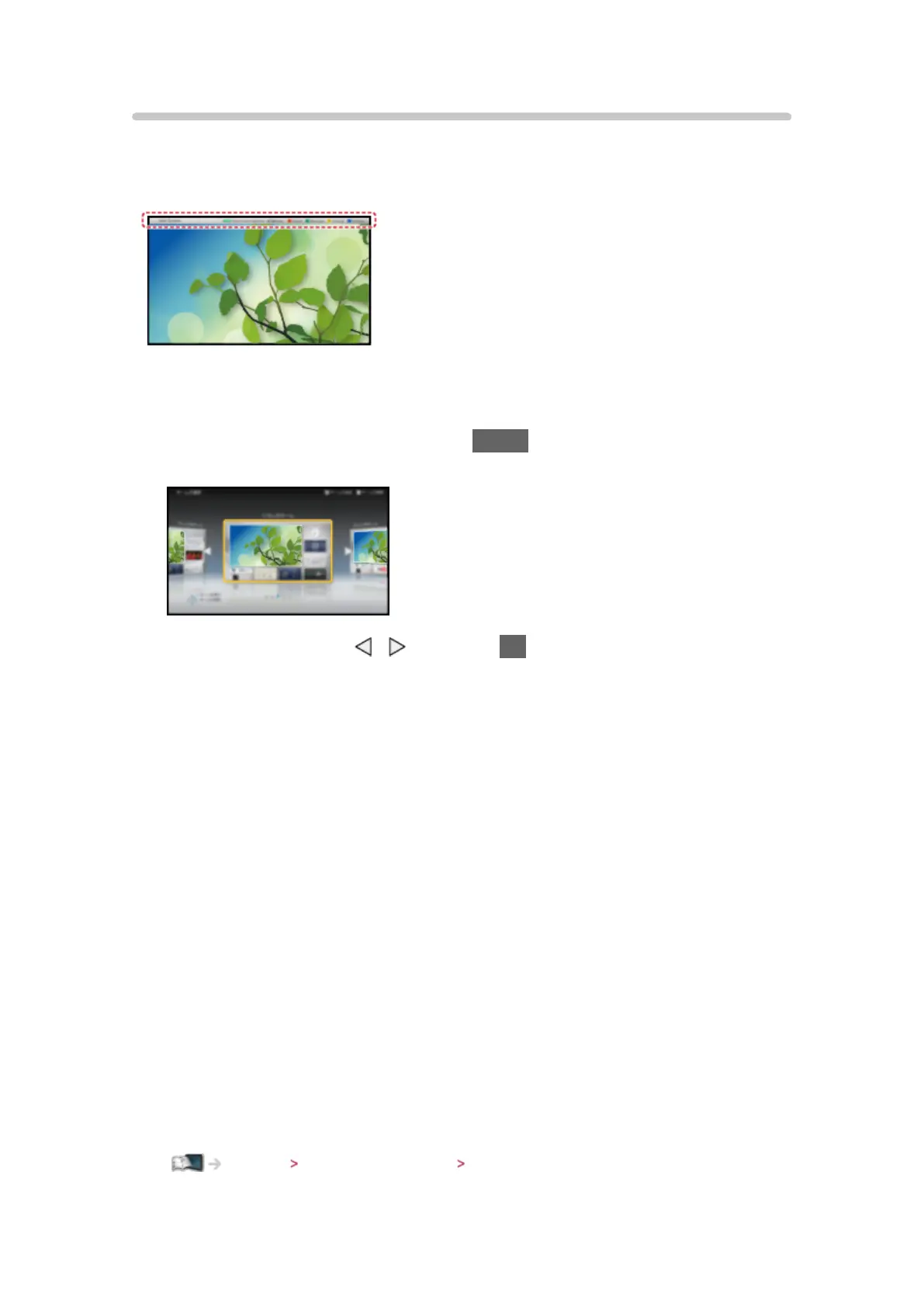
Select the setup menu from the tool guide on the top of the screen, or use
coloured button to display the setup menu.
(Example)
■ Home Screen Selection
1. Display Home Screen Selection with HOME
(Example)
2. Select the screen with
/ and press OK to set
Full Screen TV:
Displays full-screen TV
TV Home Screen:
To make your TV experience more convenient and comfortable.
Lifestyle Screen:
Displays the TV with useful information and services for everyday life.
Info Screen:
Enjoy internet content while watching TV.
Add New Screen:
You can add a new screen to personalise.
■ Face Recognition
By using the Communication Camera, you can select the registered Home
Screen with face recognition. Please refer to Tutorial from the tool guide.
●
Communication Camera is not included. Please purchase as necessary.
Support Optional accessories Communication Camera




 To Next Page