- 202 -
Information
Using Help menu
1. Display the menu with MENU
2. Select Help with
/ and press OK to access
3. Select TV Self Test / System Information / Device Information with
/
and press OK to access
TV Self Test
Makes a diagnosis of picture or sound problems.
Follow the on-screen instructions.
System Information
Displays the system information of this TV.
Device Information
Displays the device information of this TV.
Optional accessories
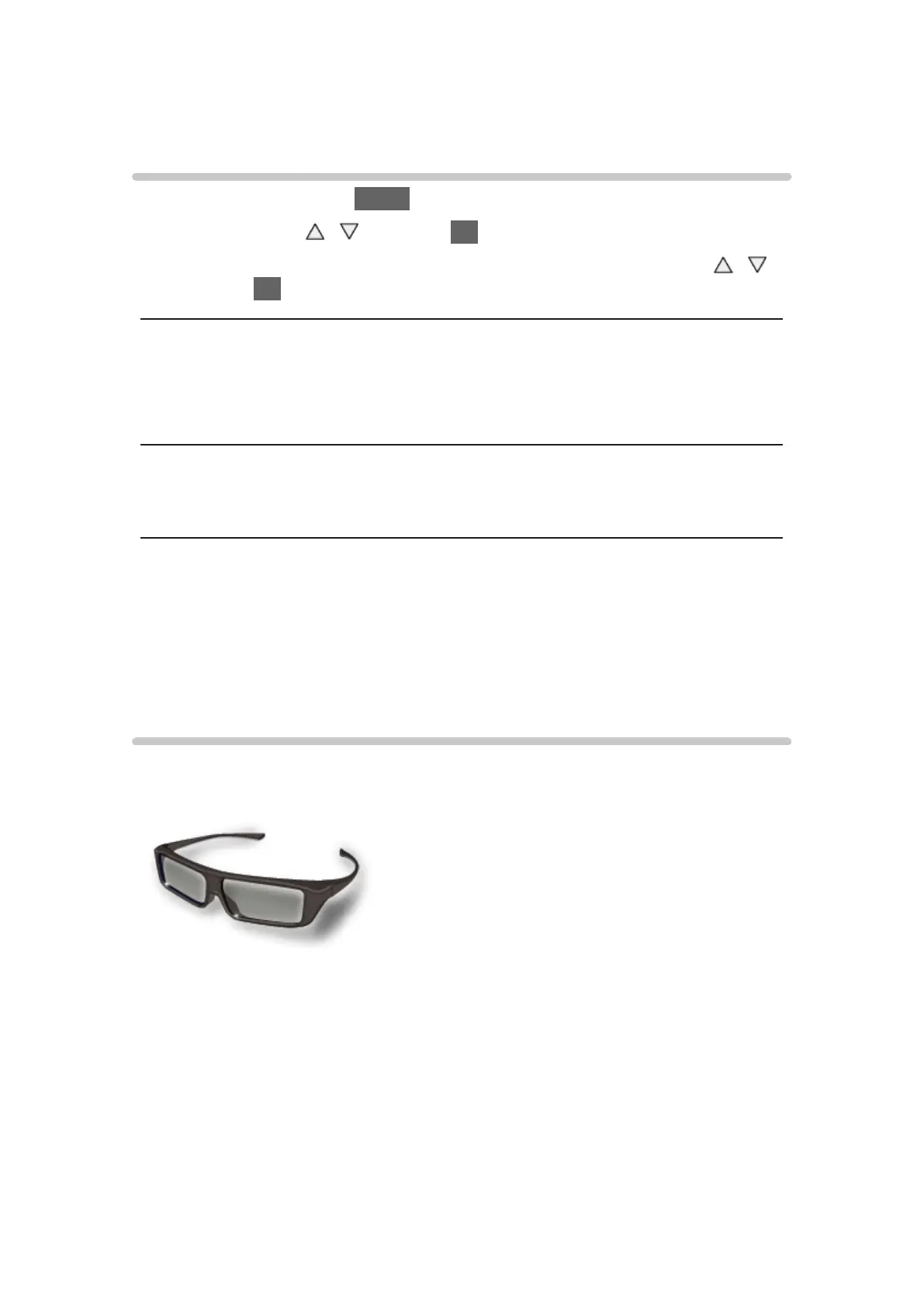
3D Eyewear
■ 3D Eyewear
●
TY-EP3D20E
(1 pack includes 2 eyewears)
– If you need 3D Eyewear additionally, please purchase this optional
accessory.
– Use Panasonic 3D Eyewear for passive 3D.
– For more information (English only):
http://panasonic.net/viera/eu/



 To Next Page