- 19 -
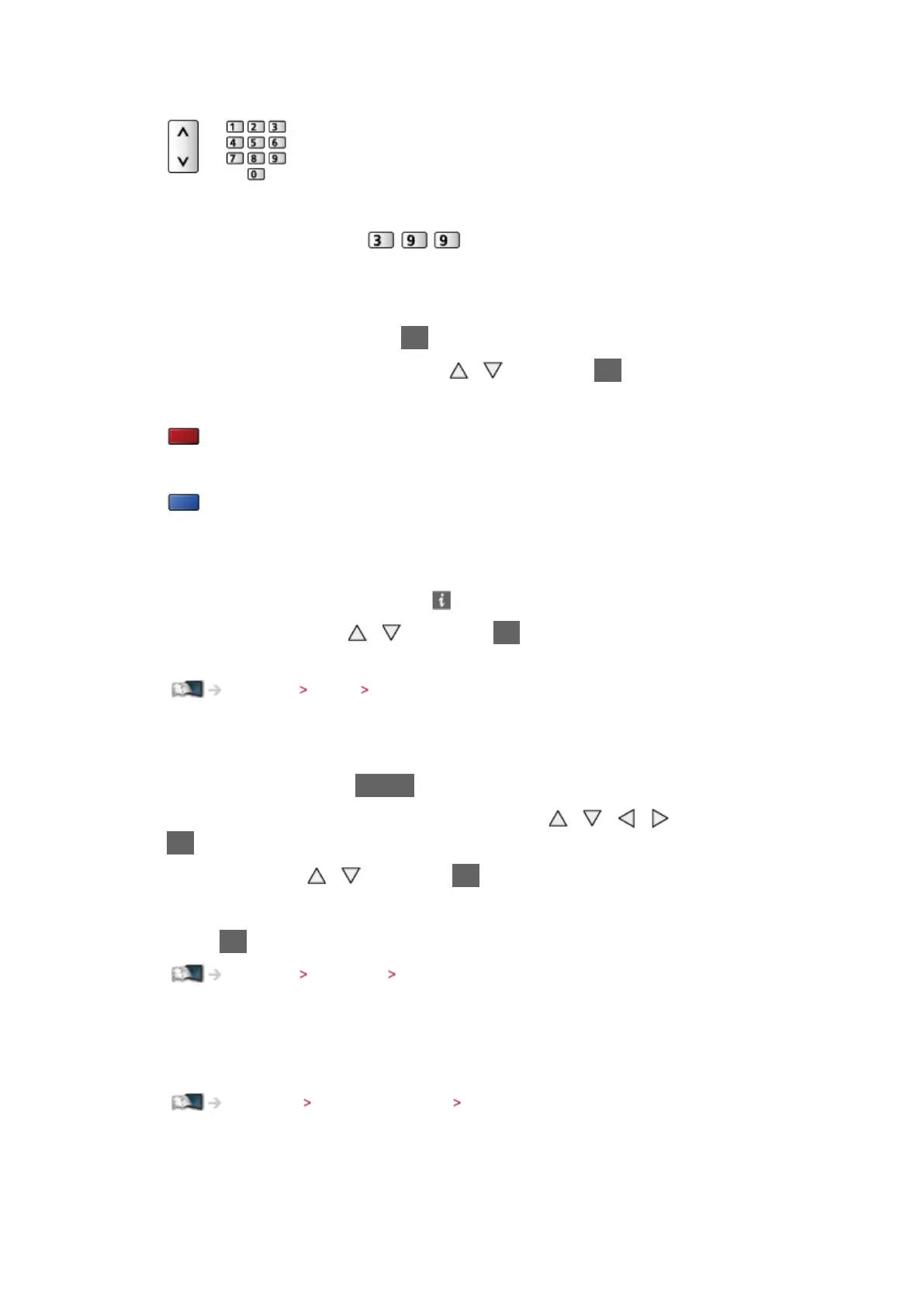
3. Select a channel with Channel Up / Down or numeric buttons
●
Press the numeric buttons to select a channel position with 2 or more-
digit (e.g. 399, press
).
■ To select a channel from the channel list
1. Display the channel list with OK
2. Select a channel from the list with
/ and press OK to watch
●
To sort channel names in alphabetical order
(red)
●
To change the category
(blue)
■ To select a channel using information banner
1. Display information banner with if it is not displayed
2. Select a channel with
/ and press OK to watch while the banner is
displayed
Watching Basic Information banner
■ To select a channel using TV Guide
1. Display TV Guide with GUIDE
2. Select the current programme or channel with
/ / / and press
OK to access
3. Select View with
/ and press OK to access (DVB)
– The current programme is displayed on the top left of the screen.
4. Press OK to exit TV Guide
Watching TV Guide Using TV Guide
■ To watch pay-TV
●
For information of the encrypted channels
Functions Common Interface Using Common Interface
●
Consult the operator / broadcaster or CI module manufacturer for more
information and conditions of the services.




 To Next Page