EasyManua.ls Logo

Panasonic WJ-MX50A - Page 4

Panasonic WJ-MX50A
43 pages
Print Icon
To Next Page IconTo Next Page
To Previous Page IconTo Previous Page
Loading...
PRECAUTIONS
The
WJ-MX50A
is
a
sensitive,
high
quality
instrument
and
should
be
treated
with
care.
And
because
it
is
an
electrical
device,
the
danger
of
electric
shock
exists
if
it
is
used
inappropriately.
DON'T
DO'S
x
Do
not
attempt
to
disassemble
the
instrument.
їп
order
Dorefer
all
servicing
to
qualified
service
personnel.
to
prevent
electrical
shock,
do
not
remove screws
or
covers.
There
are
no
user-serviceable
parts
inside.
x
Do
not
abuse
the
instrument.
Avoid
striking,
shaking,
e
Do
handle
the
instrument
with
care.
etc.
It
could
be
damaged
by
improper
handling
or
storage.
x
Do
not
use
strong
or
abrasive
detergents
when
e
Do
use
a
dry
cloth
to
clean
the
instrument
when
dirty.
cleaning
the
instrument
body.
in
case
the
dirt
is
hard
to
remove,
use
mild
detergent
and
wipe
gently.
x
Donotexpose
the
instrument
to
water
or
moisture,
and
e
Do
take
immediate
action
if
ever
the
instrument
does
do
not
operate
it
in
wet
or
humid
areas.
become
wet.
Turn
the
power
off
and
refer
servicing
to
qualified
service
personnel.
Moisture
can
damage
the
instrument
and
also
create
a
danger
electric
shock.
x
Do
not
use
the
instrument
in
an
extreme
environment
e
Use
the
instrument
under
conditions
where
where
either
high
temperature
or
high
humidity
exist.
temperatures
are
within
32°F-104°F
(09C-40?
C),
and
humidity
is
below
90%
IMPORTANT
NOTICE
FOR
VIDEO
INPUT
SIGNAL
(1)
If
the
input
video
signal
does
not
meet
with
the
NTSC
(6)
Flag
waving
(top
of
picture
curls)
may
appear
when
color
standard,
this
could
cause
a
disturbance
of
certain
VTR's
are
used
as
input
signals,
(due
to
AFC
synchronization.
(The
picture
may
jitter
or
tear)
time
constant)
(2)
If
the
signal
to
noise
ratio
(S/N)
of
the
input
signal
is
very
low,
this
may
be
reflected
in
a
low
quality
picture.
#
(3)
tf
the
source
input
video
signal
is
very
jittery,
as
in
the
p^
case
a
poor
МҮҢ
playback
signal,
this
could
cause
a
disturbance
in
synchronization
or
color.
(4)
If
tracking
noise
is
seen
on
the
TV
monitor,
this
could
cause
a
distarbance
in
synchronization.
It
is
necessary
to
adjust
the
tracking
control
of
the
input
VTR.
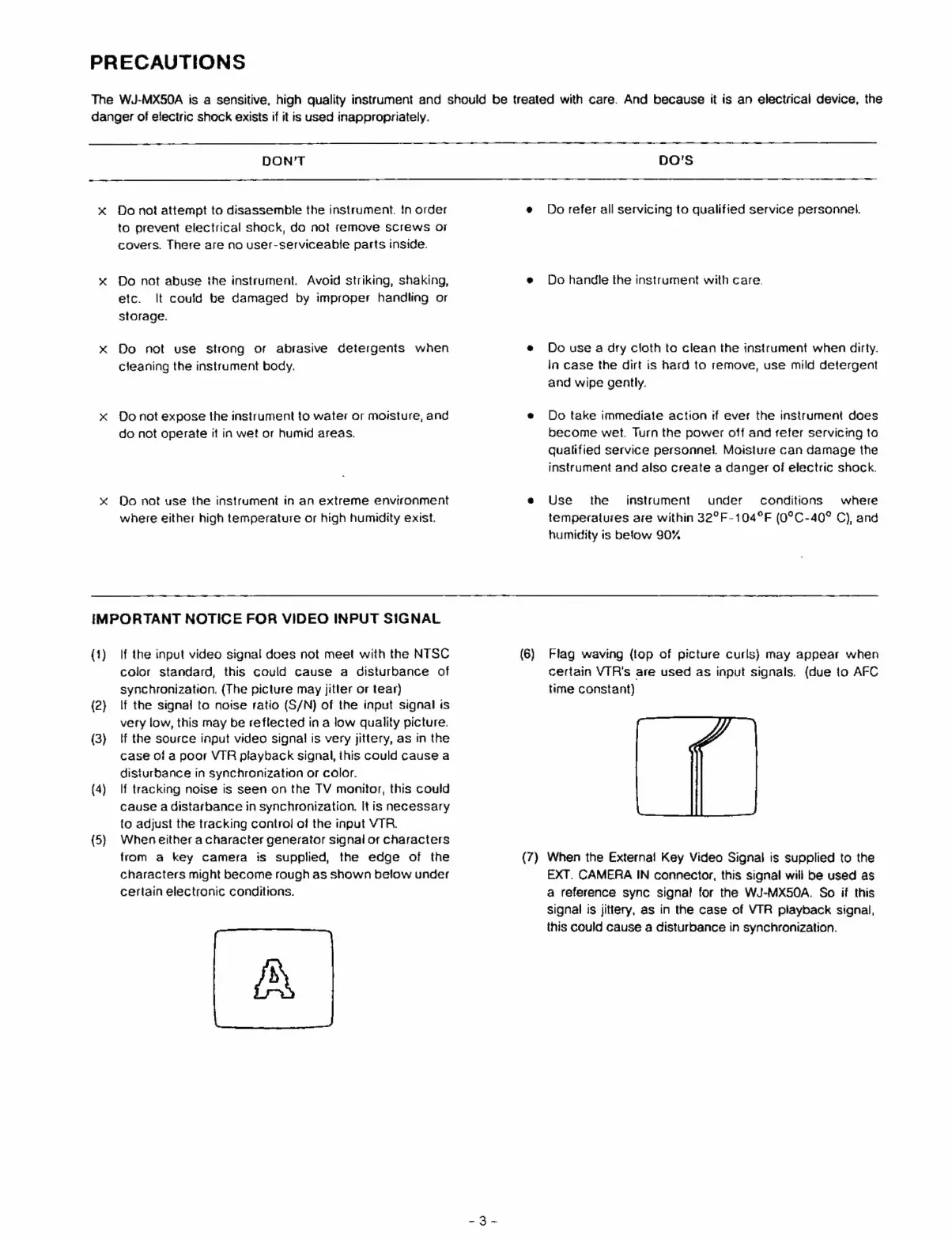
(5)
Wheneither
a
character
generator
signal
or
characters
from
a
key
camera
is
supplied,
the
edge
of
the
(7)
When
the
Externa!
Key
Video
Signal
is
supplied
to
the
characters
might
become
rough
as
shown
below
under
EXT.
CAMERA
IN
connector,
this
signal
will
be
used
as
certain
electronic
conditions.
a
reference
sync
signal
for
the
WJ-MX50A.
So
if
this
signal
is
jittery,
as
in
the
case
of
VTR
playback
signal,
this
could
cause
a
disturbance
in
synchronization.
A