EasyManua.ls Logo

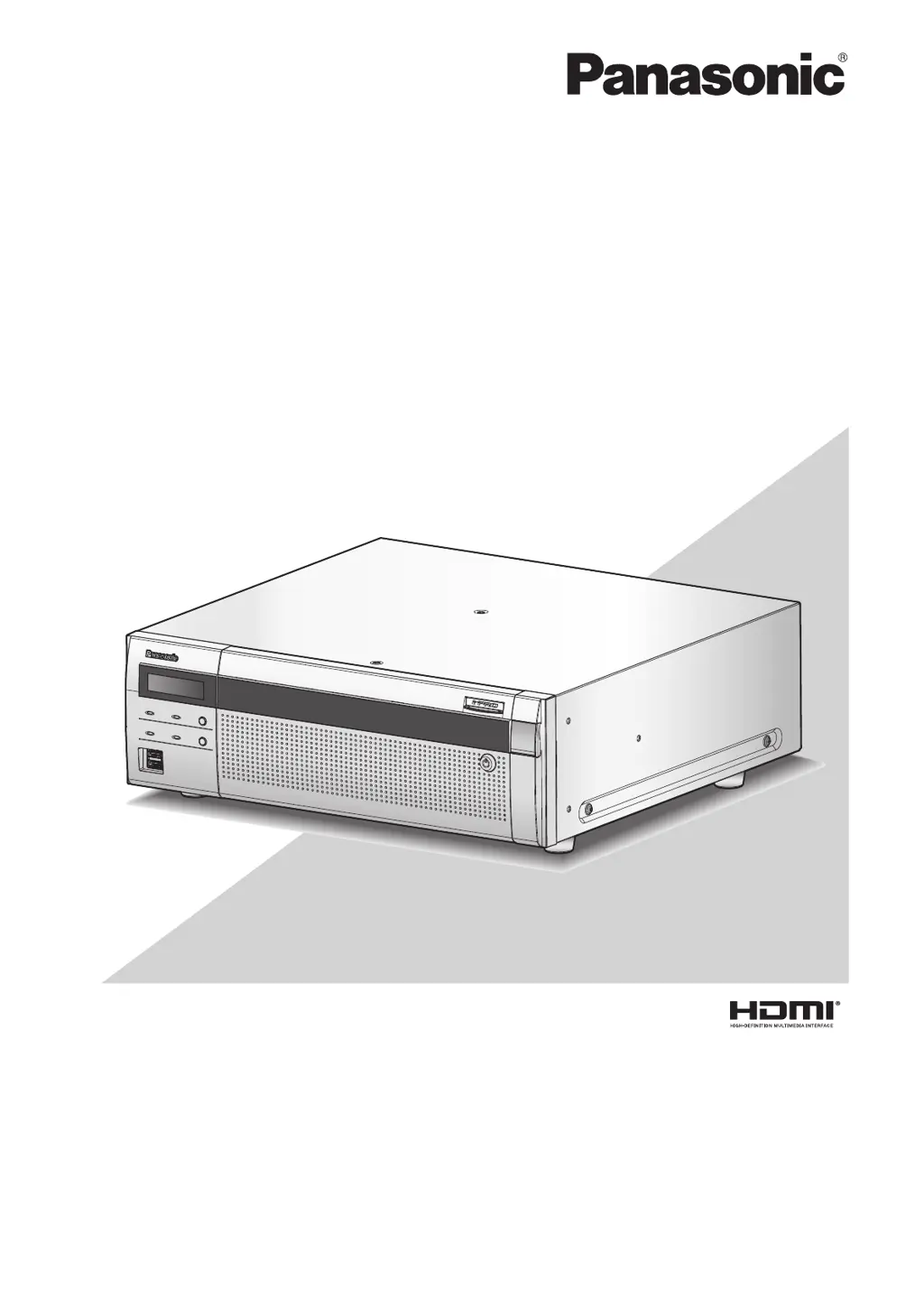
Panasonic WJ-NX400K - User Manual

Panasonic WJ-NX400K
200 pages
Print Icon
To Next Page IconTo Next Page
Loading...
Before attempting to connect or operate this product,
please read these instructions carefully and save this manual for future use.
The model number is abbreviated in some descriptions in this manual.
Operating Instructions
Network Disk Recorder
Model No. WJ-NX400K
WJ-NX400K/G
Network Disk Recorder WJ-NX400
1
2
3
4
5
6
7
8
9

Table of Contents

Other manuals for Panasonic WJ-NX400K

Questions and Answers

  • E
    Erik HensleySep 12, 2025
    What to do if Panasonic WJ-NX400K cannot play back images?
    • P
      Pamela RochaSep 12, 2025
      If your Panasonic Tuner cannot play back images: * Check if there are any recorded images on the hard disk drives. * Ensure that users logged into the system are authorized to playback images recorded on the hard disk drives. Verify their user level settings. * Confirm that users logged into the system have authorization to display images from cameras. Check their user level settings.
  • S
    Sandra DavisAug 23, 2025
    What to do if camera images are not displayed on the monitor for Panasonic Tuner?
    • R
      Richard MendozaAug 23, 2025
      If camera images are not showing on the monitor, check the following: * Ensure the lens cap of the camera is removed. * Verify that the camera and connected devices are powered on. * Confirm that the cables are connected correctly and firmly. * Check the monitor luminance and contrast settings. * Review user level settings to ensure proper authorization. * If you've increased the camera connection number, confirm that the licenses of the additional camera kit have been registered via your PC's browser.
  • B
    Brenda FryeAug 25, 2025
    What does 'Thermal error' mean on my Panasonic WJ-NX400K Tuner?
    • J
      Jaclyn LawrenceAug 25, 2025
      The 'Thermal error' indication suggests a potential issue with the internal temperature of the HDD. Check if the fan is working correctly and if the recorder's ventilation holes or cooling fan are blocked by dust or other obstructions. Ensure that the ambient operating temperature is within the range of +5 °C to +45 °C {41 °F to 113 °F}. Consider relocating the unit to maintain an ambient temperature of approximately +25 °C {77 °F}.
  • M
    Mr. Larry BrownAug 27, 2025
    Why can't I open the setup menu on my Panasonic WJ-NX400K Tuner?
    • J
      Jennifer SolomonAug 27, 2025
      If you cannot access the setup menu, it may be due to user authorization levels. Verify your user level settings. Also, the setup menu is not available on the sub monitor, so ensure you are operating from the main monitor.
  • S
    Scott SanchezAug 27, 2025
    Why is my Panasonic Tuner not triggering alarm actions?
    • S
      Sean VanceAug 28, 2025
      If no alarm action is being triggered, verify that alarm input signals are properly connected to the ALARM/ CONTROL connector on the rear panel. Also, check the alarm connector settings for appropriateness and confirm that the "Mode" is not set to "Off" or "Recording only".
  • N
    Nicole HerreraAug 29, 2025
    What does 'Communication error: Cam.cc' mean on my Panasonic WJ-NX400K?
    • W
      William NavarroAug 29, 2025
      The "Communication error: Cam.cc" indicates a problem with the camera connection. Ensure the camera is correctly and firmly connected.
  • B
    Blake DavisSep 22, 2025
    Why Panasonic WJ-NX400K cannot play the downloaded recorded images?
    • I
      igonzalezSep 22, 2025
      If your Panasonic Tuner cannot play the downloaded recorded images, it may be because any setting of the setup menu has been changed during the download. In this case, the downloaded file is incomplete and cannot be played.
  • R
    Rachel HernandezSep 12, 2025
    Why is my external storage device not recognized by Panasonic WJ-NX400K?
    • B
      brendanjamesSep 12, 2025
      If your Panasonic Tuner does not recognize the external storage device: * Check if the connected external hard disk drive or USB memory is compatible with USB 3.0 or 2.0. * Verify that the external storage device is formatted in exFAT, FAT (FAT16) or FAT32. * Ensure the external storage device does not have a password authentication function enabled. * If using a hard disk drive powered by USB bus, use one with an external power source. * If the recorder was started with the USB cable connected, try connecting the cable after starting the recorder.
  • N
    Nicholas MclaughlinSep 9, 2025
    How to fix Panasonic Tuner when recording cannot be performed?
    • S
      Sonia FigueroaSep 9, 2025
      If recording cannot be performed on your Panasonic Tuner: * Check if 'On' is selected for 'Recording mode' and ensure the settings are appropriate. * Verify that the settings of the schedules are correct.
  • S
    Sydney RasmussenSep 6, 2025
    Why I cannot control the cameras with my Panasonic WJ-NX400K?
    • A
      Aaron EvansSep 6, 2025
      If you're unable to control the cameras with your Panasonic Tuner, verify the camera numbers and IP addresses displayed in the setup menu under 'Advanced setup' - 'Camera' - 'Camera registration'. Also, double-check that the user name and password have been entered correctly in the same menu.

Panasonic WJ-NX400K Specifications

General IconGeneral
BrandPanasonic
ModelWJ-NX400K
CategoryTuner
LanguageEnglish

Related product manuals