PANASTEREO SP23 – Installation.
7
CONNECTING THE SP23 OUTPUTS.
AMPLIFIERS WITH UNBALANCED INPUTS
Use two-core shielded audio cable to connect the left, right and rear surround outputs from the SP23
to the inputs of the amplifiers.
Connect the “+” terminal from each SP23 output to the “+” terminal of each corresponding amplifier
input.
Connect the ground terminal of each SP23 output to the “-“ terminal of each corresponding amplifier
input.
Connect the cable shield to the “E” terminal of each amplifier input only. Do not connect the shields at
the sound processor.
AMPLIFIERS WITH BALANCED INPUTS
Use two-core shielded audio cable to connect the left, right and rear surround outputs from the SP23
to the inputs of the amplifiers.
Connect the “+” terminal from each SP23 output to the “+” terminal of each corresponding amplifier
input.
Connect the “-“ terminal of each SP23 output to the “-“ terminal of each corresponding amplifier input.
Connect the cable shield to the “E” terminal of each SP23 input only. Do not connect the shields at
the amplifier.
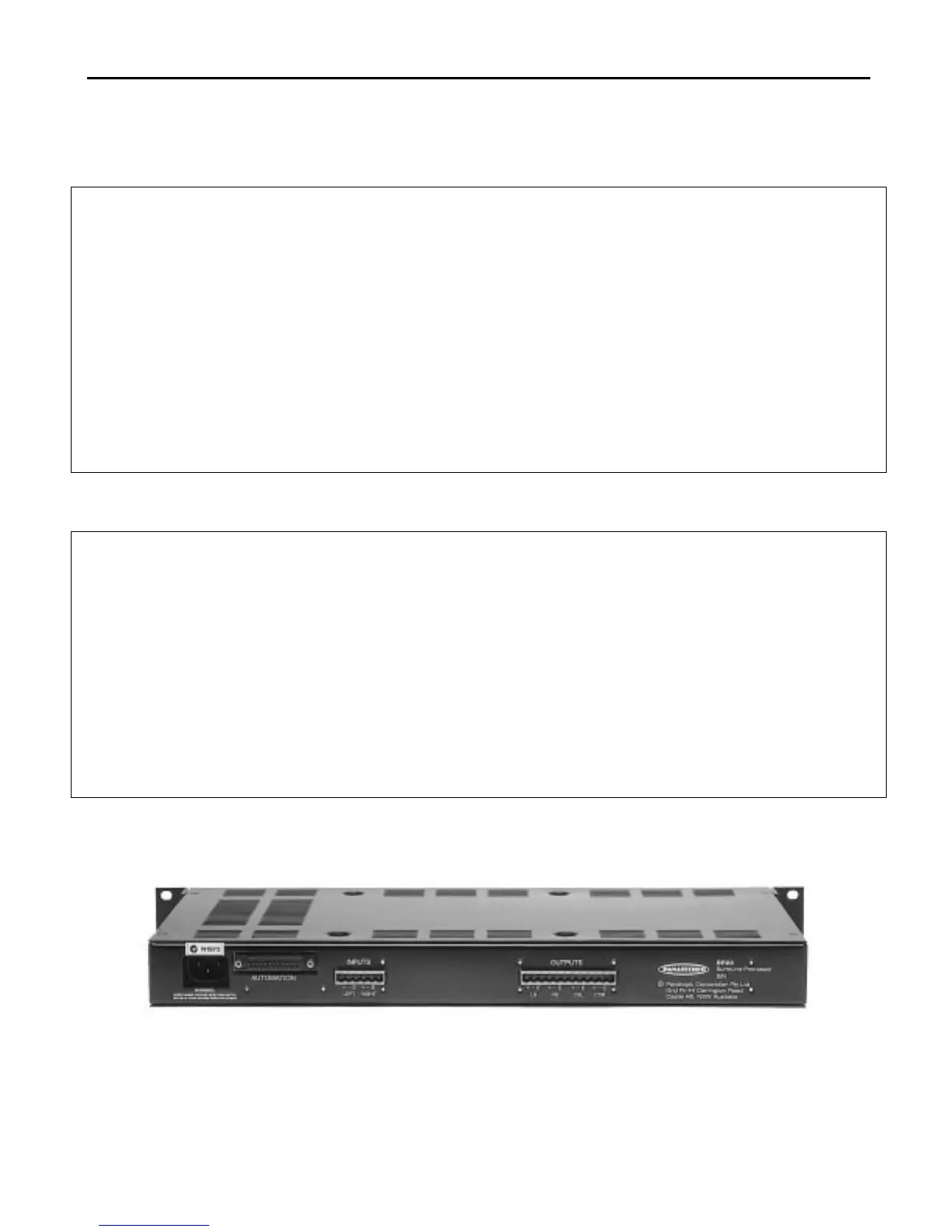
SP23 Rear Panel



 To Next Page