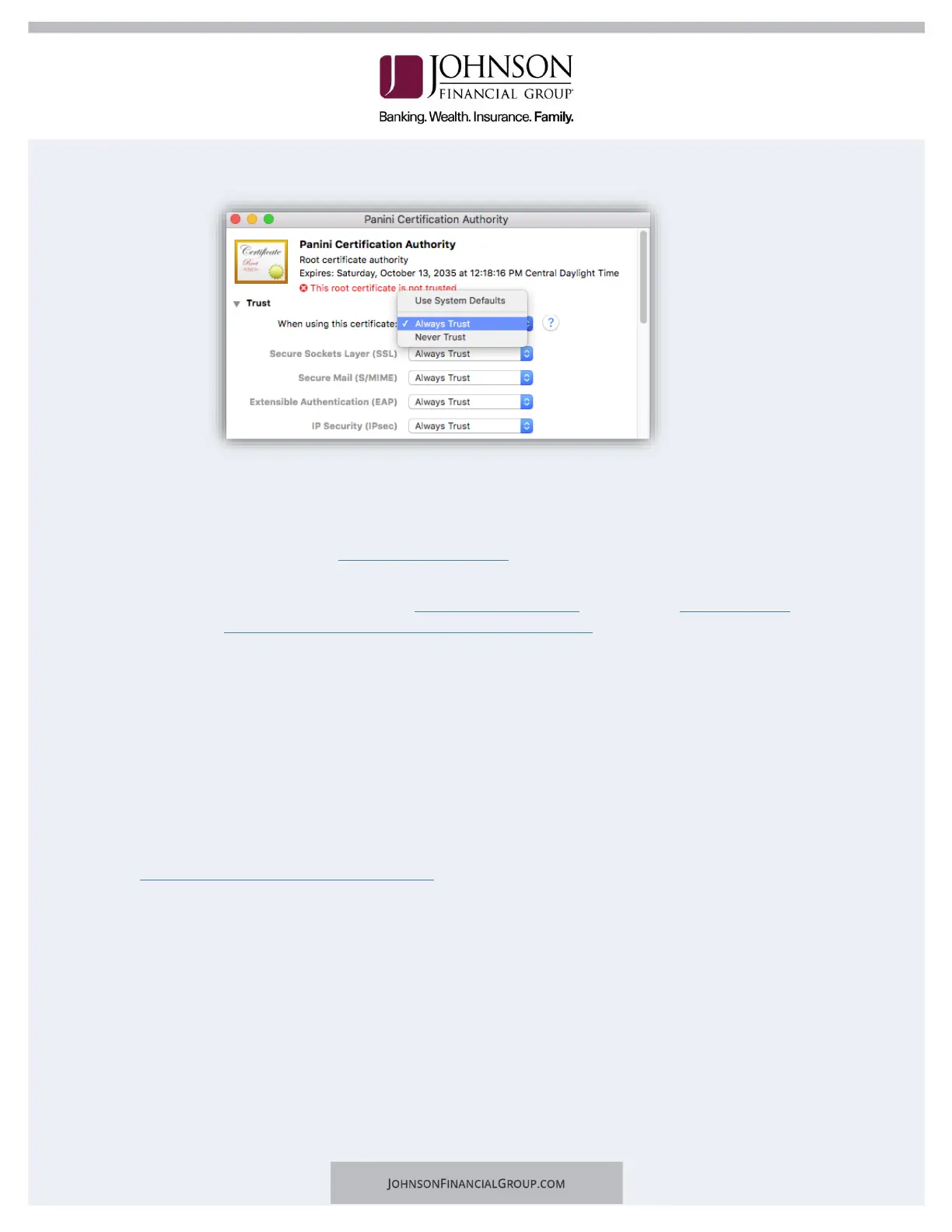
e. Expand Trust, then in the first dropdown, choose Always Trust.
g. Click the red dot to close the window and you will be prompted for you
username and password for the computer.
7. Register Your Scanner
a. Navigate to the DepositPartner website and log in.
b. Note: You may be prompted to set up Multifactor Authentication. If you need
assistance please visit the Client Resource Center and view the DepositPartner
Multi-Factor Authentication Web Application guide.
c. Click Registration in the top menu bar.
d. Click Re-Register.
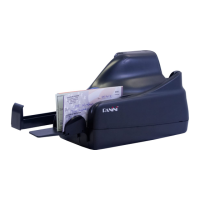
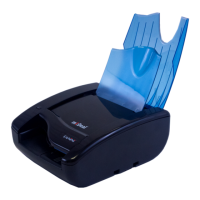
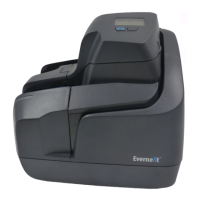
e. Choose the Location and Scanner: Panini EverneXt.
f. Enter the Host Name as 192.168.101.1, then click Register.
g. Deposits can now be submitted.
For assistance, please contact Treasury Management Support at 1-877-236-2739 or email to
tmsupport@johnsonfinancialgroup.com.


 To Previous Page