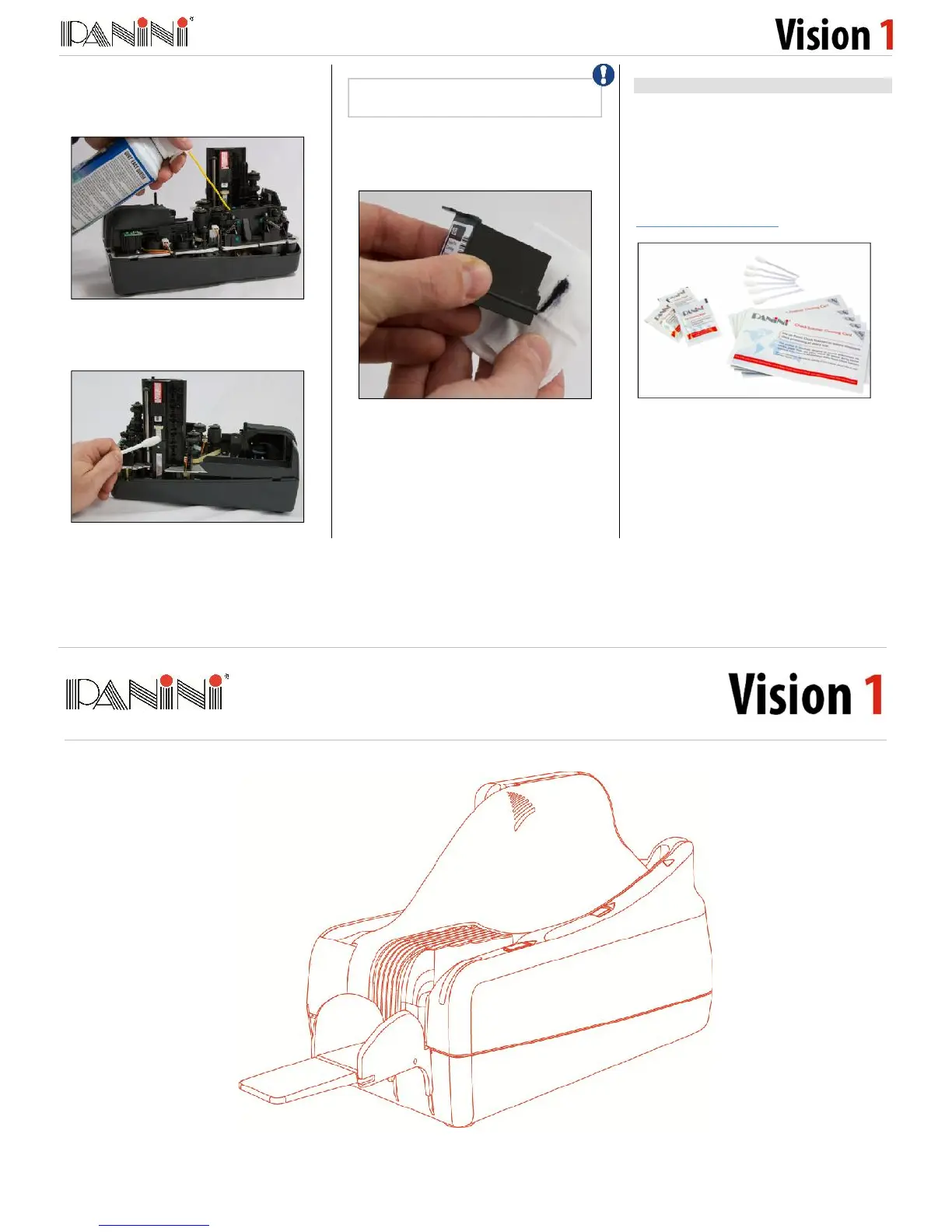
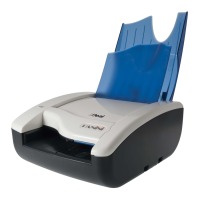
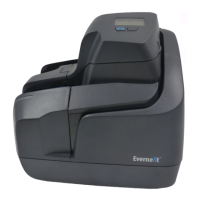
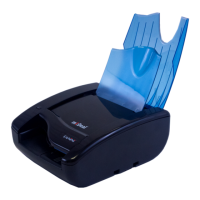
Lift off the Track Cover and use a can of
compressed air to spray the feeder area, check
entrance, and the track area.
If needed, wipe the glass on the contact image
sensors with a Panini Cleaning Swab or a lint-
free cloth dampened with distilled water.
If endorsements are poor or fuzzy, clean the ink
jet nozzles with a Panini Ink Cleaning Wipe or a
lint-free cloth moistened with distilled water.
Convenient Panini Cleaning Kit
To make the cleaning process even easier,
cleaning kits may be purchased. The Vision neXt
/ Vision X / Vision 1 Cleaning Kit contains:
25 Cleaning Cards
25 pre-moistened Ink Cleaning Wipes
6 image sensor Cleaning Swabs.
To purchase these kits please visit
www.paninionlinestore.com
Quick Guide
Please use this guide to quickly get set-up and to begin using your scanner. For further information
please reference the Operator Manual located on the CD-ROM included with your scanner.


 To Previous Page