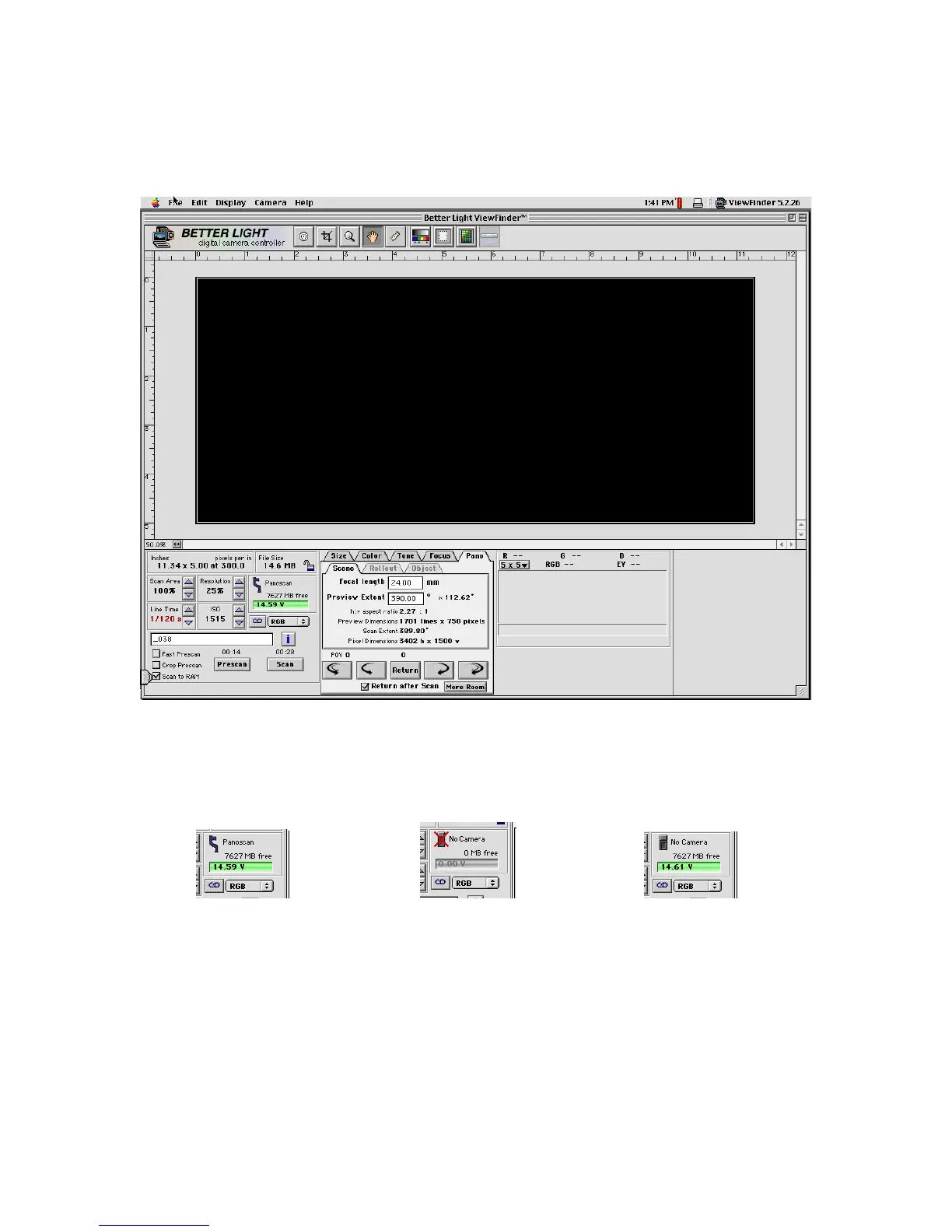
12. Once the LED is glowing a steady green you may launch the Viewfinder camera software. You
should see a display that looks something like the screen below.
Pay careful attention to the camera indicator. It should say it has a Panoscan connected. If not you
need to check you connections, and repeat the start-up procedures.
Correct Processor Not Connected Camera Not Connected
Below the camera indicator you will see a green bar graph that indicates your battery charge status
with the battery voltage as well. When the battery is running low the graph will turn yellow to
indicate you are running out of time.



 To Next Page