89
Características útiles
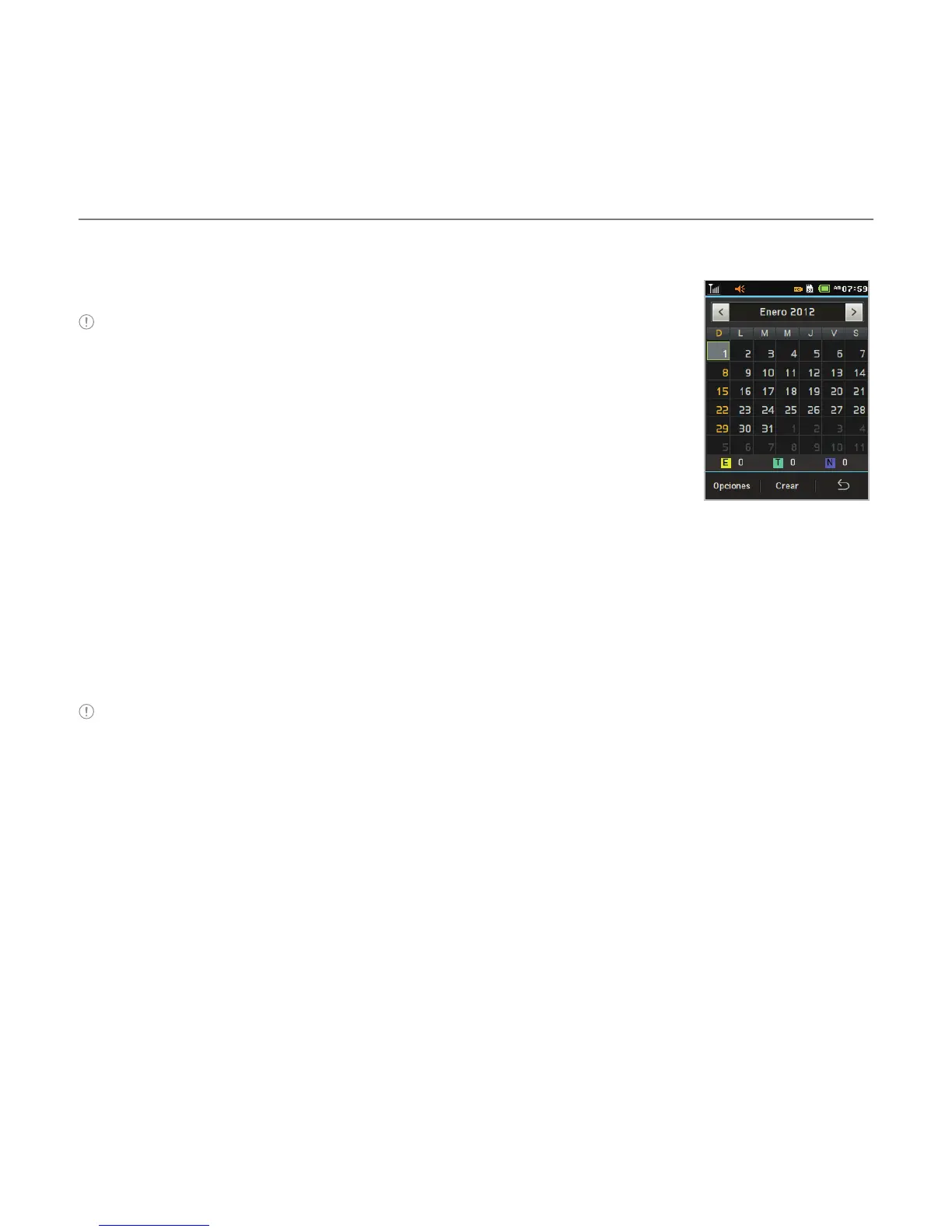
Cómo visualizar el calendario
1. Pulse Menú A > Utilidades > Calendario.
Nota La vista mensual es la configuración predeterminada.
Cómo crear un nuevo evento
1. Pulse Menú A > Utilidades > Calendario.
2. Pulse para seleccionar un día > Crear.
3. Seleccione evento, Tarea, o Nota.
4. Ingrese los detalles > Pulse Guardar.
Nota Puede crear eventos para fechas desde el 01/01/2000 hasta 31/12/2070
Bloc de notas
Cómo usar el bloc de notas
1. Pulse Menú A > Utilidades > Bloc de notas.
2. Pulse Crear nuevo.
3. Ingrese el memo > pulse OK.



 To Next Page