Need help?
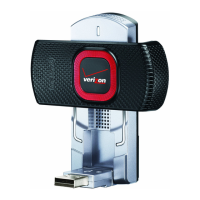
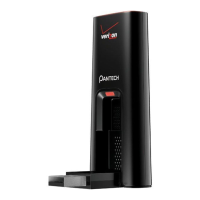
Do you have a question about the Pantech Verizon UML290 and is the answer not in the manual?
Details features like power management, antenna design, extension cable support, and data speeds.
Provides step-by-step instructions on how to insert the 4G SIM Card into the UML290 modem.
Details the steps to install the VZAccess Manager software on a computer.
Details crucial safety measures, including data transmission reliability and avoiding hazardous environments.
Lists SAR values for different frequency bands and explains government requirements for RF exposure.
Provides detailed safety information regarding RF exposure, including body-worn operation and medical device interference.
 General
| Manufacturer | Pantech |
|---|---|
| Model | UML290 |
| Carrier | Verizon |
| Antenna | Internal |
| Device Type | Modem |
| Category | Modem |
| Network Technology | LTE, CDMA |
| LTE Bands | 700 MHz (Band 13) |
| CDMA Bands | 800 MHz, 1900 MHz |
| Data Speed (EVDO Rev. A) | Up to 3.1 Mbps download, up to 1.8 Mbps upload |
| Interface | USB |
| Operating System Compatibility | Windows, Mac |

 To Next Page