9
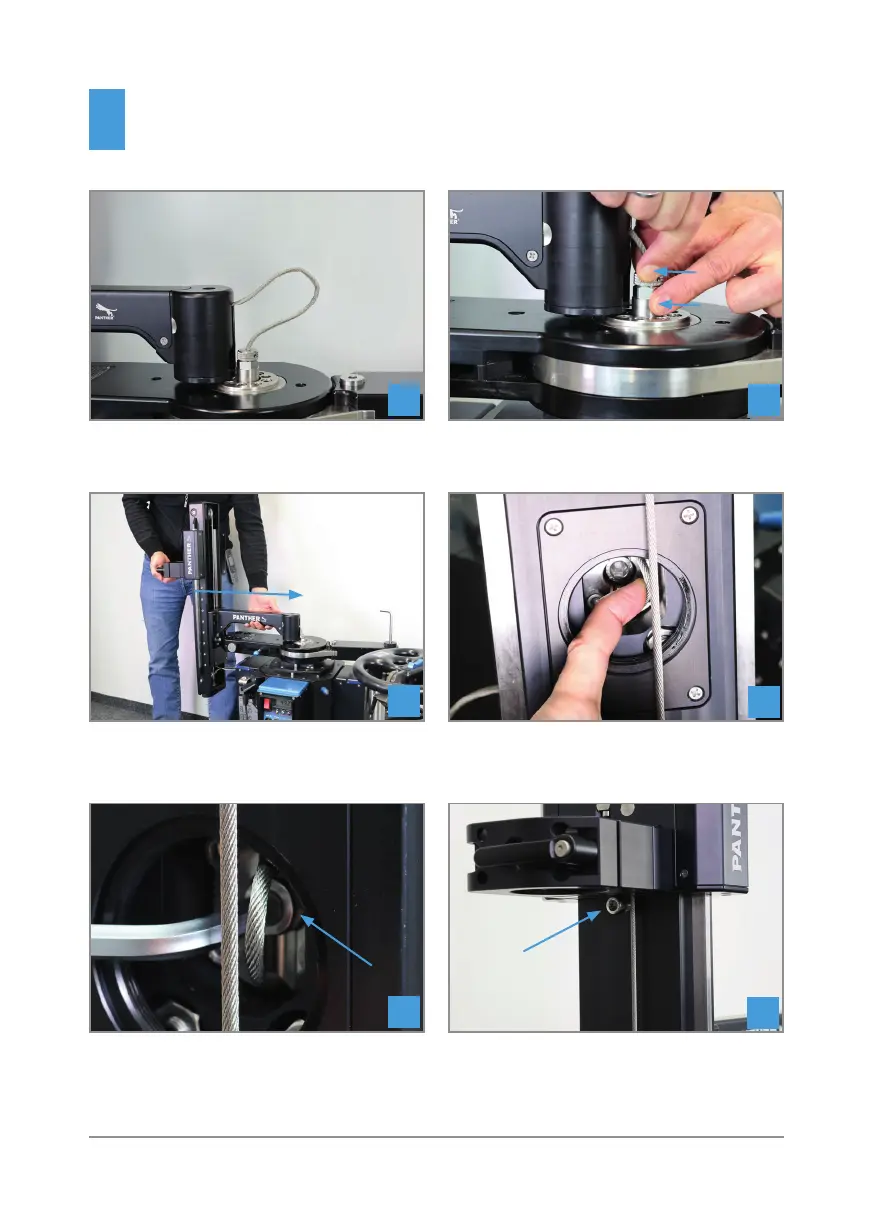
(1) Hold rope at knurled disc
(2) Turn fi rmly at bottom, don‘t use a wrench
11
12
Now push the Range Extender completely in
the specifi ed direction.
Push the rope to the side at the front opening
13
14
Tighten the screw shown clockwise (8mm
Allen Key).
Then remove the marked locking screw (8mm
Allen Key).
15
16
Installation
New Classic Plus & X-Type
1
2



 To Next Page