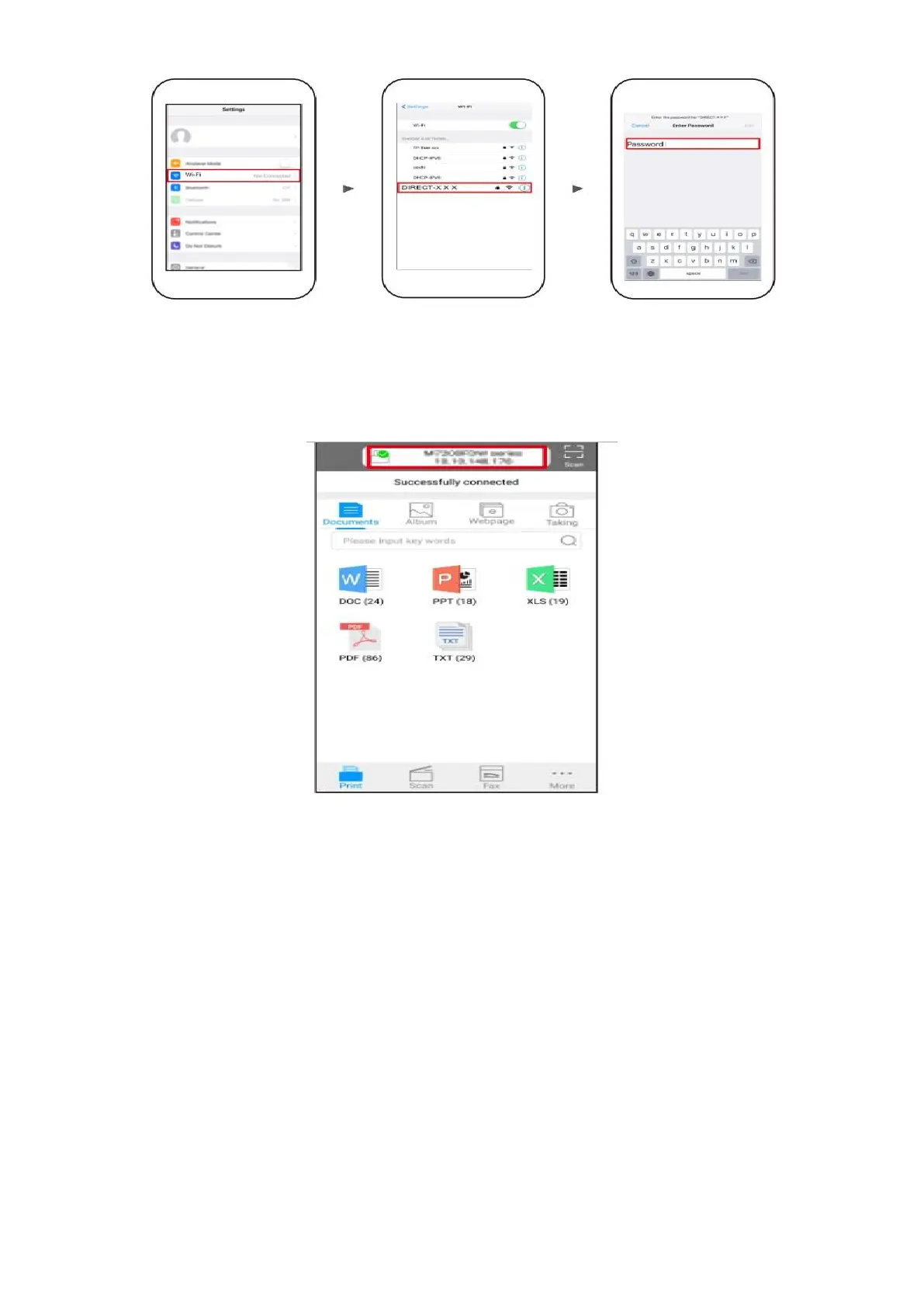
Step4: Open the ”PANTUM” application , click “ Add a printer” button at the top of interface, then s add
the printer.
Step5: Select the file and print it.
Solution 2) Download the ” Mopria ” application .
Step1: Download and install Mopria Print Service plugin to the mobile device from “Google Play"
Step2: Turn on the printer



 To Next Page
 Loading...