14. Why the printout is not clearly and a little whitish in the printing?
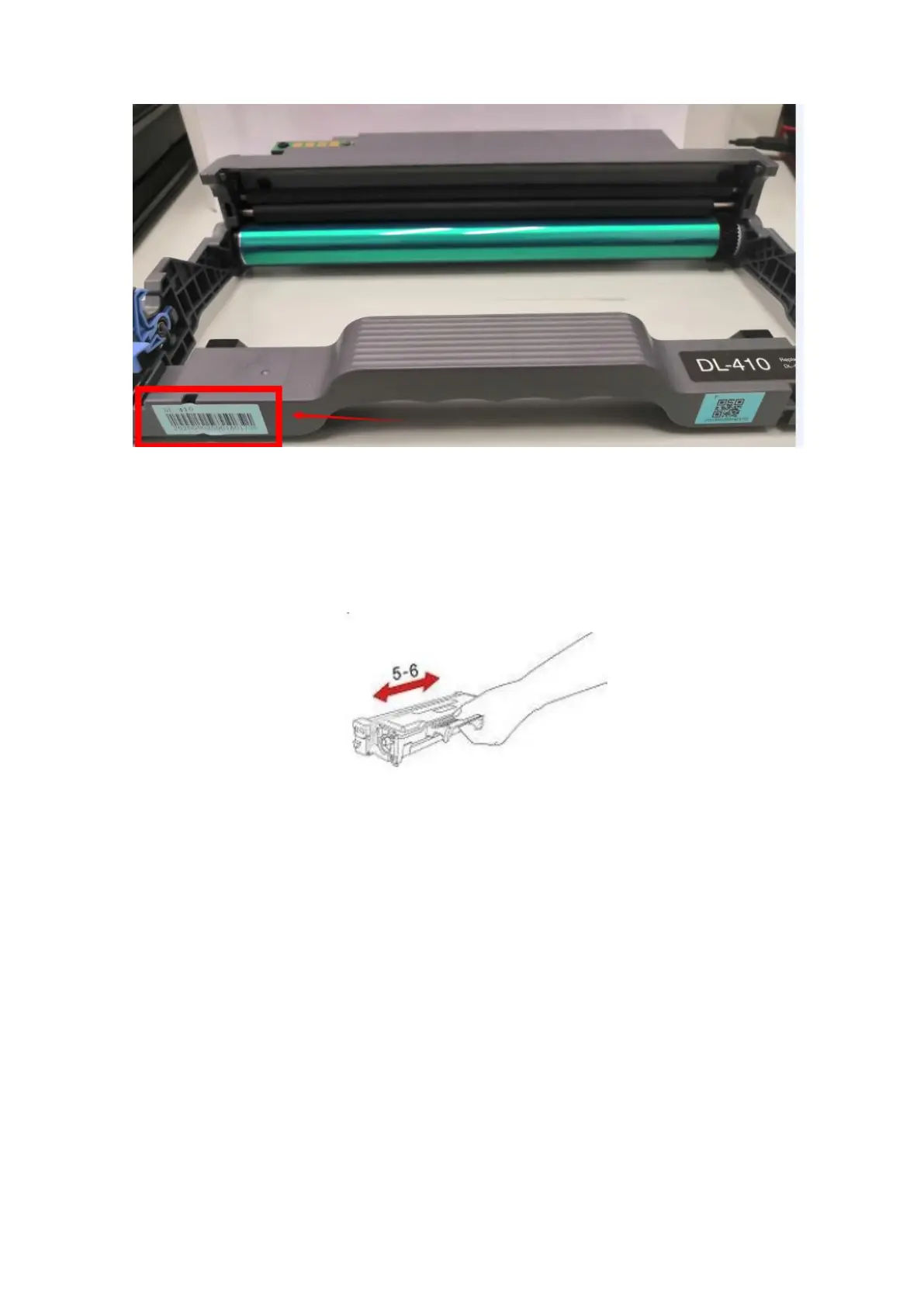
Take out the cartridge, hold the handle of the cartridge and gently shake around 5 to 6 times, so as to make
the toner evenly distributed inside the cartridge.
③ Paper Issues:
1. How can I clear any paper jam in the printer?
There are Five conditions paper jam possible as below:
A) Middle Jam
Step1: Pull paper tray out, then gently pull the jammed paper out, and Install paper tray.



 To Next Page
 Loading...