1514
Pilots Manual for Parajet Maverick Lite Trike - © 2022 Parajet International LtdPilots Manual for Parajet Maverick Lite Trike - © 2022 Parajet International Ltd
SETUP & ADJUSTMENT
THE OFFSET BLOCKS
WARNING: While we have endeavoured to provide concise and accurate instructions for hangpoint adjustment, we
recommend that these be tested before your rst ight by hanging in a simulator with the aid of a qualied paramotor trike
instructor.
To achieve the best ying characteristics of the Maverick Lite
Trike it is important that you spend time to fully understand the
adjustment system and set it up for your optimum weight setting.
Failure to do this accurately will result in poor handling, an
uncomfortable ying experience and could lead to a potentially
hazardous accident.
The harness and hangpoints should be adjusted to suit both your
physique and ying style. Additional ne-tuning of adjustments
maybe required during your rst few ights to ensure optimum
control and comfort.
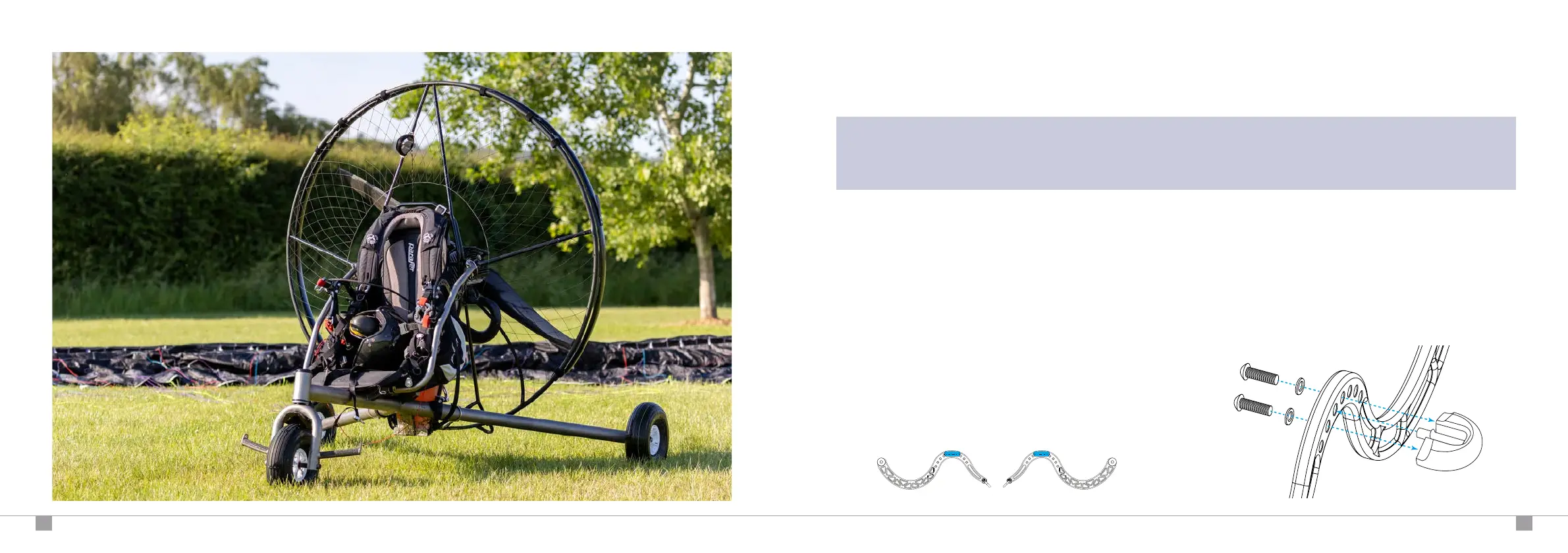
The Maverick paramotor is shipped with the offset blocks already
attached to the swan neck arms. Always ensure the blocks are
installed on the correct side of the swan neck arm for your engine.
To adjust the offset blocks, unfasten the 8mm attachment
bolts from the swan neck arm.
Locate the offset block to the desired position on the pivot
arm based on your take-off weight range (see guide).
Secure the offset block back in place using the attachment
bolts, tightened to 20 Nm.
1
2
3
Moster 185 : Right Atom 80 : Left


 To Next Page