—16—
Enter the submenu beep sound with a short press of OK button. Select “Off” or
“ On” with a short press of +/- button. Confirm your selection with a short press of
OK button. This setting is to choose whether the keyboard press sound will be
recorded into the video or not.
15>Beep sound
—17—
17>Exposure
Enter the submenu exposure with a short press of OK button. Select one of the
options with a short press of +/- button. Confirm your selection with a short press
of OK button.
16>WiFi
Enter the submenu WiFi with a short press of OK button. Select"Off” or " On”
with a short press of +/- button. Confirm your selection with a short press of OK
button. Exit WiFi with a long press of Menu button. (
)
The Menu page can not be
opened while WiFi is turned on
The default user name and password of WiFi are PARD and 12345678. The
corresponding APP is available on PARD official website(www.pard.com).
13>Date Stamp
14>Record Audio
Enter the submenu Date Stamp with a short press of OK button. Select “Off” or
“ On” with a short press of +/- button. Confirm your selection with a short press of
OK button.
Enter the submenu record audio with a short press of OK button. Select “Off ”
or “ On” with a short press of +/- button. Confirm your selection with a short press
of OK button. This setting is to realize an audio or a silent video.
12>Self-activated Recording
Enter the submenu Auto Recording with a short press of OK button. Select
“Off ” or “ On” with a short press of +/- button. Confirm your selection with a short
press of OK button.
11>Loop Recording
“Off ” , “3 minutes”, “5 minutes” or “10 minutes” with a short press of +/-
button. Confirm your selection with a short press of OK button.
10>Auto Recording
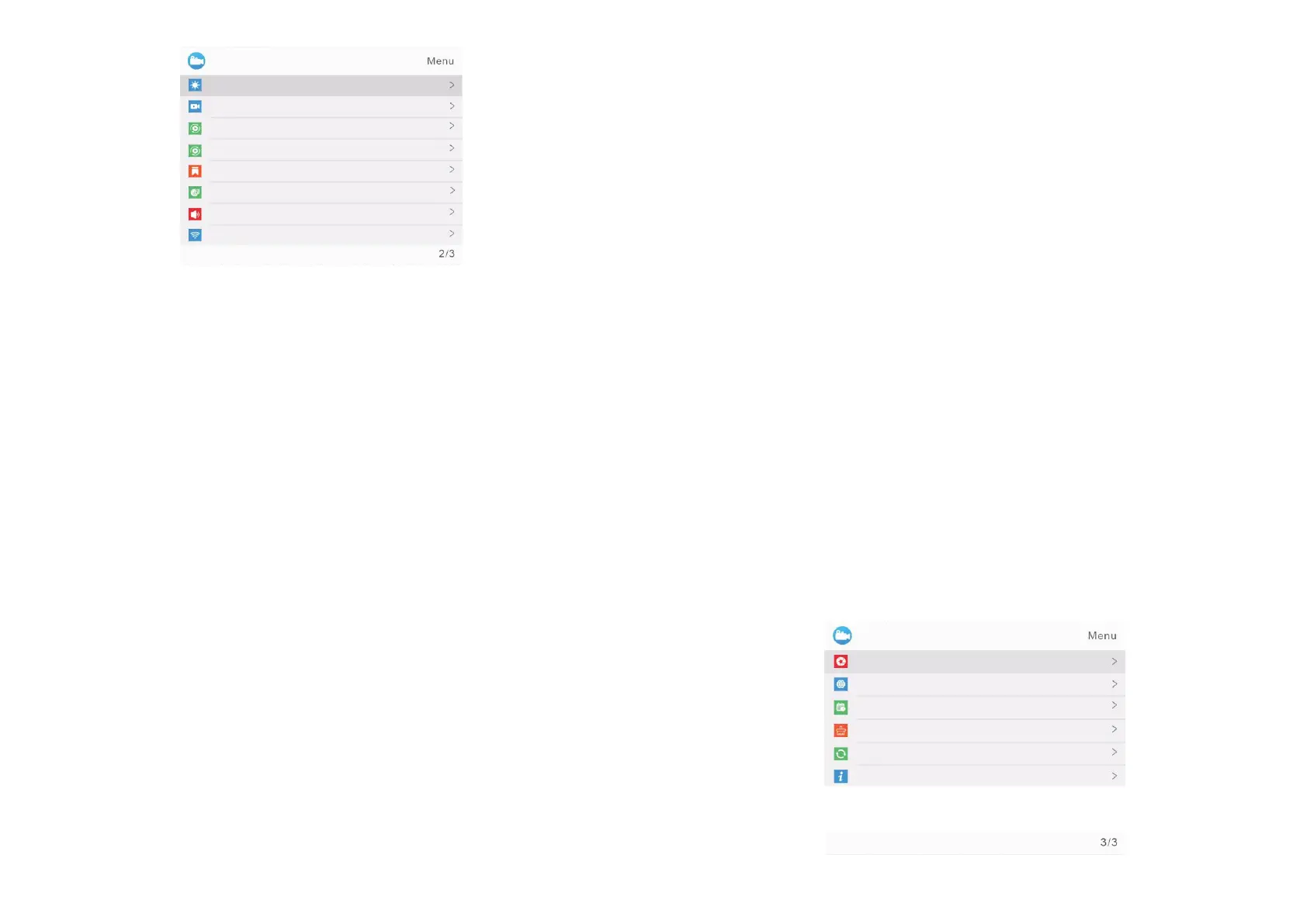
Default Setting
Format
Date/Time
Version
Language
Exposure
—18—
—19—
Auto Recording
Loop Recording
Date Stamp
Record Audio
Beep Sound
WiFi
Brightness
Self-activated Recording
Self-activated Recording means device will keep recording at background,
every 20 seconds as an interval. Once it "sensed" a rifle shooting, the 20 seconds
video where the moment of shooting happens will be automatically saved in TF
card.
Enter the submenu Self-activated Recording with a short press of OK button.
Select On/Off with a short press of +/- button and confirm your selection with a
short press of OK button.
Enter the submenu Loop Recording with a short press of OK button. Select



 To Next Page