—22—
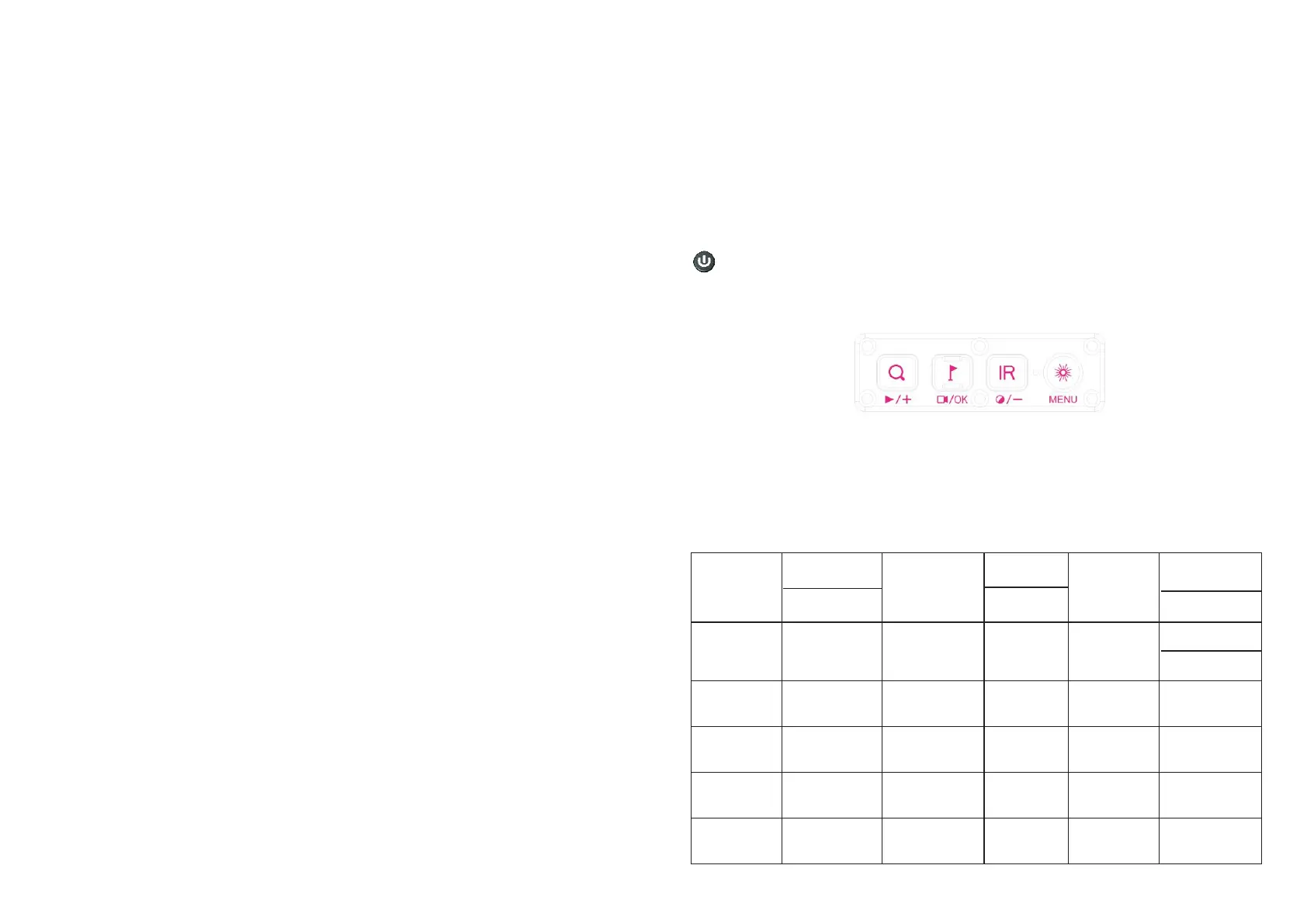
③.IR/ Mode switch (-) button
②.OK / Recording / LRF button
④.Menu/ Red dot button
Turn on/ off rangefinder with a short press of LRF button on running interface.
Turn on/ off record with a long press of recording button.
Switch between black and white/color mode with a long press of IR button.
Pressing IR button under Black & White mode for instant setting of IR brightness.
Turn on or off the red dot with a long press of red dot button. (This function will not
work under PIP shortcut key mode.) Enter or the menu page with a short press of
menu button.
exit
Specifications
—23—
Model
Magnifying
power
IR power
IR wave
length
IR illuminate
distance
Video
resolution
Eyepiece
resolution
Voltage
Ranging
range
Battery
Dimension
Weight
NV008S
6.5x-13x
5w
850nm
18650x1
1920*1080
8h(max)
Battery life
Storage type
T F Card
Focusing
1024*768
350m
182*70*53.5
Frame rate
30fps
Transmission
method
WiFi
AVI
3.7V
415g
3cm-∞
NV008S-LRF
182*71.5*53.5
Output type
3.5-1200m
/
445g
—21—
8.Shortcuts
Power button/Sleep
①
②
③ ④
Turn on the device with a short press of power button, turn off the device with a
long press of power button. Enter or exit sleep mode with a short press of sleep
button.
Zoom in or out with a short press of zoom button. Open or close the video file in
memory card with a long press of zoom button, select videos by press +/- button,
confirm the video by press OK button. Fast forward or rewind the video by press +/-
button when the video is playing.
Press "OK" after the "Version" option is selected by the cursor to check the
current version number of the .device
19>Date/ Time
20>Format
Enter the submenu “Date/Time” with a short press of OK button. Select one of
the options with OK button. Set value for year, month and date with a short press of
+/- button. Select “YY /MM/DD”, “MM/DD/YY”or “DD/MM/YY”as your date format with
a short press of +/- button. Save selected date and exit the submenu with a short
press of Menu button.
Enter the submenu “Format” with a short press of OK button. Select “Cancel”
or “ OK” with a short press of +/- button. Confirm your selection with a short press
of OK button.
Please be careful, the data can not be recovered after the device is formatted.
21>Default Setting
Enter the submenu “Default Setting” with a short press of OK button. Select
“Cancel” or “ OK” with a short press of +/- button. Confirm your selection with a
short press of OK button.
22>Version
① Zoom(+) / play button.
—20—
18>Language
Enter the submenu Language with a short press of OK button. Select one of the
options with a short press of +/- button. Confirm your selection with a short press
of OK button.
(mm)


 To Next Page
 Loading...