9-32 The Keypad
890CS Common Bus Supply - Frames B & D; 890CD Common Bus Drive and 890SD Standalone Drive - Frames B, C & D
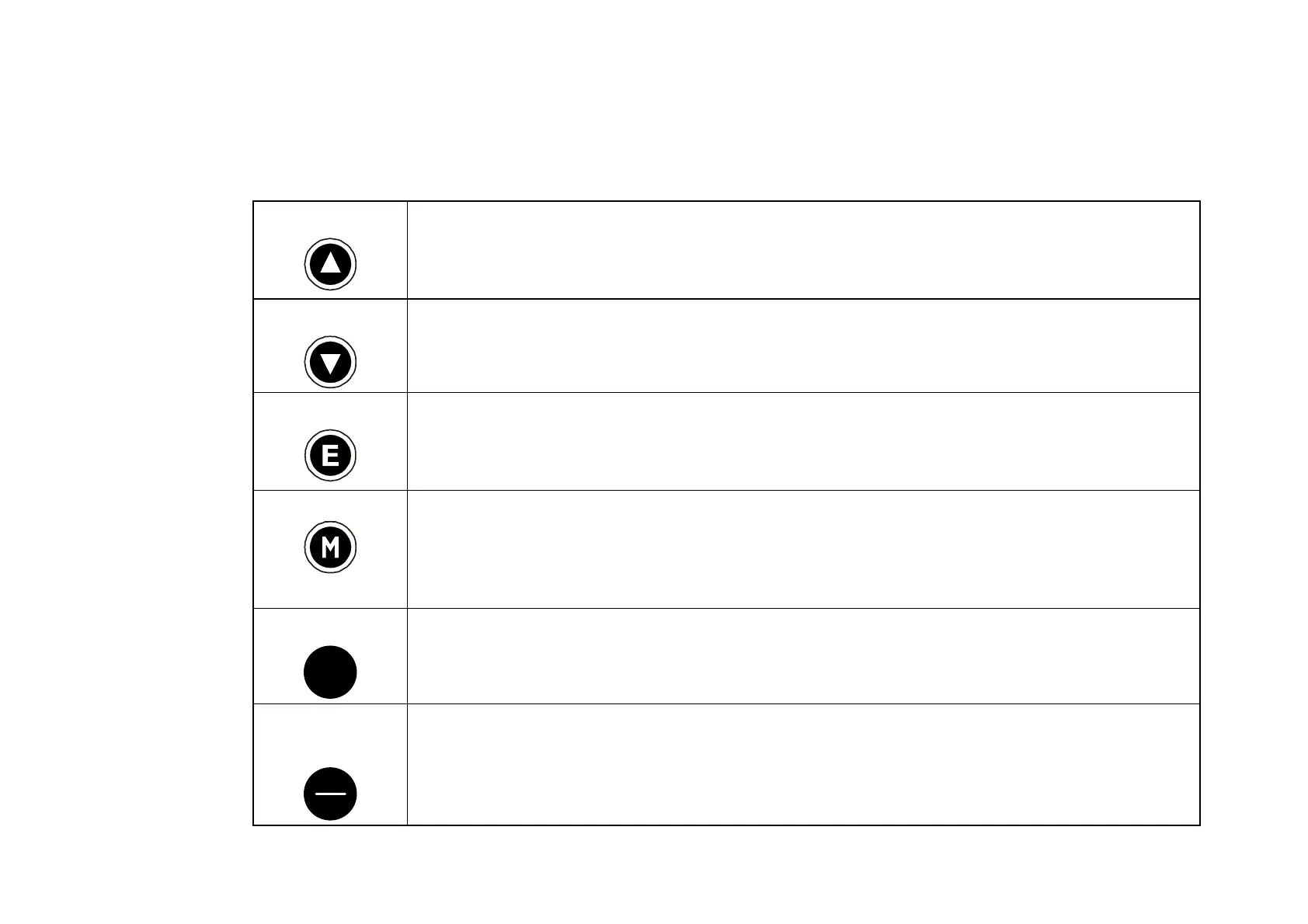
Control Key Definitions
Keys for Programming the Drive
UP
Navigation
- Moves upwards through the list of parameters or menus
Parameter
- Increments the value of the displayed parameter.
Command Acknowledge
- Confirms action when in a command menu.
DOWN
Navigatio
n - Moves downwards through the list of parameters or menus
Parameter
- Decrements the value of the displayed parameter.
ESCAPE
Navigation
- Displays the previous level’s Menu.
Parameter
- Returns to the parameter list.
Trip Message
- Clear the Trip or Error message from the display.
MENU
Navigation
- Displays the next Menu level, or the first parameter of the current
Menu.
Parameter
- Allows a writable parameter to be modified (this is indicated by →
appearing on the left of the bottom line). Hold to display the PREF.
PROG
PROG
Navigation
- Toggles between current locations within the Operator menu and
any other menu.
LOCAL/
REMOTE
R
L
Control
- Toggles between Remote and Local Mode for both Start/Stop (Seq)
and Speed Control (Ref). When toggling, the display automatically goes to the
relevant SETPOINT screen, and the SETPOINT (LOCAL) screen will have the s
and t keys enabled to alter the setpoint.


 To Next Page