The Keypad 9-35
890CS Common Bus Supply - Frames B & D; 890CD Common Bus Drive and 890SD Standalone Drive - Frames B, C & D
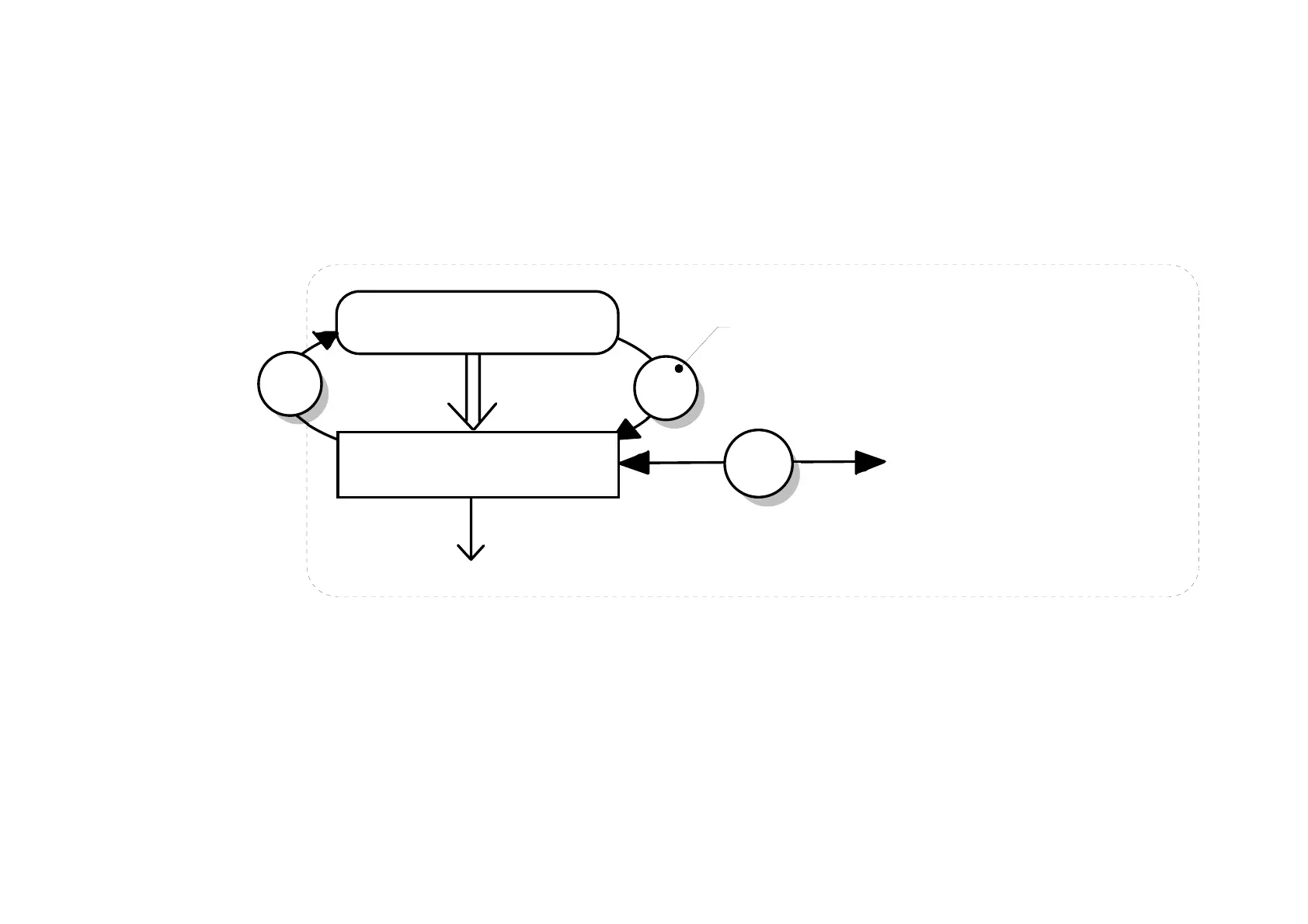
The PROG Key
The PROG key toggles between the OPERATOR menu and any other menu, remembering and returning to
previous positions in each menu. As you press the PROG key, the title of the menu you are about to enter is
displayed, i.e. OPERATOR or for example DIAGNOSTICS. Releasing the key clears the display and
releases you into that menu.
WELCOME SCREEN
PROG
The Menu System
M
E
to other OPERATOR menu parameters
to other menus/parameters
press immediately after
power-up to skip the
timeout
timeout
from
power-up
SETPOINT (REMOTE)
0.0%
=
Holding the PROG key for approximately three seconds takes you to the SAVE CONFIG menu. Refer to
“
How to Save the Application”, page 9-45.


 To Next Page