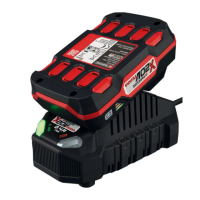
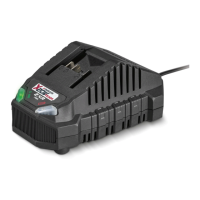
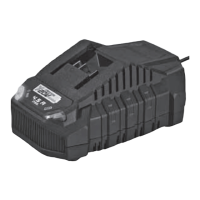
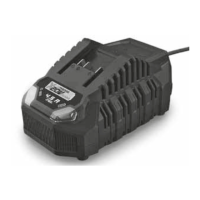
PLG 20 C3
■ 8
│
GB
│
IE
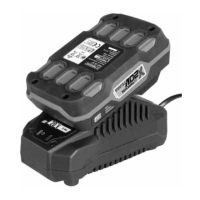
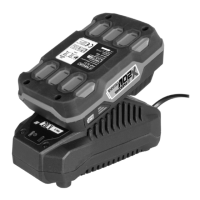
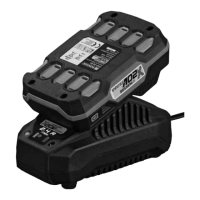
Charging the battery pack (see fig. A)
CAUTION!
► Always unplug the appliance before you remove the battery
pack from or connect the battery pack to the charger.
NOTE
► Never charge the battery pack at an ambient temperature of
below 10°C or above 40°C. If a lithium-ion battery is to be
stored for an extended period, the charge level should be
checked regularly. The optimum charge level is between 50%
and 80%. The storage climate should be cool and dry and the
ambient temperature should be between 0°C and 50°C.
♦ Connect the battery pack
to the high-speed battery charger
(see fig. A).
♦ Insert the power plug into the socket. The control LED
lights
up red.
♦ The green control LED
indicates that the charging process is
complete and the battery pack is ready.
ATTENTION!
♦ If the red control LED
flashes, this means that the battery
pack has overheated and cannot be charged.
♦ If the red and green control LEDs both flash, this means
that the battery pack is defective.
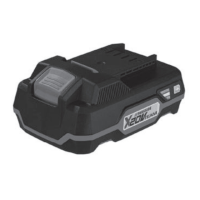
♦ Push the battery pack
into the appliance.
♦ Switch off the charger for at least 15 minutes between successive
charging sessions. Also disconnect the power plug from the mains
power socket.


 To Next Page
 Loading...