PLG 20 C3
GB
│
IE
│
9 ■
Checking the battery charge level
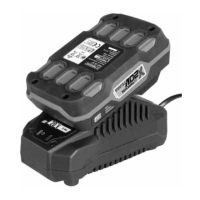
♦ Press the battery charge level button to check the status of the
battery (see also main diagram). The status/remaining charge
will be shown on the battery display LED as follows:
RED/ORANGE/GREEN = maximum charge
RED/ORANGE = medium charge
RED = low charge – charge the battery
Cleaning
CAUTION!
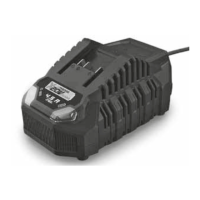
► Always unplug the charger before cleaning it.
► Do not clean the charger with water.
■ Clean the appliance with a dry cloth or brush. Do not use water
or metallic objects.
Maintenance and storage
■ If you do not intend to use the appliance for an extended period,
remove the batteries and store it in a clean, dry place away from
direct sunlight.





 To Next Page