16 GB/IE/NI
L
ight switches must always therefore be swi
tched
on, so that the conductor is carrying voltage.
All the fuses must similarly be inserted or
switched on.
Please note that only voltages of 230 V
~
50 Hz are detected.
If the display of the product hang-up or the
product doesn‘t work well, open the battery
cover, move the battery out of battery com-
partment, press the RESET button using a
sharp object. Then the product display will
restart and resume to normal.
Note: Do not disconnect the battery while
using RESET button.
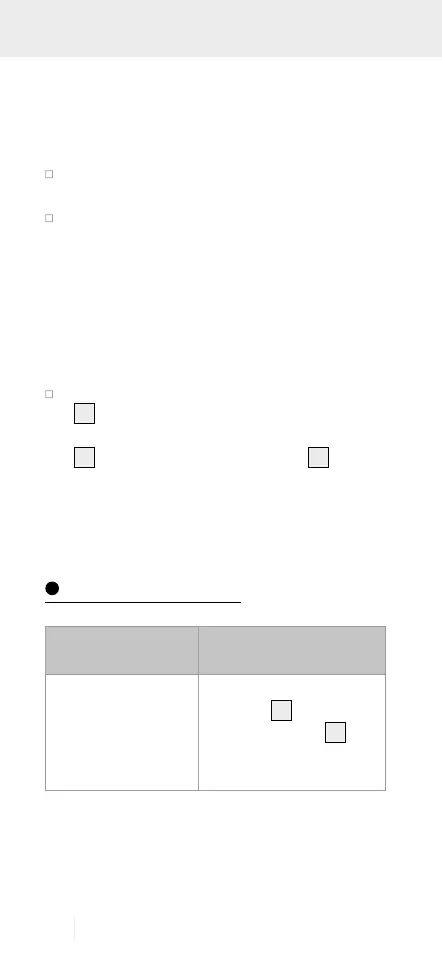
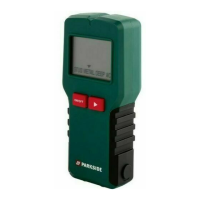
Sensors are located just beneath the display
2
. For better performance, it is not allowed
to touch or bring your hands closer to display
2
or the housing around display
2
. In ad-
dition, always hold the product only along
both the sides with grip and do not touch
other parts while using.
Troubleshooting
Error Possible causes
and solutions
If the product does
not react, electro-
static discharge can
affect the function
of the product.
Open the battert com-
partment
9
and press
the RESET button
8
with a pointed object.


 To Next Page