12 GB/IE/NI
Note: If you do not press any button for one
minute after the product has been switched
on, the product automatically switches off.
Start-up
This product can be used for detecting power
lines.
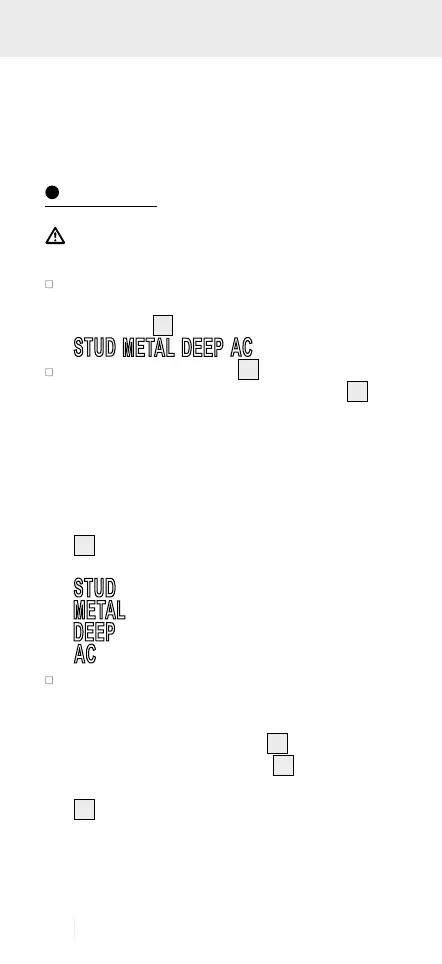
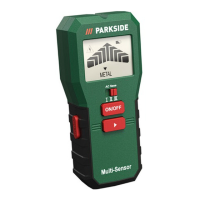
Right after switched on the product, a selection
of menu points will appears at the bottom of
the display
2
:
(Fig. A)
The selection arrow (▼)
16
is over the menu
point for Wooden beam search (STUD)
20
,
when the product is switched on for first time
right after inserting battery. For subsequent
power on, the selection arrow will be point-
ing over the last selected menu. Bring the se-
lection arrow over the desired menu point by
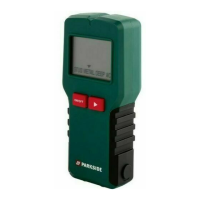
repeatedly pressing the selection button (►)
4
. The meaning of the individual menu
points are:
: Wooden beam search
: Metal search
: Void search
: Power line search
Guide the detector over a location on the
surface to be examined, where you know that
there is no object, which you are looking for.
Then press the PUSH button
6
and keep it
pressed down. A tick symbol
15
will be flash-
ing on the right side top corner of the display
2
to indicate the calibration is on going.
Wait for a while for the calibration process to
complete. The completion of the calibration
will be indicated by a short double signal


 To Next Page