59
ITALIANO
2. Nell’applicazione, premi la funzione che desideri
modificare per selezionarla.
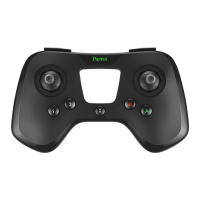
3. Sul Parrot Flypad, premi il pulsante al quale
desideri associare la funzione.
> Il pulsante e la funzione sono associati.
Per tornare alle impostazioni predefinite, premi
Reset.
SPEGNERE IL
PARROT FLYPAD
Per spegnere il Parrot Flypad, premi a lungo il pul-
sante On/Off.


 To Next Page