17. Sampling
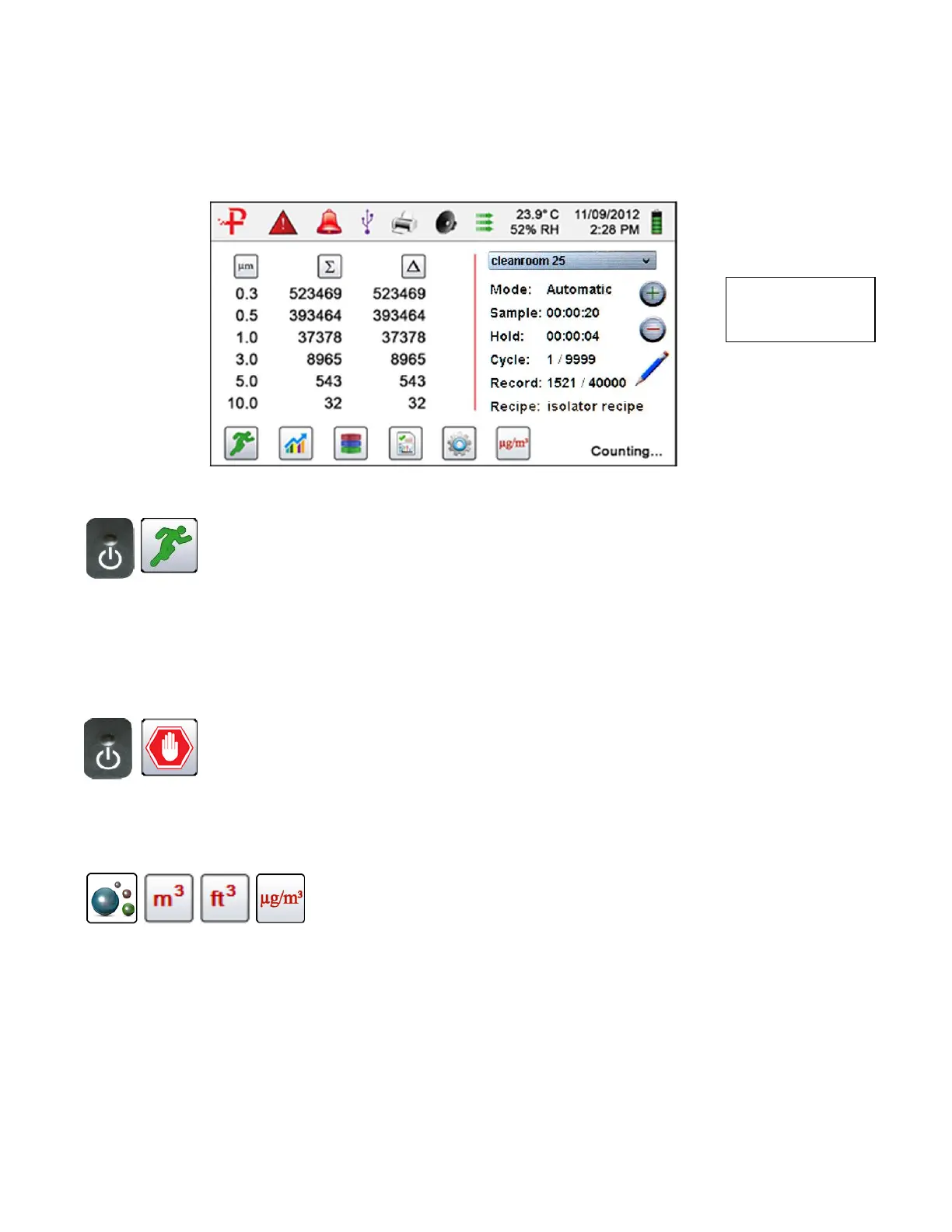
Main Sampling Home Screen
Using the one-touch
power/sample button
on the handle or the
start sample Icon on
the display begins the
sample.
To take a sample, press the start sample icon on the display,
or momentarily press the one touch button on the particle
counter's handle. This will begin the sample according to the
sampling set-up parameters displayed on the right side of the
home display. The sample setting can be changed in the
Settings sub-menus.
Using one-touch
handle button or the
stop sample icon on
the display
To stop sampling, press the Stop Icon on the display or
momentarily press the one touch button on the particle
counter's handle.
Data Unit of Measure
Selection
The Instrument can display the active sample or any recorded
and saved record in count, count per cubic meter, count per
cubic foot, or micrograms per cubic meter (in mass mode).
This can be changed by pressing the icon, rotating through the
data output indication options.
For set-up menus instructions and detailed operations for your 8000 Series
handheld particle counter please refer to your user manual.
Note:
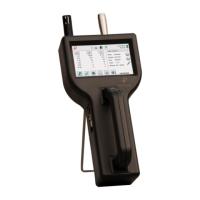
Model 8303
displays 3 channels


 To Previous Page