EasyManua.ls Logo

pasapair A019F-05KR - User Manual

pasapair A019F-05KR
20 pages
Print Icon
To Next Page IconTo Next Page
Loading...
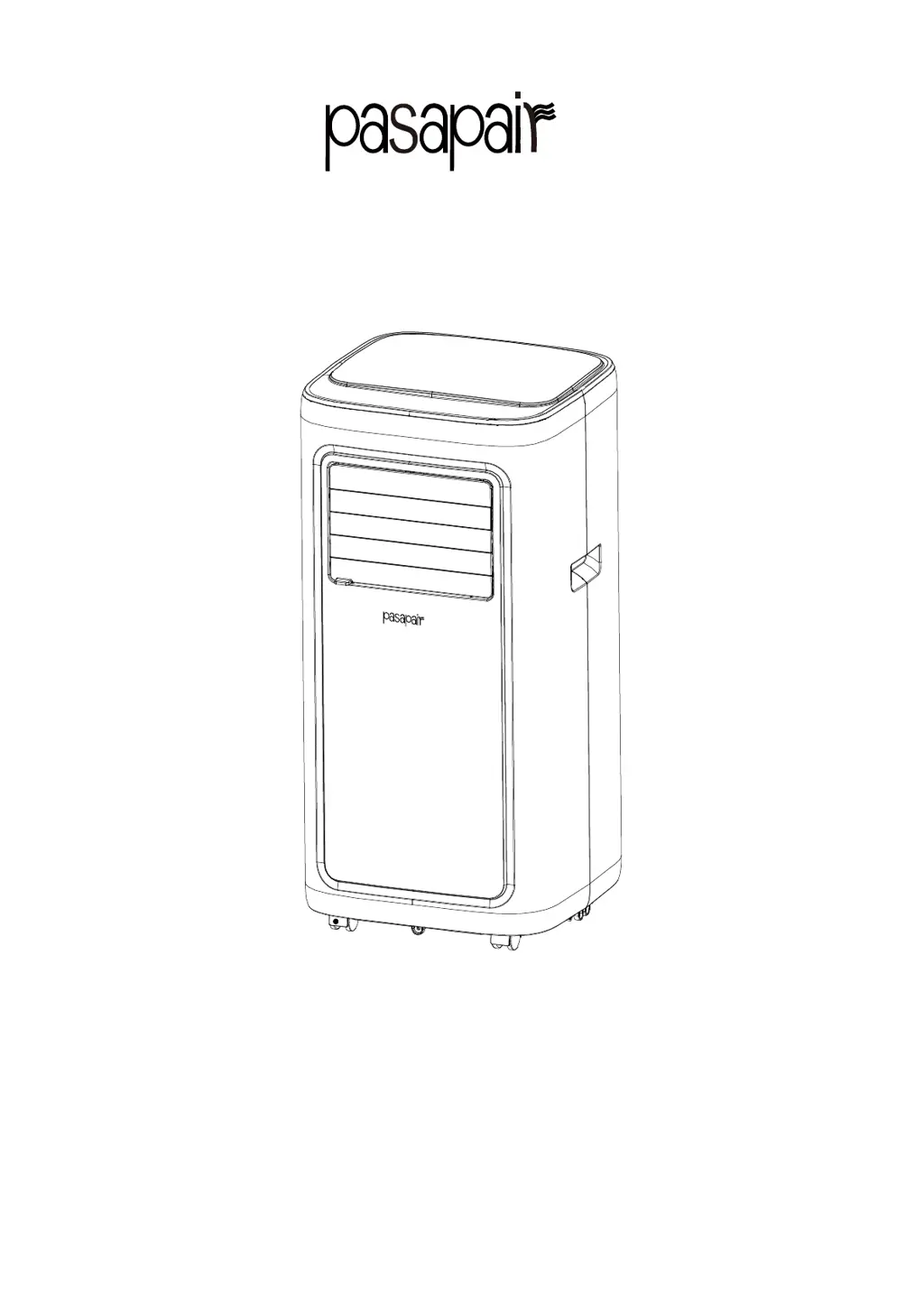
PORTABLE AIR CONDITIONER
Instruction Manual
BRAND:pasapair
MODEL:A019F-05KR/A019F-06KR
PLEASE READ INSTRUCTIONS CAREFULLY BEFORE ASSEMBLYRETAIN
THIS MANUAL FOR FUTURE REFERENCE
1

Questions and Answers

Summary

I. Notes

II. Features and Components

1. Features

Describes the new look, compact structure, and functions of the air conditioner.

2. Components

Details the various parts of the air conditioner with a diagram.

III. Control Setting

1. Control panel operation instructions

Explains the function of each button on the air conditioner's control panel.

2. Operation instructions of remote control

Details how to use the remote control for operating the air conditioner.

IV. APP Connection

WIFI MODE

Instructions for connecting the air conditioner to a Wi-Fi network via the QZsmart app.

Add Device

Steps for adding the air conditioner to the QZsmart app, including auto and manual connection.

BLUETOOTH MODE

Guidance on using Bluetooth mode for control when Wi-Fi is unavailable.

Using the My App

Demonstrates how to control the unit, set temperature, fan speed, and schedules via the app.

How to unbind

Procedures for disconnecting the air conditioner from a mobile phone or app.

LINK TO AMAZON ALEXA

Steps to connect the air conditioner with Amazon Alexa for voice control.

Connection method 2

Details the second method for linking the QZsmart app with Alexa.

Control devices by voice commands

Provides example voice commands for controlling the air conditioner via Alexa.

V. Protection function

4.1 Frost Protection Function

Describes how the unit protects against freezing during operation.

4.2 Overflow Protection Function

Explains the function that triggers when the water pan is full.

4.3 Automatic Defrosting

Details the automatic defrosting feature for heating and cooling models.

4.4 Automatic Thermal Protection

Covers the thermal protection mechanism for the heating mode.

4.5 Protection Function of the Compressor

Explains the 3-minute delay booting protection for the compressor's lifespan.

VI.Installation and adjustment

1.1 Install the heat pipe assembly

Step-by-step guide to attaching the exhaust heat pipe assembly.

1.2 Installation of window sealing plate components

Instructions for installing the window sealing plate to vent the exhaust.

1.3 Install the unit.

Guidance on positioning the unit and connecting the exhaust pipe to the window.

VII. Drainage Instructions

1. Manual drainage

Instructions for manually draining water from the unit when the tank is full.

2. Continuous drainage

Steps for setting up continuous drainage for cooling and dehumidification modes.

VIII. Maintenance

1. Clean the surface

How to clean the exterior surface of the air conditioner.

2. Clean the filter screen

Procedure for cleaning the air filter screen to maintain efficiency.

3. Clean the upper filter screen frame

Steps to clean the filter screen frame and the EVA filter net.

IX. Troubleshooting

Power and Ambient Issues

Resolving power loss, overflow warnings, and temperature-related operation problems.

Performance Issues

Addressing poor cooling/heating effects, noise, and compressor protection.

Remote and Connectivity Problems

Troubleshooting remote control malfunctions and Bluetooth connection errors.

Error Code Displays

Diagnosing and resolving issues indicated by error codes E1 and E2.

X. Warranty

Agent;Distributor

Contact information for agents, distributors, and customer support.

Warranty Card

Information on filling out and submitting the warranty card for service.

pasapair A019F-05KR Specifications

General IconGeneral
Model NumberA019F-05KR
EER3.21
Noise Level42 dB(A)
RefrigerantR410A
Installation TypeWall Mounted
Operating Temperature (Cooling)18°C to 43°C

Related product manuals