EasyManua.ls Logo

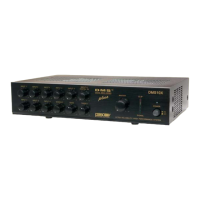
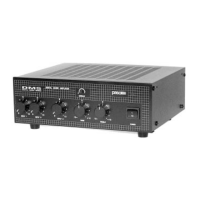
Paso Sound Products T3030DMA - User Manual

Paso Sound Products T3030DMA
10 pages
Print Icon
To Next Page IconTo Next Page
Loading...
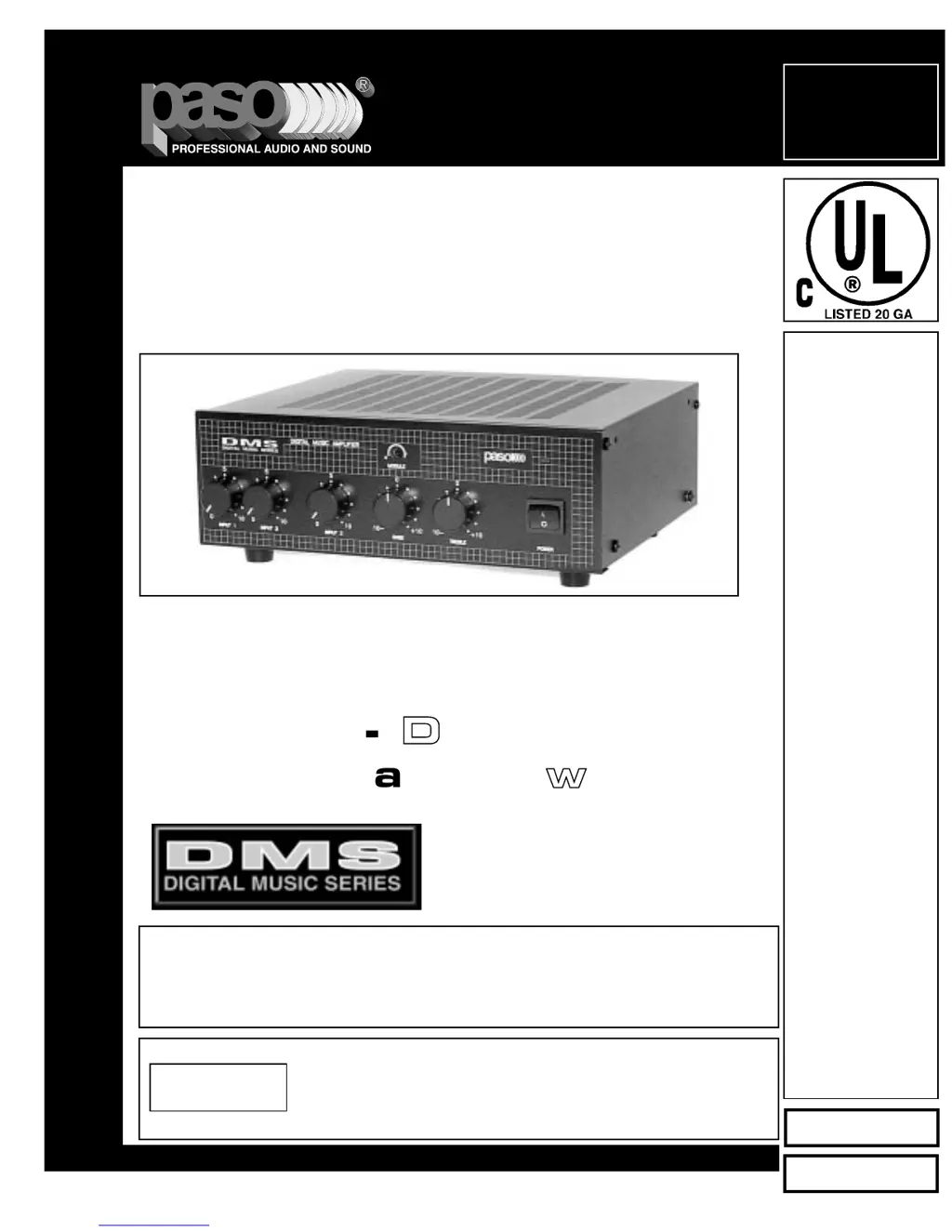
Series DMS
TT33003300DDMMAA
T3030DMA
Digital Music Amplifiers
© copyright Paso Sound Products, Inc. 1999 Specifications are subject to change without notice
Innovation through technology since 1931
Manual
OOMM 115566
Operating Instructions
and Service Manual
30 Watt - 3 Channel - 3 Zone
Digital Music Amplifier
TO REDUCE THE RISK OF FIRE OR ELECTRIC SHOCK DO NOT
EXPOSE THIS APPLIANCE TO RAIN OR MOISTURE
CAUTION !
MMOOHH
--
DDUUAALL VVOOXX
AAccttiivvee
MMaattrriixx
SSwwiittcchhiinngg
REV. 1.0
IMPORTANT NOTE:
THIS OPERATING MANUAL IS PROVIDED AS AN INSTALLATION AND
AS AN OPERATING AID. PASO SOUND PRODUCTS, INC. DOES NOT ASSUME ANY
RESPONSIBILITY AS TO ITS ACCURACY AND SHALL NOT BE LIABLE IN TORT OR CON-
TRACT FOR ANY DIRECT CONSEQUENTIAL OR INCIDENTAL LOSS OR DAMAGE ARIS-
ING FROM THE INSTALLATION, USE OR INABILITY TO USE THIS PRODUCT.

Questions and Answers

  • L
    Lori HughesAug 11, 2025
    What to do if Paso Sound Products T3030DMA sound is distorted and scratchy?
    • C
      Christina OrtizAug 11, 2025
      If the output level LEDs glow cyclically, the sound is intermittent, distorted, and scratchy, check the following: 1. Speaker line shorted. 2. One or more speakers or line transformer shorted. 3. Output impedance load mismatched with amplifier output impedance setting (overload). 4. In constant voltage systems (25-70 V) the total load power requirement exceeds the amplifier power rating (overload). 5. Excessively high setting of one or more volume controls.
  • D
    Daniel LarsonAug 17, 2025
    How to stop acoustic feedback from Paso Sound Products T3030DMA Amplifier?
    • T
      Thomas SchmidtAug 18, 2025
      To stop acoustic feedback or loud squeal that occurs when the amplifier is turned on: * Ensure the microphone is not too close to or facing the speakers. * Check that the volume control setting is not too high. * Adjust the tone controls to the cut range.
  • S
    sean67Aug 23, 2025
    What to do if Paso Sound Products Amplifier power indicator glows but there is no output?
    • O
      ogloverAug 23, 2025
      If the power indicator glows but there is no output from the Paso Sound Products Amplifier, check the following: 1. Ensure the input controls are adjusted properly. 2. Check for shorted speaker wires. 3. Verify the speaker line is not interrupted. 4. Confirm the microphone or program source is not interrupted.
  • K
    Kimberly JohnsonAug 29, 2025
    Why is there a loud hum from my Paso Sound Products Amplifier speakers?
    • A
      ariel11Aug 29, 2025
      A loud hum or crackling sound from the speakers may be due to: 1. Incorrectly wired microphone inputs. 2. An open ground or shield in the input cables. 3. Speaker terminals shorted to chassis ground.
  • K
    Kara MillerSep 3, 2025
    How to fix a Paso Sound Products Amplifier that is completely dead?
    • J
      John WallsSep 4, 2025
      If the Paso Sound Products Amplifier is completely dead and the power indicator does not glow, check: 1. If there is voltage present at the AC outlet. 2. If the AC line fuse is open. 3. If the power cord is defective or open. 4. If the power switch is inoperative. 5. If the power transformer winding is open. 6. If the power indicator is defective or disconnected.

Paso Sound Products T3030DMA Specifications

General IconGeneral
BrandPaso Sound Products
ModelT3030DMA
CategoryAmplifier
LanguageEnglish

Related product manuals