EasyManua.ls Logo

PAT America DS 350 - User Manual

PAT America DS 350
54 pages
Print Icon
To Next Page IconTo Next Page
Loading...
www.patamerica.com
PAT America, Inc.
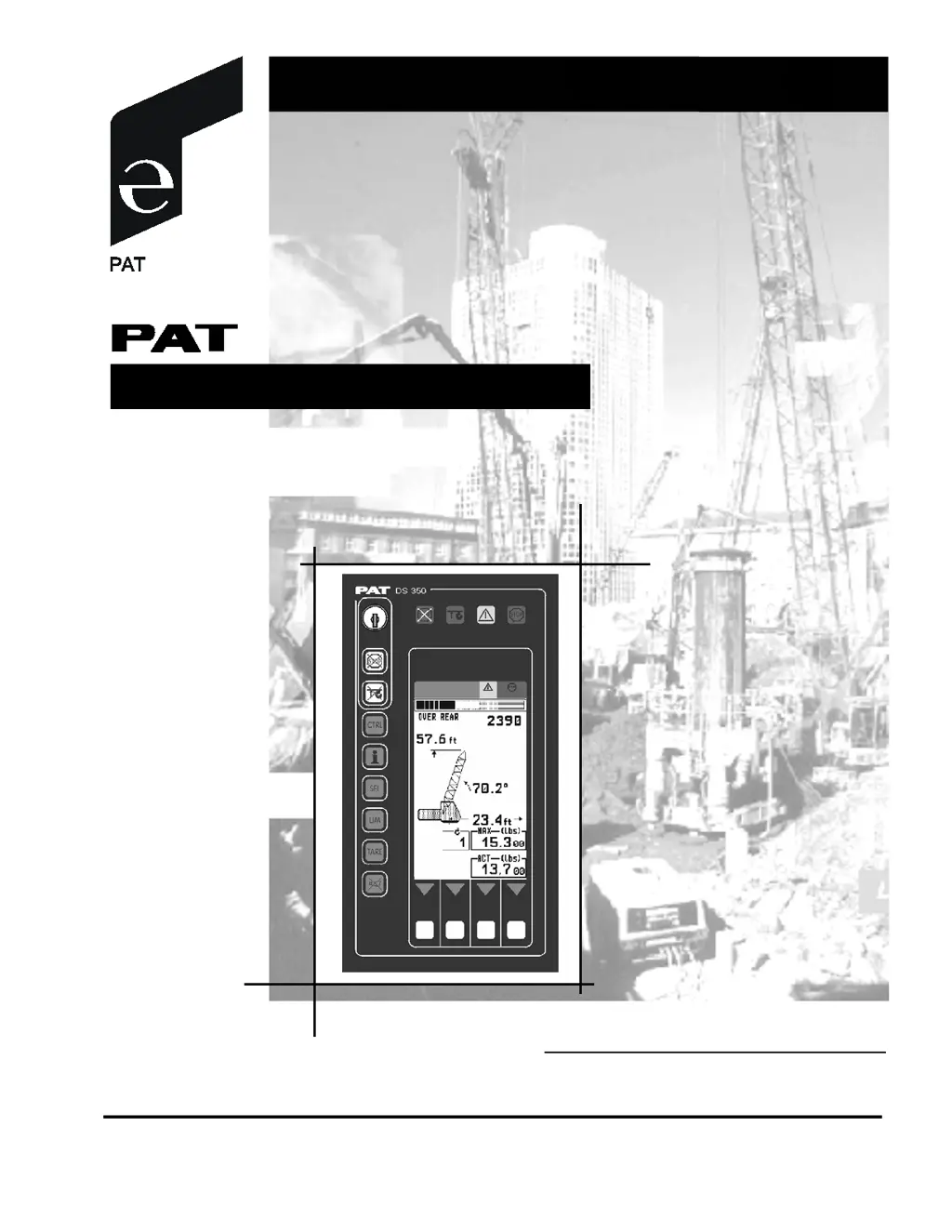
RATED CAPACITY LIMITER
DS 350 / 1334 GRAPHIC
for Lattice Boom Cranes
OPERATOR'S MANUAL
P/N 031-300-190-072, Rev. D, 04/12/02

Other manuals for PAT America DS 350

Questions and Answers

  • S
    smithnatalieAug 3, 2025
    What to do if the PAT America Industrial Equipment shows error E04?
    • K
      Kelly Brooks MDAug 3, 2025
      Error E04 can occur if the operating mode switch in the console is incorrectly set. Make sure to correctly set the operating mode switch to the code assigned to the crane's operating mode. Also, this error may appear if the operating mode isn't permissible with the current crane configuration, boom position, or area definition. Ensure the crane is set up according to proper operating configurations.
  • K
    Kayla DawsonAug 11, 2025
    What to do if PAT America Industrial Equipment boom position is out of the permissible working area?
    • V
      Victoria AllenAug 11, 2025
      If the boom position is out of the permissible working area (over front), you should move the boom back to the permissible working area. Refer to the lifting diagram in the load capacity charts for guidance.
  • C
    Carol NashAug 19, 2025
    Why does my PAT America Industrial Equipment show error E01?
    • C
      cindy93Aug 19, 2025
      Error E01 appears when the equipment falls below the minimum radius or exceeds the maximum angle specified in the load capacity chart, typically due to luffing the boom up too far. To resolve this, boom down to a radius or angle within the load capacity chart's specifications.
  • A
    Angela ParsonsAug 26, 2025
    What to do if PAT America Industrial Equipment exceeds maximum radius (error E02)?
    • K
      Kathryn WaltersAug 27, 2025
      If the maximum radius or minimum angle given in the load capacity chart was exceeded due to luffing down the boom too far, resulting in error E02, boom up to a radius or angle given in the load capacity chart.

Summary

General Information

Warnings

System Description

System Function

Explains how the RCL system operates and its self-test sequence.

Operating Console

Details the functions and placement of the operator's console.

Control Identification

Identifies and describes the various controls on the operator's console.

Configuration Setup

RCL Setup Procedure

Outlines the step-by-step procedure for configuring the RCL system.

Hoist-in-Use Quick Selection

Describes the method for quickly selecting the hoist in use.

Crawler Position Quick Selection

Details how to quickly adjust the crawler position settings.

Operation

Limit Setting

Covers programming operational limits like radius, tip height, and boom angle.

Info Crane Configuration

Displays detailed information about the current crane configuration.

Display Contrast Control

Allows adjustment of the LC display contrast for readability.

Pre-Operation Inspection and Calibration Verification

Service and Maintenance

Troubleshooting

Appendix A: Detailed Symbol Explanation of Boom Extensions

Appendix B: Detailed Symbol Explanation of Counter Weight Options

PAT America DS 350 Specifications

General IconGeneral
BrandPAT America
ModelDS 350
CategoryTouch Panel
LanguageEnglish