10
SET UP PAY PERIOD, ADD EMPLOYEES
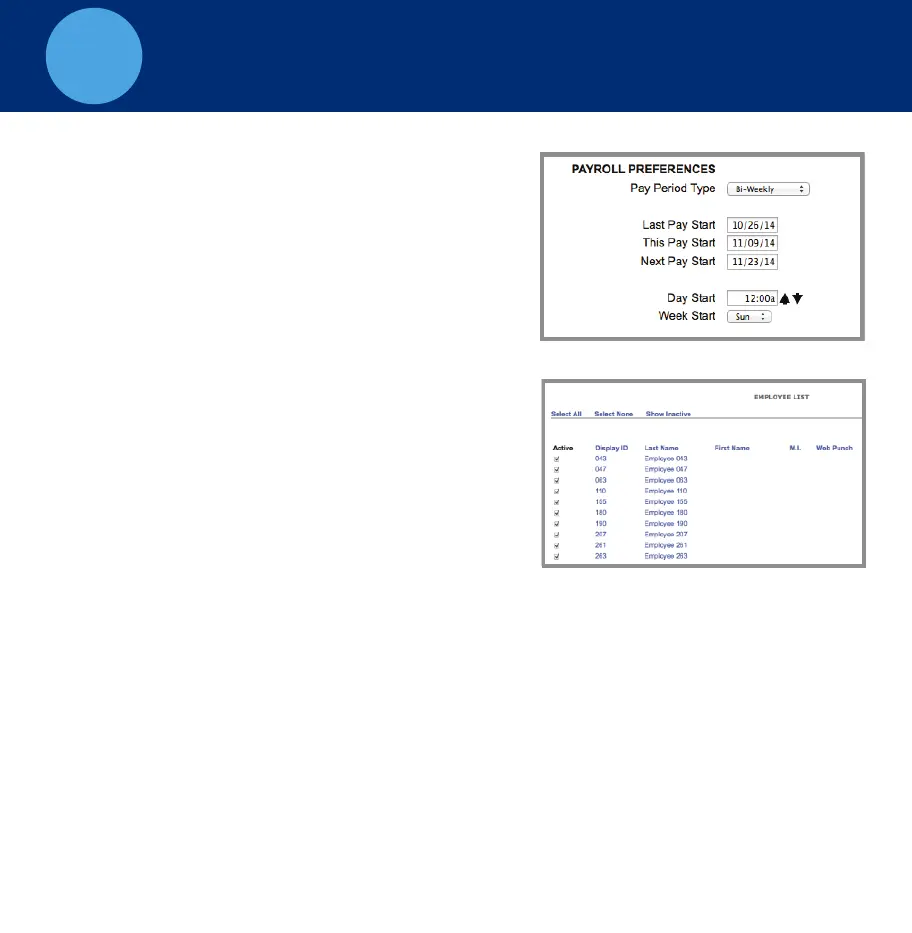
Step 1 - Set up your Pay Period
Go to the Settings menu, click on
Preferences.
Under the Pay tab, select the applicable
Pay Period type. Complete the rest of the
settings accordingly.
Step 2 - Add Employees
To access the Employee List go to Lists,
click on Employees.
The Employee List is used for
maintaining employees in the time clock
including, adding, editing and
terminating employees.
Each employee is assigned a default
4-digit PIN. This PIN is used to enroll their finger for biometric entry
and to assist in punching on the time clock
Step 3 - Give Employees their PIN
Make sure that each employee knows their PIN. Post the Fingerprint
Enrollment Guide and Clocking In and Out Guide by the time
clock. Have the employees follow the instructions listed to enroll their
fingerprint and begin clocking In and Out at the time clock.



 To Next Page