3
3
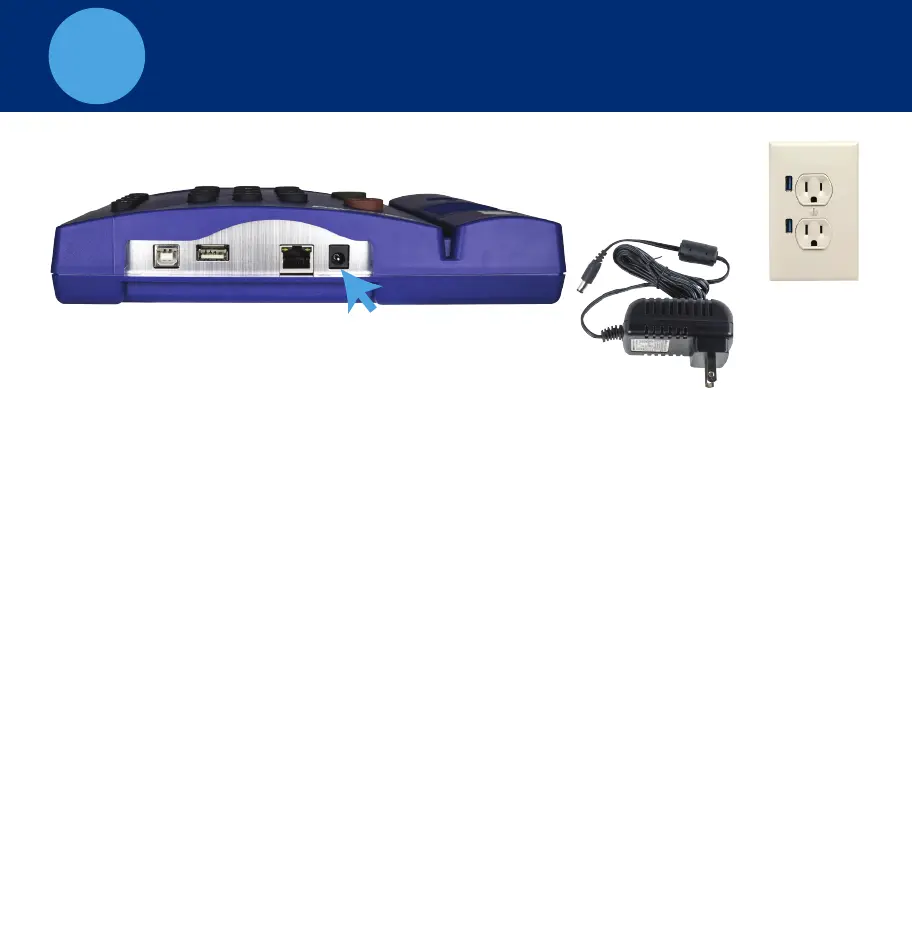
SET THE DATE AND TIME
A. Plug the power supply into the power supply port located on the bottom
of the clock.
B. Plug the power supply into the wall outlet.
C. The display will state Set Date/Time.
D. Press or on the time clock to select the current month. Press Enter.
E. Follow the same procedure to advance through each step, setting the date
and time. If a mistake is made, press Clear to go back.
F. Once complete, the time clock will display Date and Time Set.
If the clock detects a wifi connection, it will display, Network detected press
Entry. Go to Panel 5
^
^
A. TrueShift Time Clock
B. Wall Outlet
B. Power Supply
Wall Outlet


 To Next Page
 Loading...