5
CONNECT VIA WIRELESS NETWORK
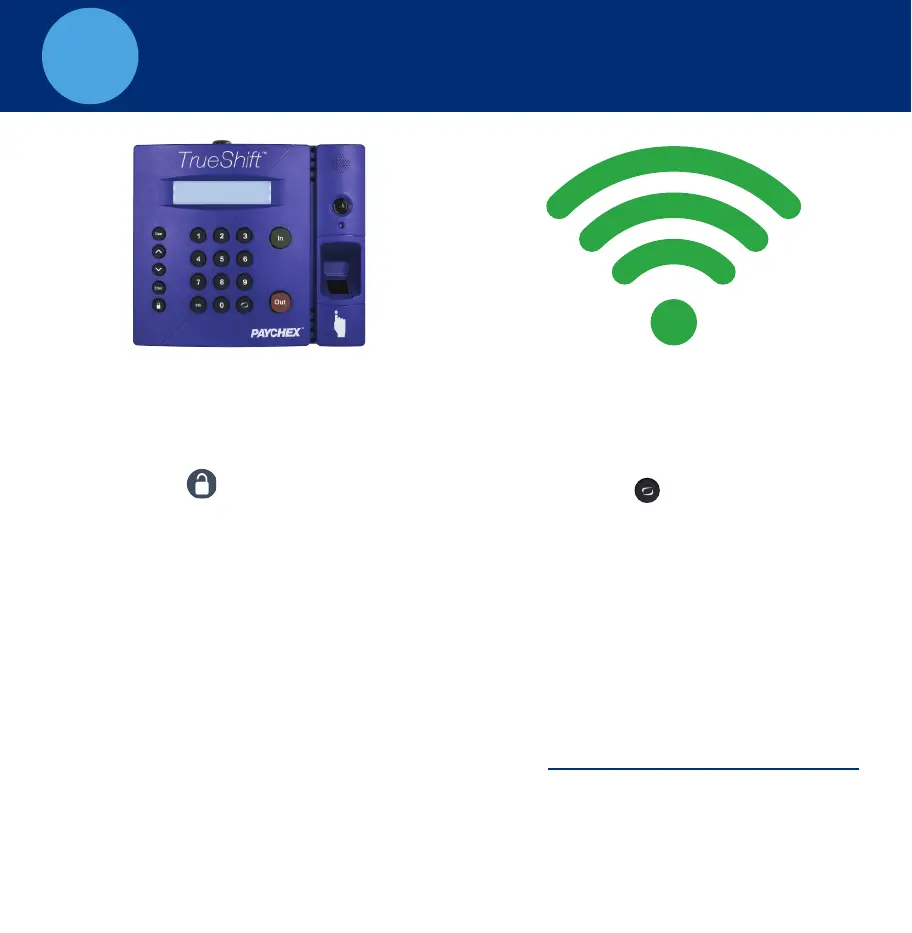
TrueShift Time Clock WiFi Connection
A. If a wireless network is detected,
on boot up, press Enter and skip
to Step E. otherwise, go to Step B.
B. Press the key on the time
clock, to enter Supervisor Mode.
C. Enter default security code:
00 00 00.
D. Use the key to find Network
Settings, press Enter.
E.
Find Wifi Settings. Press Enter.
F. Find view Networks. Press Enter.
H. Enter Network Password.
J. Go to Panel 9
^
• Use the Key to scroll
through the character options.
• Use the key to change
character mode: lowercase,
upper case # and symbol.
•
Press Enter to accept a
single character.
• When complete, press
Enter twice to save the
password.
I.
Write down IP Address
^
G. Choose a Network. Press Enter.



 To Next Page