7
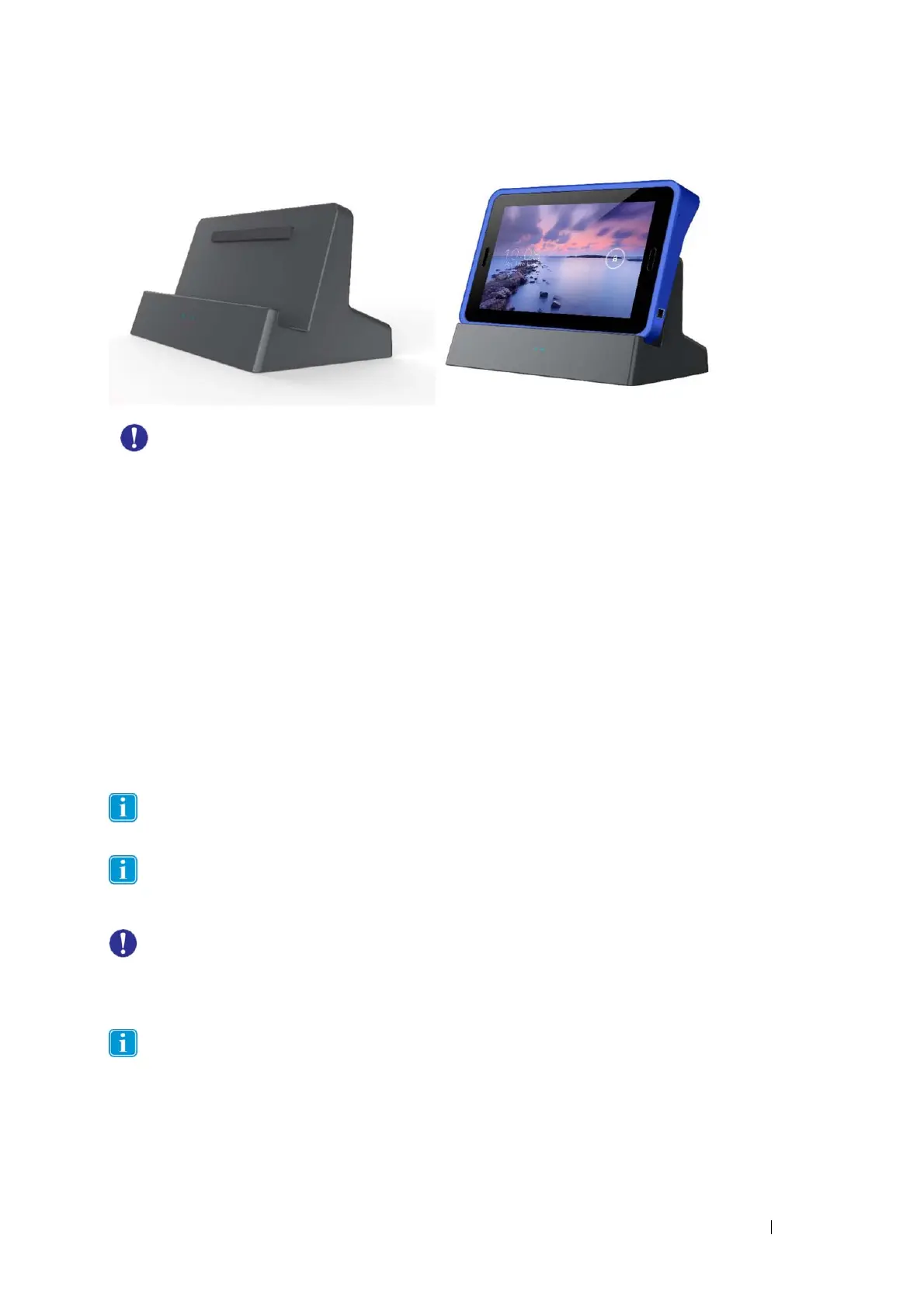
UseonlythedockingstationincludedwithyourTabletPC.Usingotherdockingstationsmay
damagethedevice.
Power Supply and Batteries
ThePT‐80devicehasonerechargeablebattery.AndroidOSwillgivebatterywarningsatcertainbattery
levels.IfthePT‐80deviceisnotchargedorpoweredbythepowersupply,thePT‐80devicewillshut
downautomatically.Formoreinformation,moredetailsaboutthespecification,pleaseseeAppendix
A‐
TechnicalSpecifications
TochargetheBatteryPack:
1. Connectthetablettothedockingstationusingdockingconnector.
2. Connectthedockingstationtoanelectricaloutletandchargethetabletuntilthebatteryis
fullycharged.
3. Afteryourdeviceisfullycharged,disconnectthechargerfromboth
thedeviceandthe
electricaloutlet.
NOTE:Topreventdamagetobatteries,pleaseseeSection8:Safety
Youcannotoverchargethebattery.Itisfinetochargethebatteryovernight.
Batterylifenaturallydegradesovertime.Failuretofollowinstructionsforrecommended
operatingtemperatures,chargeanddischargerates,andother
instructionsmayaccelerate
batterydecayrates.Ifyourtabletbatterywillnotacceptorholdasatisfactorycharge,itmayneed
tobereplaced.
Forbatterystorageandchargingtemperatures,seeSection8:Safety


 To Next Page