Brighten Your Digital View!
21
www.pbi-china.com
Serial Number: show the serial number for the device, cannot be modified by user.
WEB Auto Refresh Time: set the interval of webpage refresh.
Gigabit Mode: switch the TS/IP operation mode, “Multiple Output”, “Full duplex” and “IPTV”. The
device will reboot after change.
8.5.2 System -> IP Control
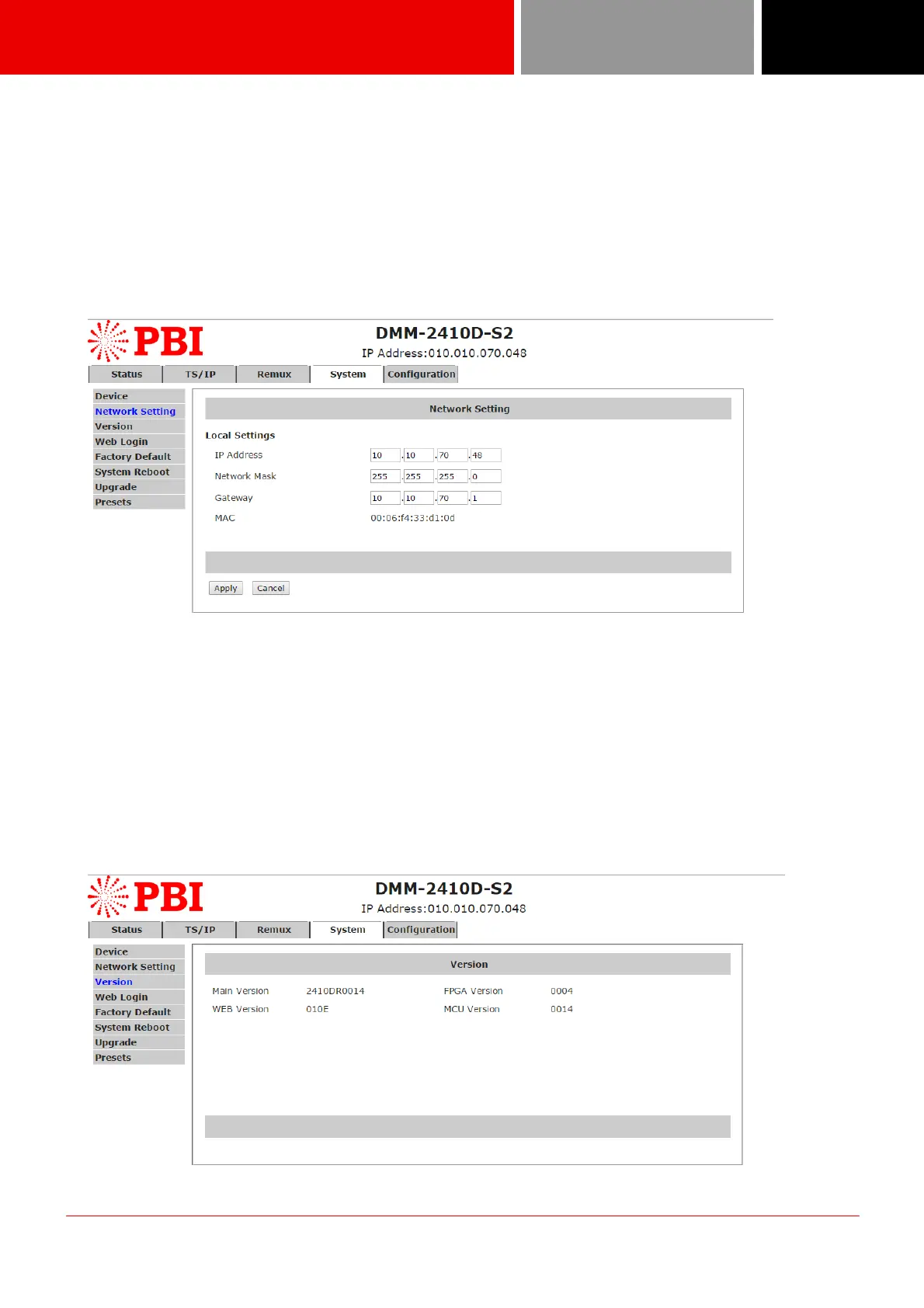
The network settings for the device can be found and configured under the page below.
IP Address: set the device’s IP address
Network Mask: set the net mask of the device
Gateway: set the gateway address of the device
MAC: display the MAC address of the device, cannot be modified by user
8.5.3 System -> Version
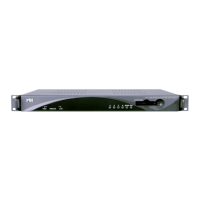
User can check versions of various functional blocks of the device, as it shown in figure below.


 To Next Page