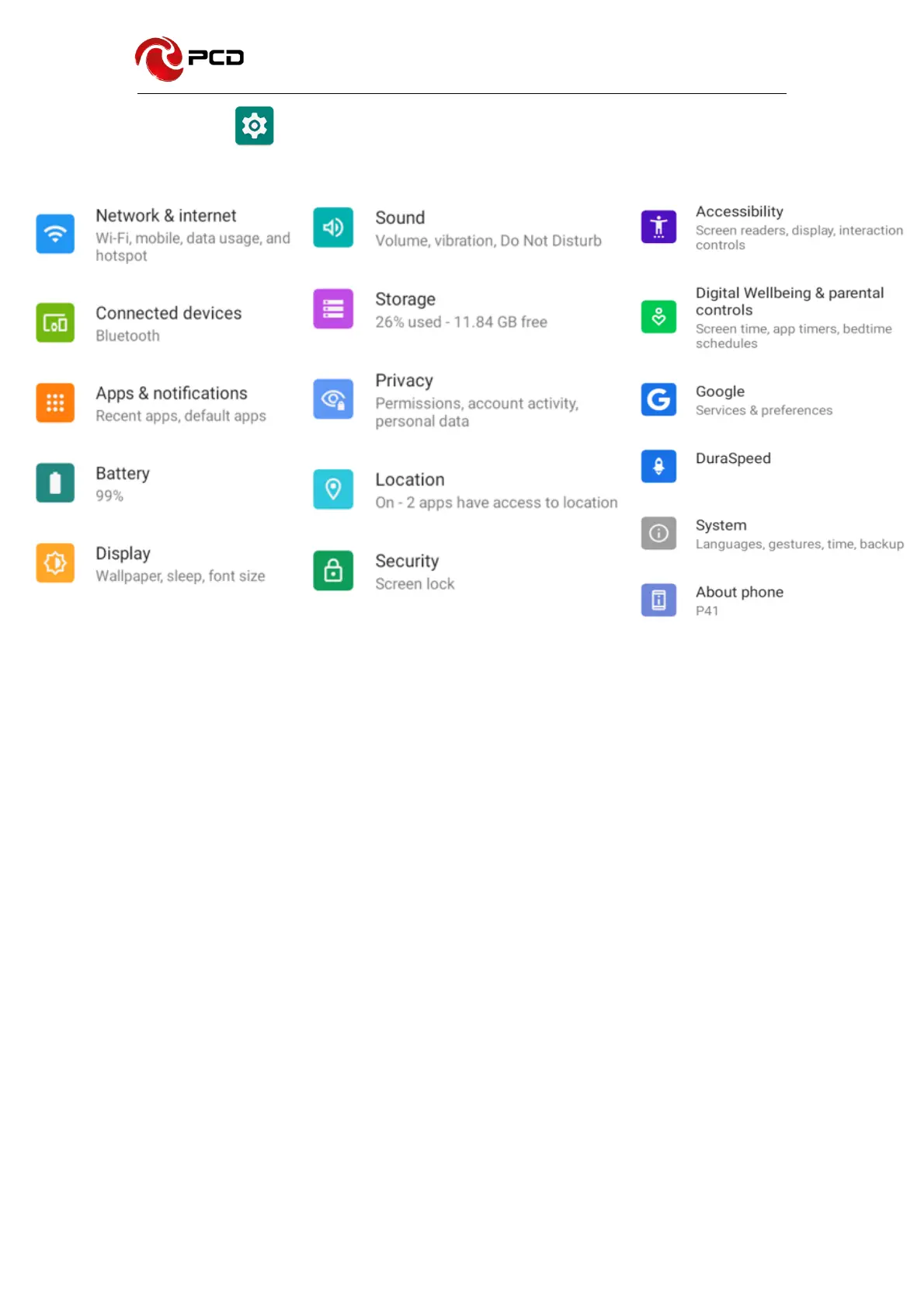
Settings
To display the menu settings, select the icons directly.
Networks & Internet
Select to configure
§ WIFI:
Allows you to search and connect to the available wireless access point.
§ Mobile network:
Includes preferred network type, access point names, network operators,
roaming (on/off), and data usage.
§ Data Usage:
You can check WiFi data usage, data saver (on/off), mobile data (on/off)
§ WiFi zone (Hotspots and Portable Devices):
Share your data through this function.
§ Airplane mode (on/off).



 To Next Page