Battery
Charging the battery
• Charge the battery before using it for the first time or when it has been
unused for extended periods.
• Use only PCD chargers, batteries, and cables. Unapproved chargers or
• cables can cause the battery to explode or damage the device.
• Connecting the charger improperly may cause serious damage to the
device. Any damage caused by misuse is not covered by the warranty.
• To save energy, unplug the charger when not in use. The charger does not
have a power switch, so you must unplug the charger from the electric
socket when not in use to avoid wasting power. The charger should remain
close to the electric socket and easily accessible while charging.
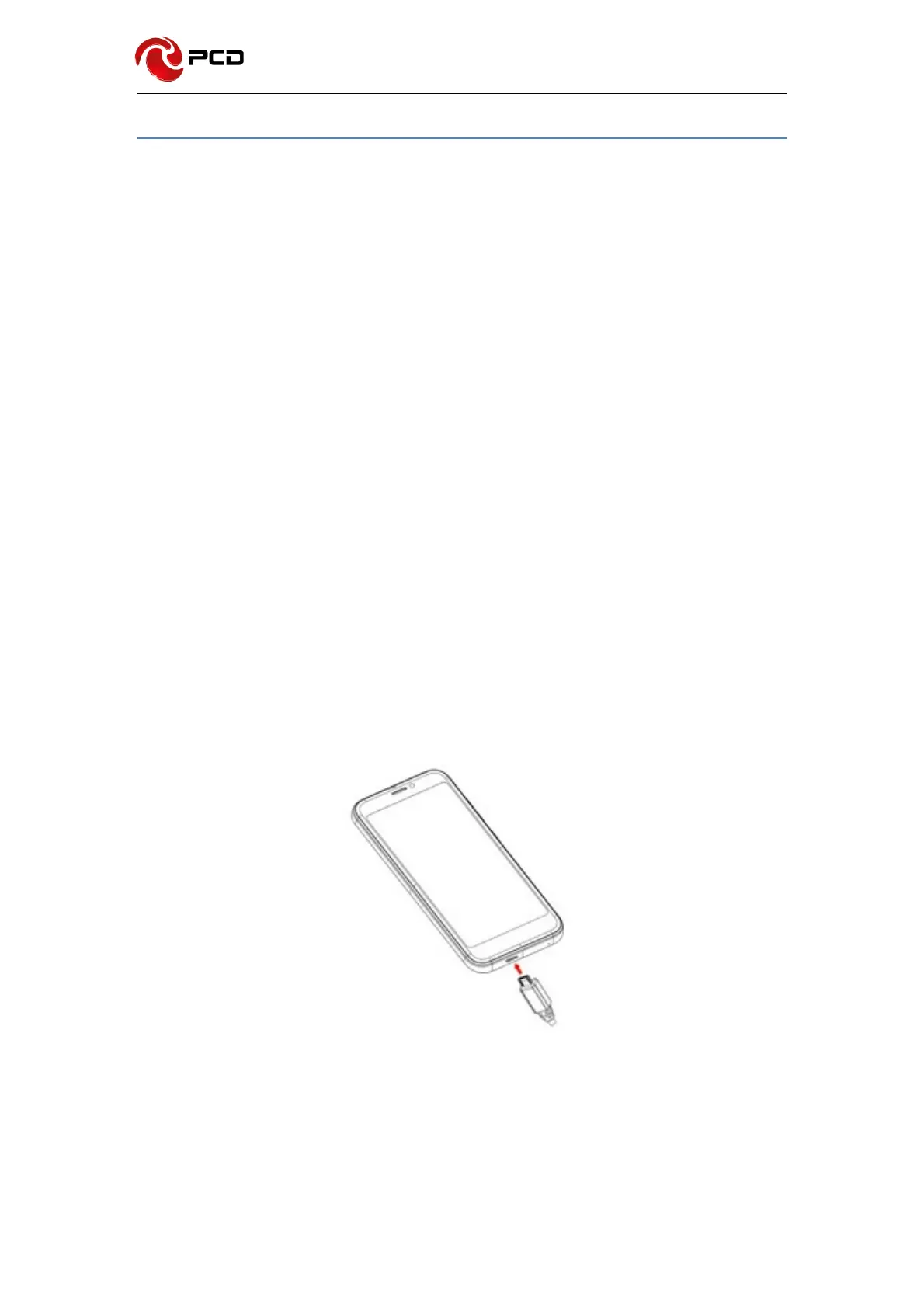
1 Connect the USB cable to the USB power adaptor.
2 Plug the USB cable into the device’s USB port.
3 Plug the USB power adaptor into an electric socket.
4 After fully charging, disconnect the charger from the device. Then, unplug the
charger from the electric socket.



 To Next Page