Getting started
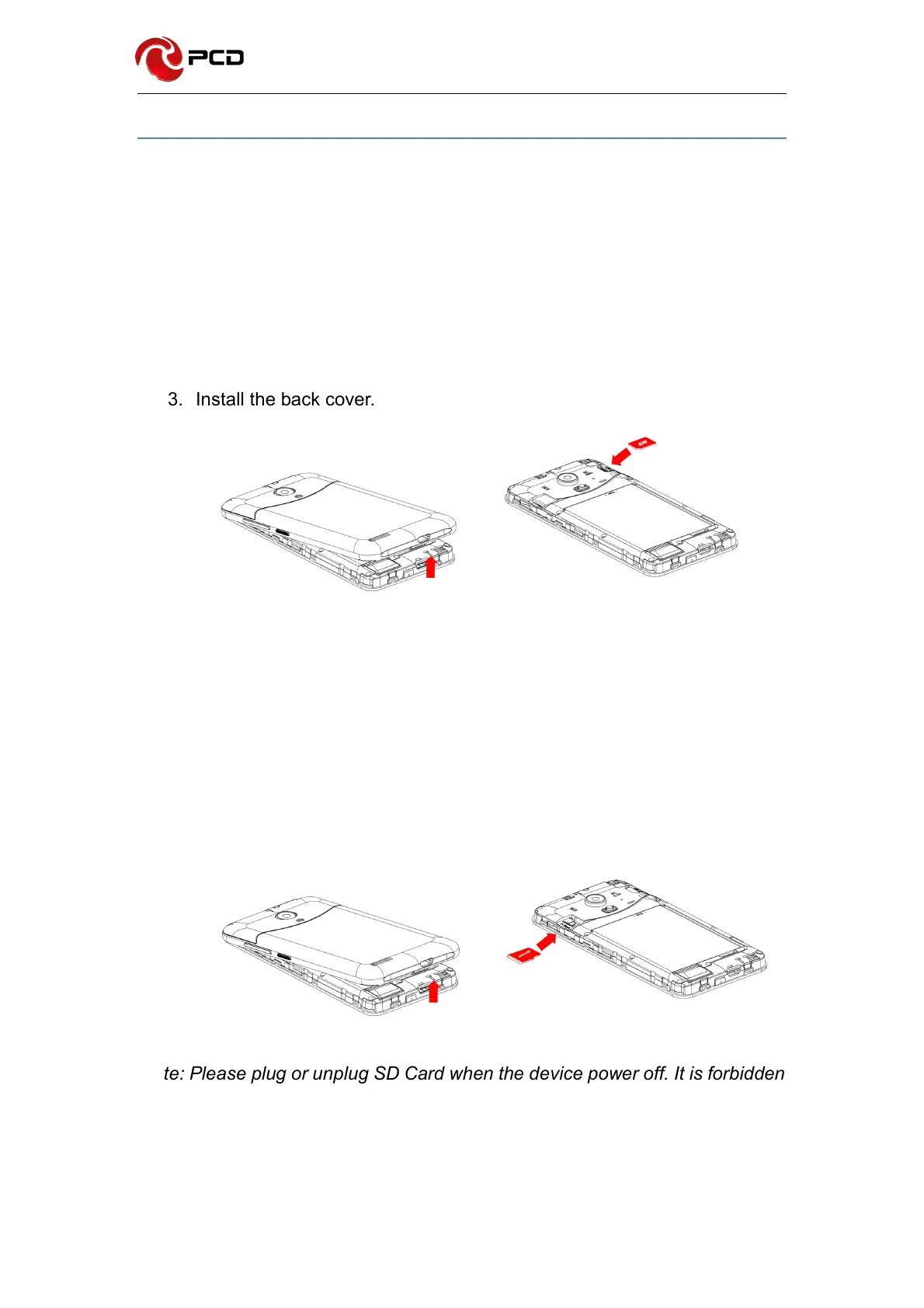
Installing the SIM Card
Insert the SIM card provided by the mobile telephone service provider
1. Remove the back cover
2. Place the SIM card on the SIM Card slot with the gold colored contacts
facing downwards.
3. Install the back cover.
Installing the microSD card.
1. Remove the back cover
2. Place the microSD card on the microSD Card slot with the gold colored
contacts facing downwards.
3. Install the back cover.
Note: Please plug or unplug SD Card when the device power off. It is forbidden
to carry out this operation when the device is running. Any data loss or
damage resulting from the faulty operations is attributed to users.



 To Next Page