3.
OPERATING INSTRUCTION
3.1
MEASURING VOLTAGE
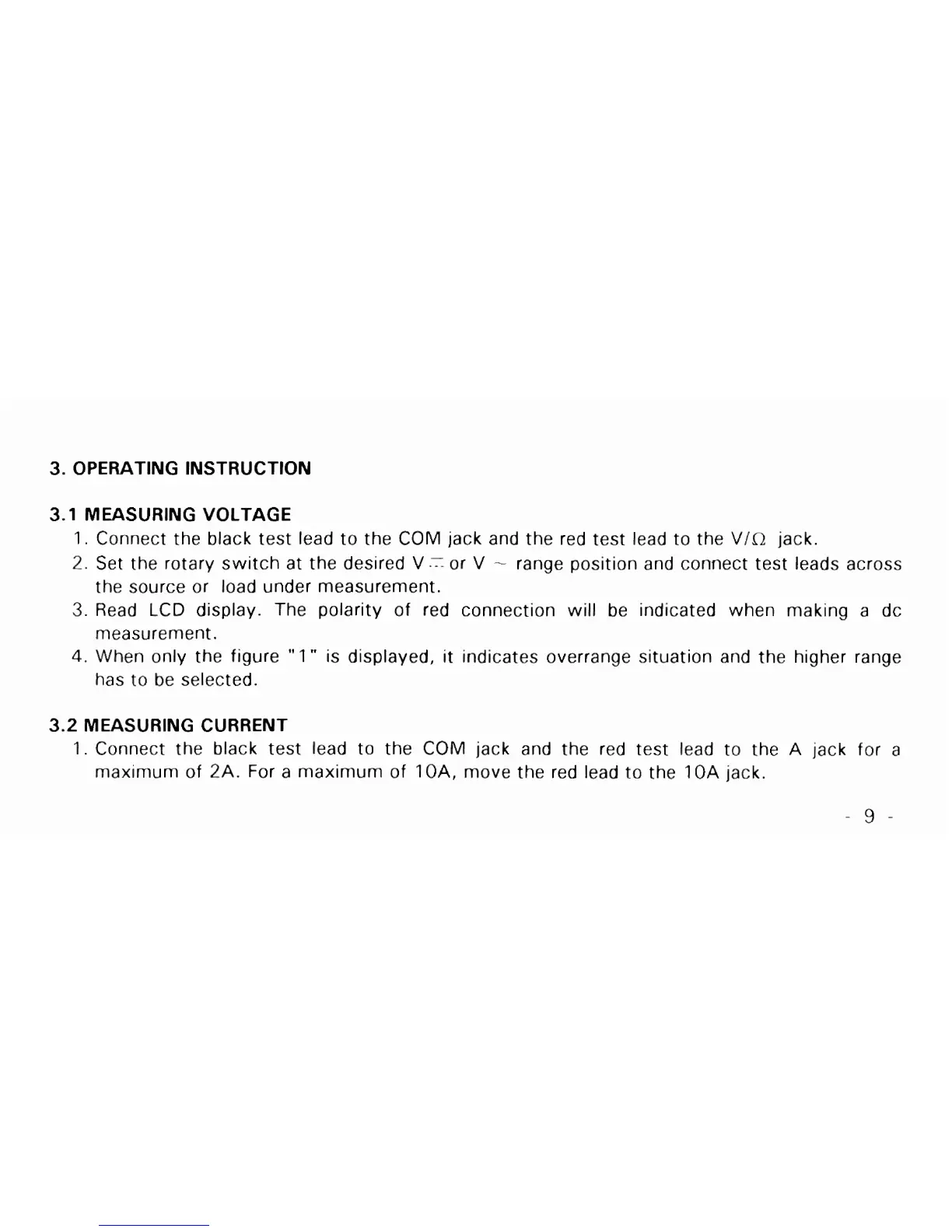
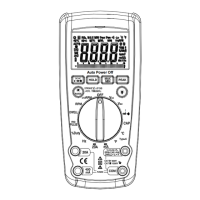
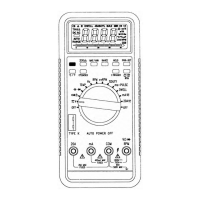
1. Connect the black test lead to the COM jack and the red test lead to the VIC2 jack.
2.
Set the rotary switch at the desired
V
.I
or
V
-
range position and cormect test leads across
the source or load under measurement.
3.
Read LCD display. The polarity of red connection will be indicated when making a dc
measurement.
4.
When only the figure
"
1"
is displayed,
it
indicates overrange situation and the higher range
has to be selected.
3.2
MEASURING CURRENT
1.
Connect the black test lead to the COM jack and the red test lead to the A jack for a
maximum of
2A.
For a maximum of IOA, move the red lead to the 10A jack.



 To Next Page