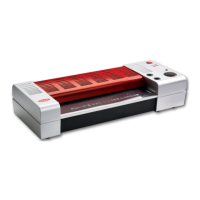
Using the temperature and speed control
Temperature Control
These buttons are used for increasing or decreasing the temperature setting.
The temperature can be increased or decreased by a unit of 1
o
C when they are pressed.
(Please note the temperature control chart below is for a guide only and other factors
such as room temperature and thickness of document can aect the laminator).
The desired temperature will be shown on the display, to show the actual temperature of the
rollers press the temperature measure button
The temperature range is from 0 -150
o
C (if the laminator reaches a temperature of more than 160
o
C,
an over heating circuit will cut o the system automatically).
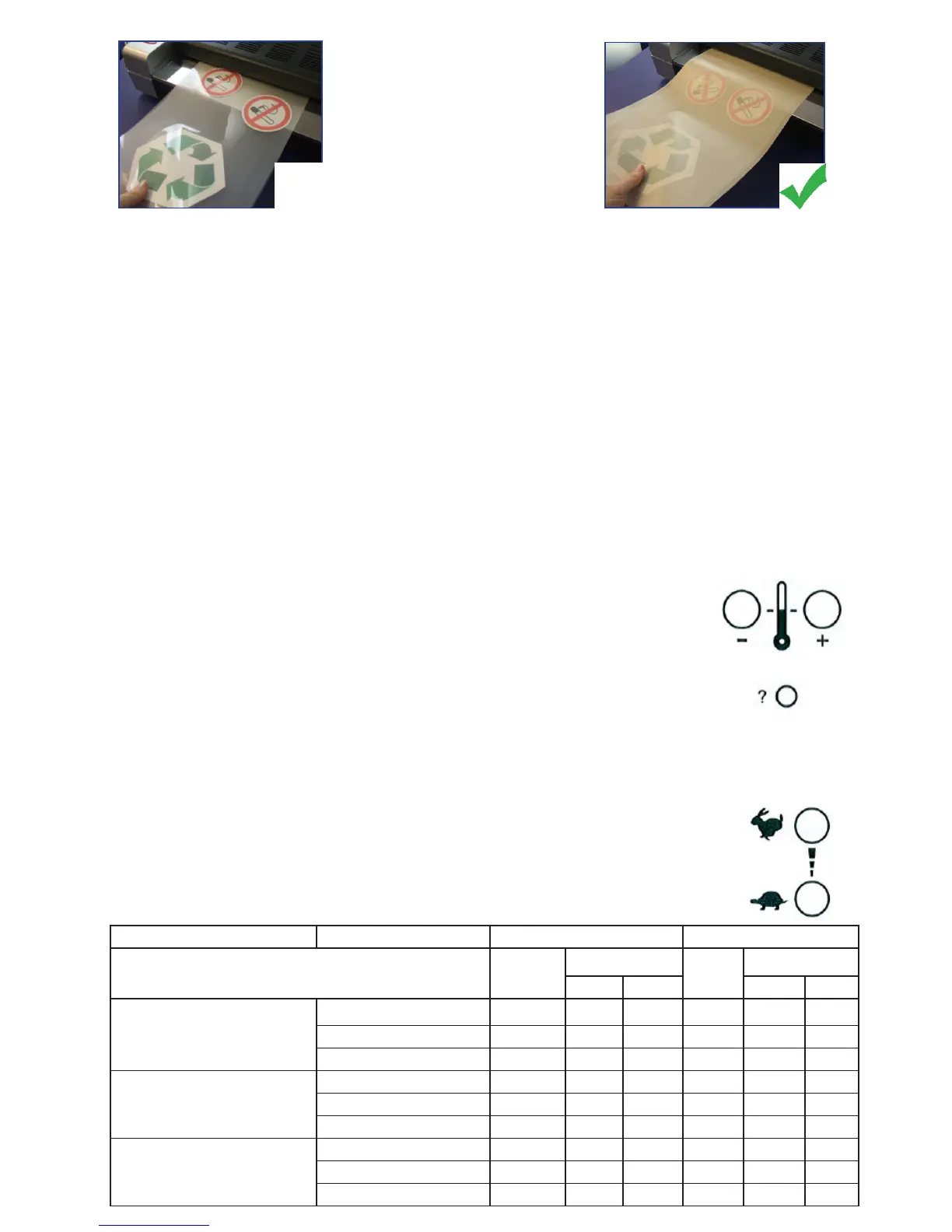
Never laminate small,
cut-up pieces without
using a Lifejacket
®
or you
risk jamming and damaging
your laminator (this will
not be covered under warranty).
What is a ‘Lifejacket®’?
The Lifejacket® is a highly durable patented product made from Teon® that should be used when laminating
cut-up, odd shaped pieces (such as shapes, letters, signs as shown above) to prevent damage to your laminator
and potential jamming.
Why use a Lifejacket®?
.
Protect your laminator from jamming
.
Extend the life of your laminator by using the Lifejacket® - stops adhesive seeping onto the rollers
.
Eliminate repair bills as this product keeps your laminator working at an optimum level
.
Available in A4, A3 and A2 sizes to protect documents of all sizes
Ask your supplier for more details.
Speed Control
These buttons enable the laminator speed to be controlled manually. The speed ranges from
1-9. The speed will increase/decrease by one unit when the buttons are pressed. The motor
will only run once the laminator reaches a temperature of more than 60
o
C.
Laminating pouch thickness Paper type Setting when using a carrier Setting without a carrier
Temp
o
C
Speed
Temp
o
C
Speed
A3 A4 A3 A4
150 to 200 micron total
(75 + 75 per side up to 100 + 100
per side)
Copy paper (80gsm) 135 3-4 6-7 115 3-4 7-9
Photo paper (120gsm) 135 3-4 5 115 3-4 7-9
Card (200gsm) 135 3-4 5 115 3-4 7-9
250 to 360 micron total
(125 + 125 per side up to 180 + 180
per side)
Copy paper (80gsm) 135 3 5 115 3 4-6
Photo paper (120gsm) 135 3 5 115 3 4-6
Card (200gsm) 135 3 4 115 3 4-6
500 micron (maximum)
(180 + 180 per side up to 250 + 250
per side)
Copy paper (80gsm) 135 1 2-3 115 2 2-3
Photo paper (120gsm) 135 1 1-2 115 2 2-3
Card (200gsm) 135 1 1-2 115 2 2-3


 To Next Page
 Loading...