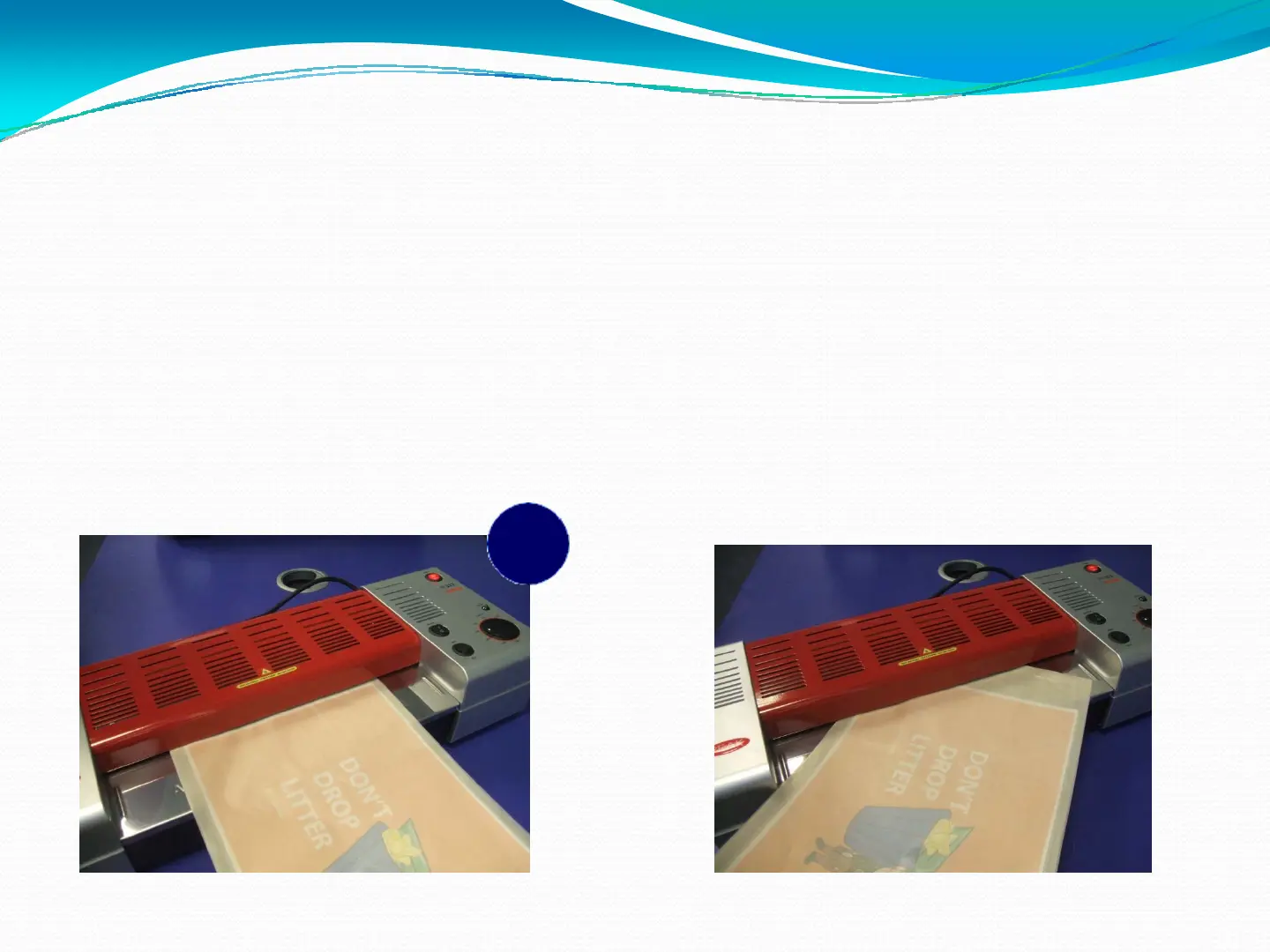
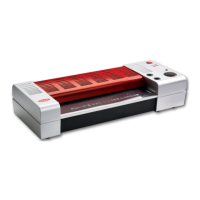
Once your document is inserted in the pouch and leaves a clear border, you are ready to put it through
the laminator (remember, you must use a Lifejacket or card carrier).
Make sure you insert the document and pouch into the laminator straight as inserting at an angle may
cause your document to get stuck and damage your laminator.
If you accidentally insert at an angle, press the REVERSE button straight away and gently ease the
document back out.
9
Insert straight to prevent risk
of jamming
Do not insert at an angle!
Press reverse if you do
8


 To Next Page