4. OPERATION INSTRUCTIONS
1. Turn the volume controls of the receiver and
device in use to a minimum setting before
turning on the microphone transmitter. After
the receivers power switch is set to the on
position, the power switch’s red indicator
illuminates to denote normal power status.
2. If the SIGNAL LED indicators of the receiver
are illuminated before switching on the
microphone or transmitter, it indicates the
receiver is receiving interference signals. The
more LEDs that illuminate the more severity of
interference. This system has “Pilotone” and
“NoiseLock” dual-squelch features so noise
output will not occur. If multiple channels are
used and both SIGNAL and AUDIO LEDs
illuminate before the transmitter is turned on,
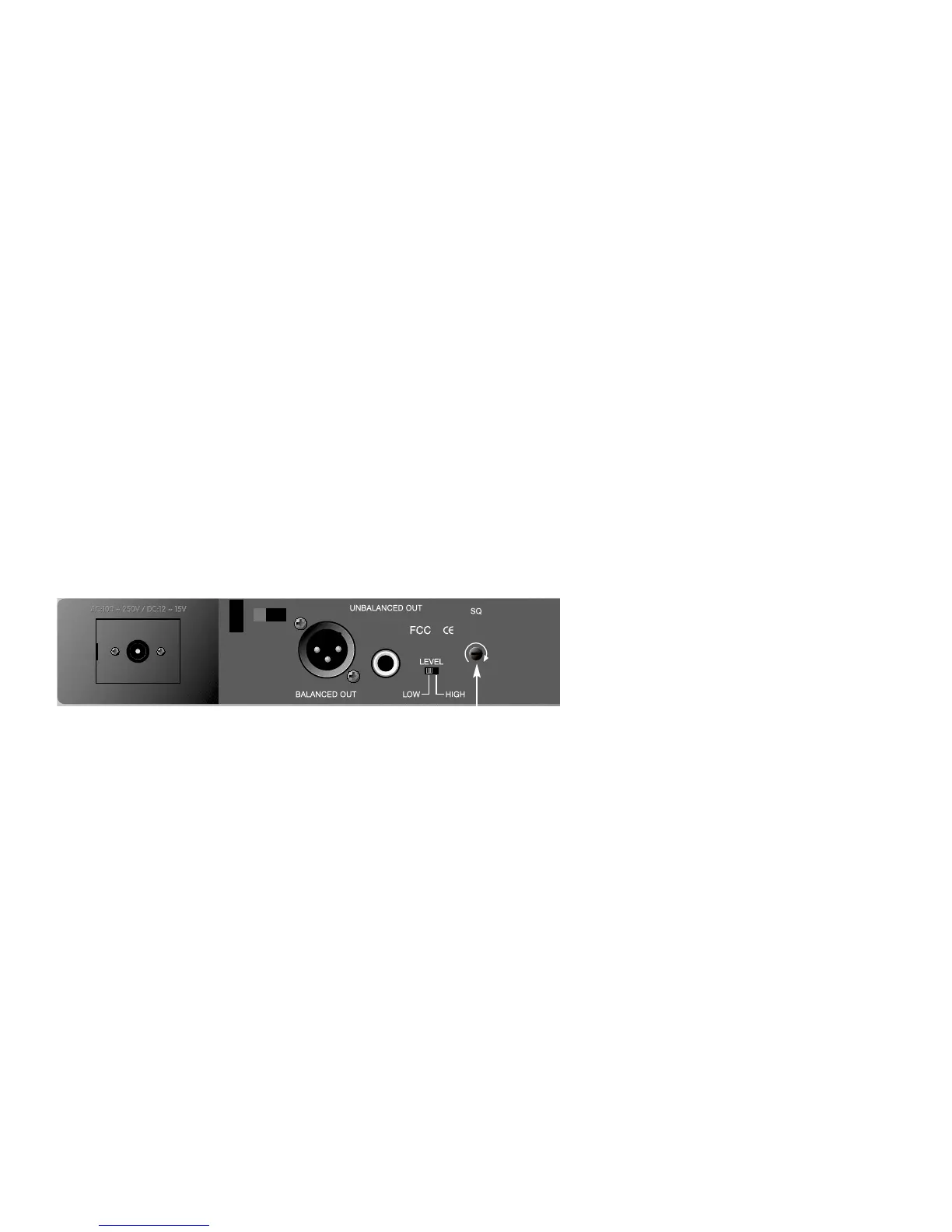
simply adjust the Squelch controls clockwise
until the AUDIO signal indicators extinguish.
(Figure 9). However, by adjusting the squelch
controls it affects the sensitivity level of the
receiver, therefore, shortening the operating
distance and decreasing the stability.
Figure 9
3. Under normal circumstances, the SIGNAL
indicator lights up when a microphone or
transmitter is turned on near the receiver to
indicate the receiver is ready for normal
operation. Once sounds enter into the
microphone the AUDIO LED indicators will
10



 To Next Page