19
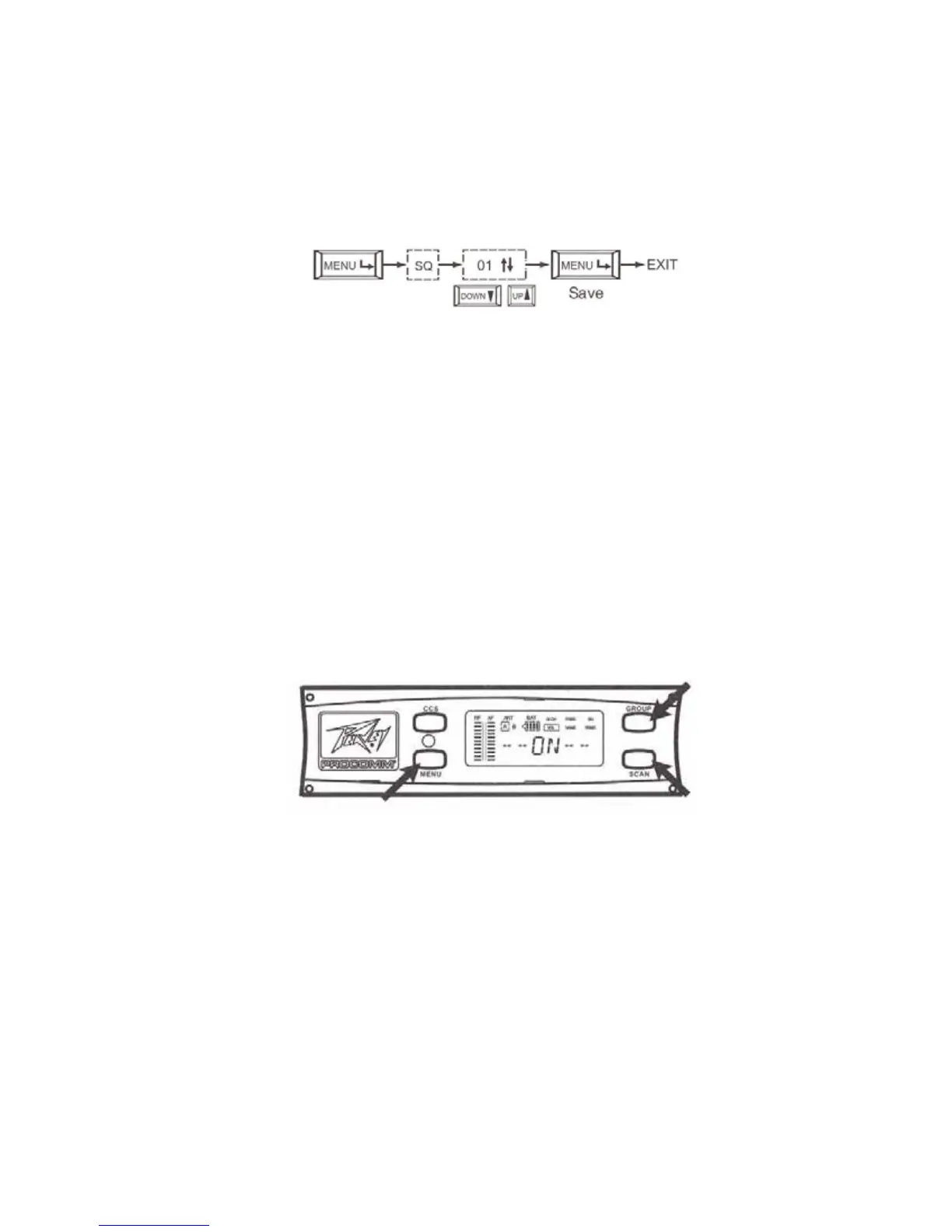
Selecting/Adjusting SQ:
Press the "MENU" button until the "SQ" function is selected. This will be
indicated by a block that will appear around the selected function located in
the upper right corner of the display.
Press the "GROUP" ▲ button or the "SCAN" ▼ button to either
increase or decrease the level. Press the Menu button to save and escape the
function.
(d) VOL: Indicates whether the audio is "ON" or "MUTE"



 To Next Page