Support Google App Store
You can download any kind of software you need,
including office, games, social apps and so on
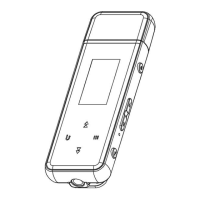
Button Description
■ Power
◎ In the shutdown state, press and hold for 3 seconds to power on
◎ Short press(in the power-on state): turn off / on the screen
◎ Long press(in the power-on state): shutdown; Restart
■ Touch button area
◎ Show button: Swipe up on the bottom of the screen to reveal the function buttons
◎ Hide button: Clicking the leftmost ”∨ ” will hide the button navigation
◎ Home: Click ”
○
” to return to the main screen of the screen
◎ Back: Click ” ” to return to the previous page.



 To Next Page