21
712325
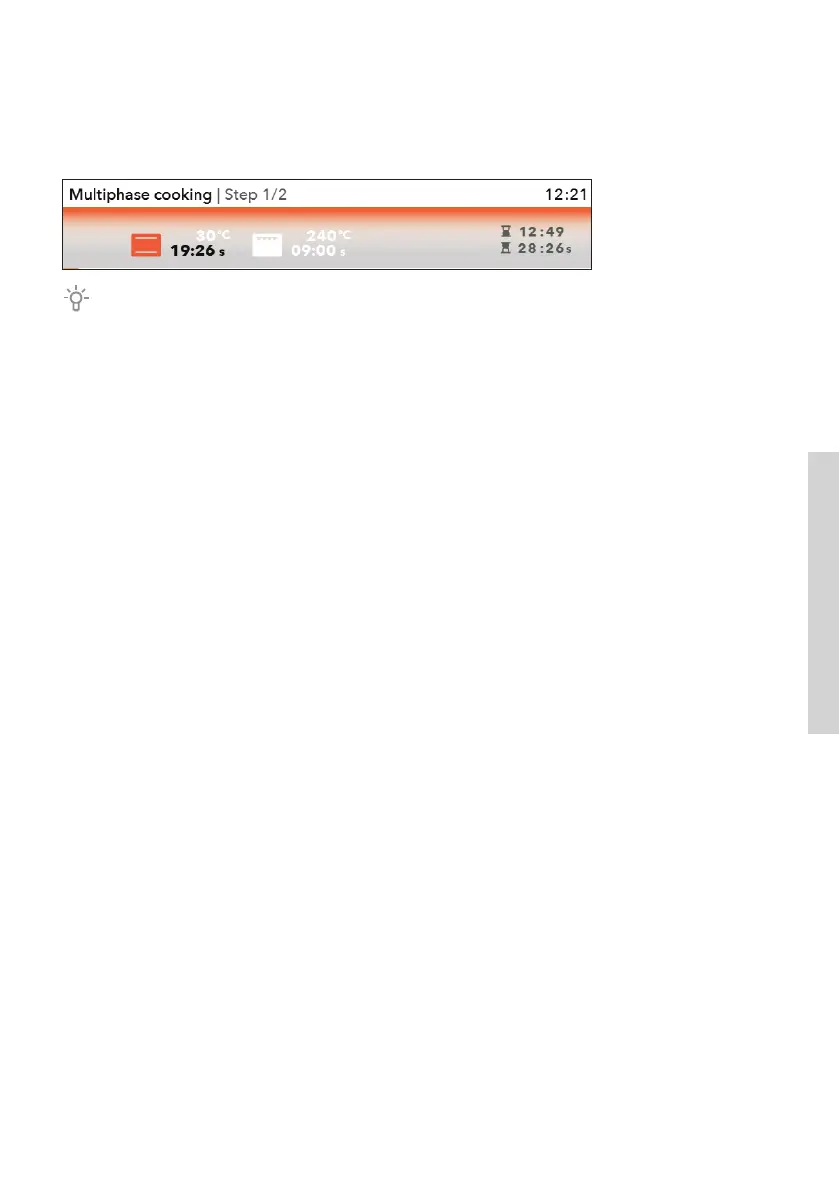
By touching the START key, the oven first starts operating according to step 1. (The
progress bar on the bottom of the display indicates the current step of the baking
process). When a certain time expires, step 2 is activated and then step 3 if it was
selected.
If you want to cancel any of the steps during the operation, turn the KNOB, select the
step and cancel it by confirming with a CROSS MARK. You can only do this with the steps
that haven't been initiated yet.


 To Next Page