EasyManua.ls Logo

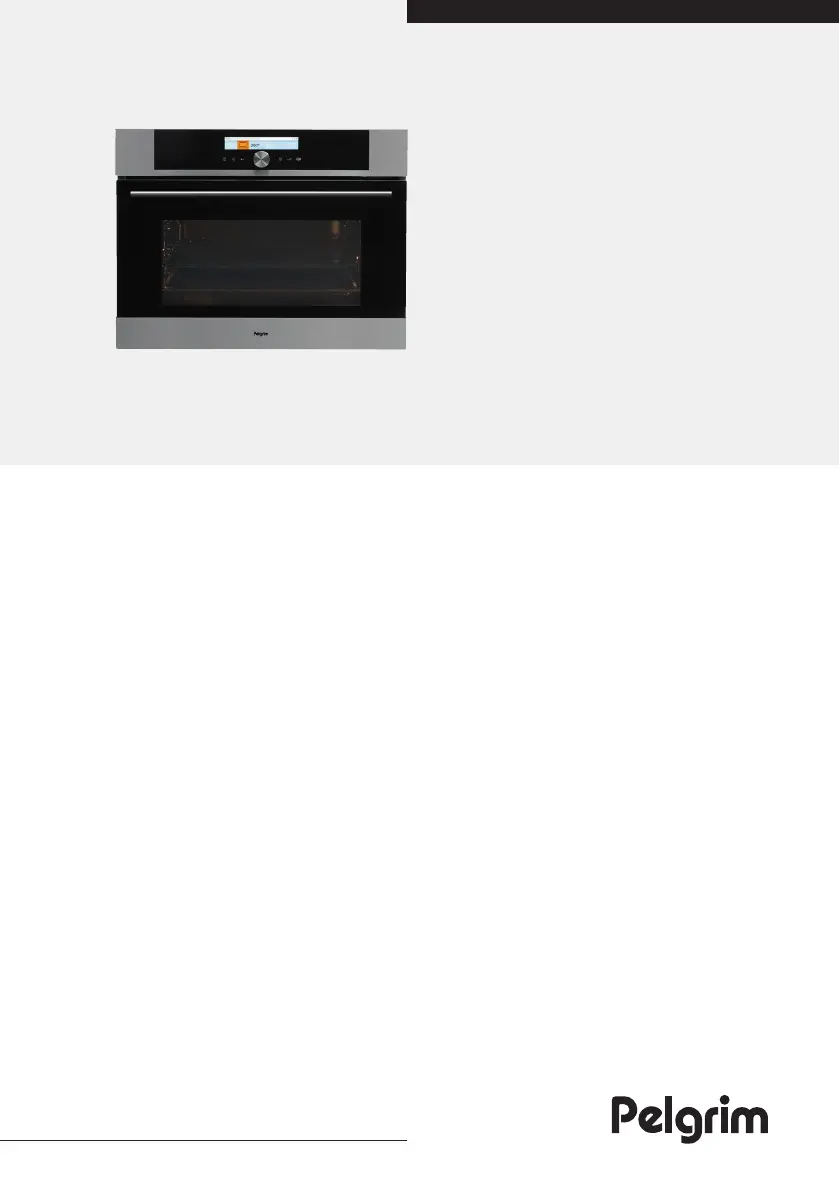
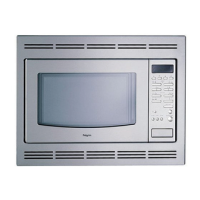
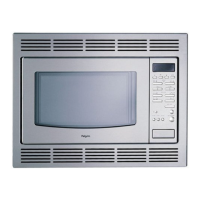
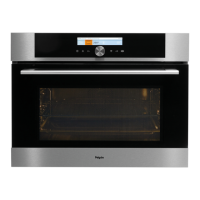
Pelgrim MAC824RVS - User Manual

Pelgrim MAC824RVS
36 pages
Print Icon
To Next Page IconTo Next Page
Loading...
Instructions for use
Combined microwave oven
MAC824RVS
MAC824MAT

Questions and Answers

  • V
    vharrisAug 11, 2025
    What to do if my Pelgrim Microwave Oven displays an error code ERRXX?
    • A
      Alex FisherAug 11, 2025
      If an error code ERRXX appears on your Pelgrim Microwave Oven, where XX is a number, it indicates an issue with the electronic module. To resolve this, disconnect the appliance from the power for a few minutes, then reconnect it and set the time. If the error persists, contact a service technician for further assistance.
  • W
    Wendy PonceAug 19, 2025
    Why are there sparks in my Pelgrim Microwave Oven?
    • O
      okingAug 19, 2025
      If you notice sparks inside your Pelgrim Microwave Oven, ensure that all light covers are securely fastened and that all spacers are correctly fitted on the wire guides. Also, verify that the wire guides are properly placed within the appliance.
  • A
    Andrew BeckAug 26, 2025
    Why is the pastry underdone in my Pelgrim Microwave Oven?
    • B
      Benjamin ArmstrongAug 27, 2025
      If the pastry you're baking in your Pelgrim Microwave Oven is underdone, double-check that you've selected the appropriate temperature and heating system for your recipe. Also, ensure the oven door is completely closed during operation.
  • C
    Charlotte WoodSep 2, 2025
    How to fix frozen display on Pelgrim Microwave Oven?
    • J
      Justin JohnsonSep 2, 2025
      If your Pelgrim Microwave Oven's sensors are unresponsive or the display is frozen, disconnect the appliance from the power mains for a few minutes by either removing the fuse or switching off the main switch. Then, reconnect the appliance and switch it back on.

Summary

IMPORTANT SAFETY INSTRUCTIONS

Safety Instructions Overview

Instructions for safety are supplied separately.

Before Connecting the Appliance

Safe Microwave Oven Usage

Guidelines for using cookware and accessories safely with microwave functions.

Combined Microwave Oven Description

Control Unit Overview

Control Unit Buttons

Details the ON/OFF, Lighting, Back, and Selection/Confirmation controls.

Control Unit Functions

Before First Use Procedures

Microwave Function Explained

Details on how microwaves work, their behavior, and absorption.

Selecting Baking and Cooking Menus

Main Menu Options Overview

Describes Auto, Pro, Microwave, and My mode for baking and cooking.

Auto Mode: Baking by Food Type

Auto Mode Food Type Selection

Detailed steps for using the Auto mode to select food types for baking.

Auto Mode: Preheating Function

Pro Mode: Oven System Selection

Pro Mode Preheating Function

Instructions for using the preheating function within the Pro mode.

Oven Systems Explained

Microwave and Combi Systems

Timer Functions

Setting Cooking and Delayed Start Times

Guides on setting cooking duration and delayed start for oven operations.

Multiphase Cooking

Cooking with Microwaves

Microwave Mode Operation and Settings

How to select and use the microwave function for cooking.

Storing Your Own Program (My Mode)

Starting and Ending Baking Operations

Selecting Additional Features

Maintenance and Cleaning

Surface Cleaning Guidelines

Instructions for cleaning aluminium, stainless steel, and lacquered surfaces.

Conventional Oven Cleaning

Aqua Clean Cleaning Program

Wire Guides Maintenance

Oven Bulb Replacement

Troubleshooting

Common Problems and Solutions

A guide to identifying and resolving common appliance issues.

Pelgrim MAC824RVS Specifications

General IconGeneral
BrandPelgrim
ModelMAC824RVS
CategoryMicrowave Oven
LanguageEnglish

Related product manuals